98 • Settings
[ SNOM 320 USER MANUAL V1.00 ]
Please be advised that the whole phone resides in the specifi ed
VLAN and that it can only be assigned to one VLAN at a time.
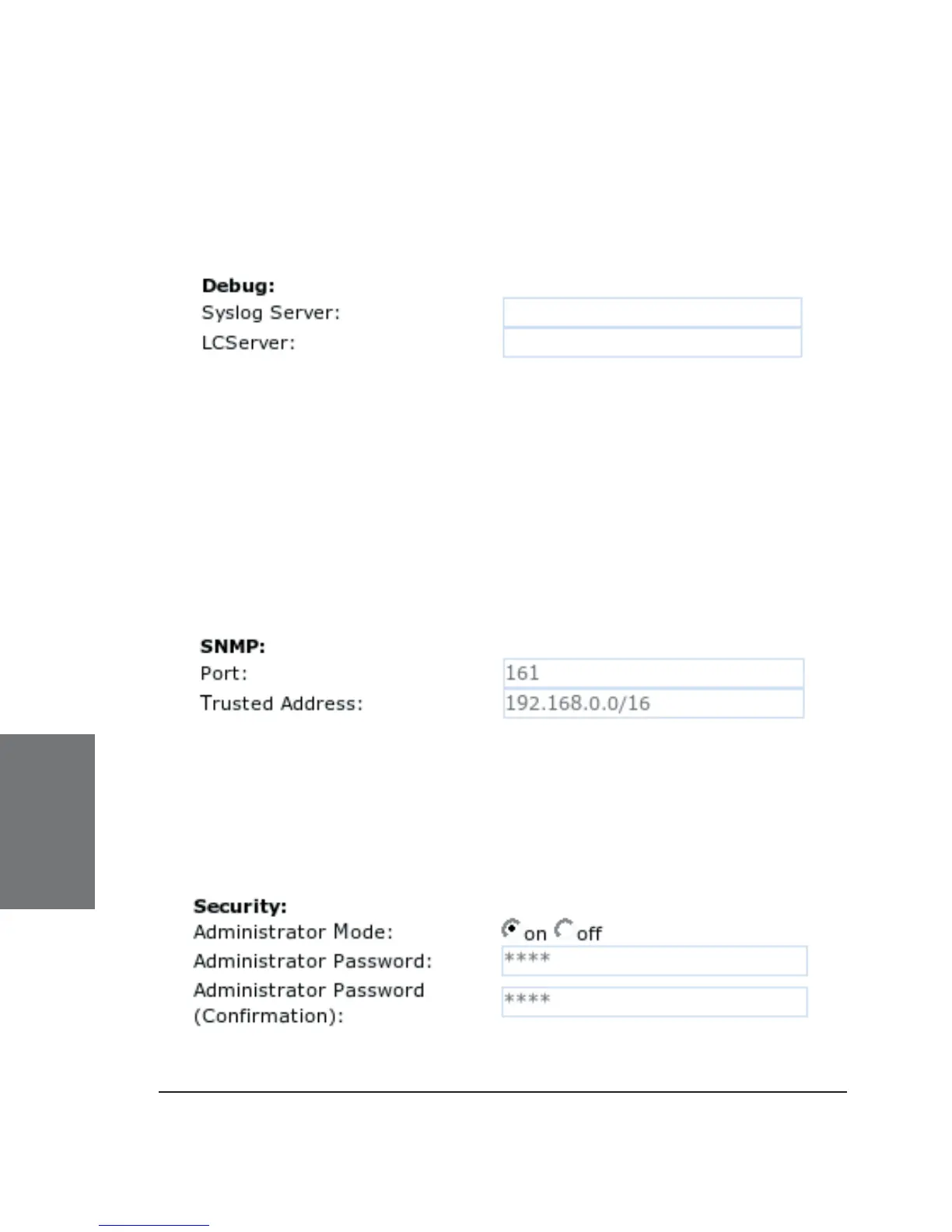
DEBUG
Syslog Server: Type in the host where a central Syslog Server is
running to store the log messages coming from the phone.
LCServer: Type in the IP address of the remote LCServer if you
want your phone to connect to it. Normally, you do not need to make an
entry here. The LCServer is for snom’s internal development only.
SNMP
Regarding SNMP on snom phones, see our white paper “SNMP”!
Port: Type in the port to be used for SNMP communication.
Trusted Address : Specify the address range (in CIDR notation)
solely from within which subnet SNMP requests will be accepted.
SECURITY
6





 To Next Page