12
D375 | Snom 370 User Manual Setting up the Phone
1. Slide the plastic tab from the cradle (Fig. 1)
2. Rotate the tab 180°.
3. Slide the tab back into the cradle (Fig. 2).
The wall mounting instructions are attached at "Appendix 4 - Wall Mounting" on page 85.
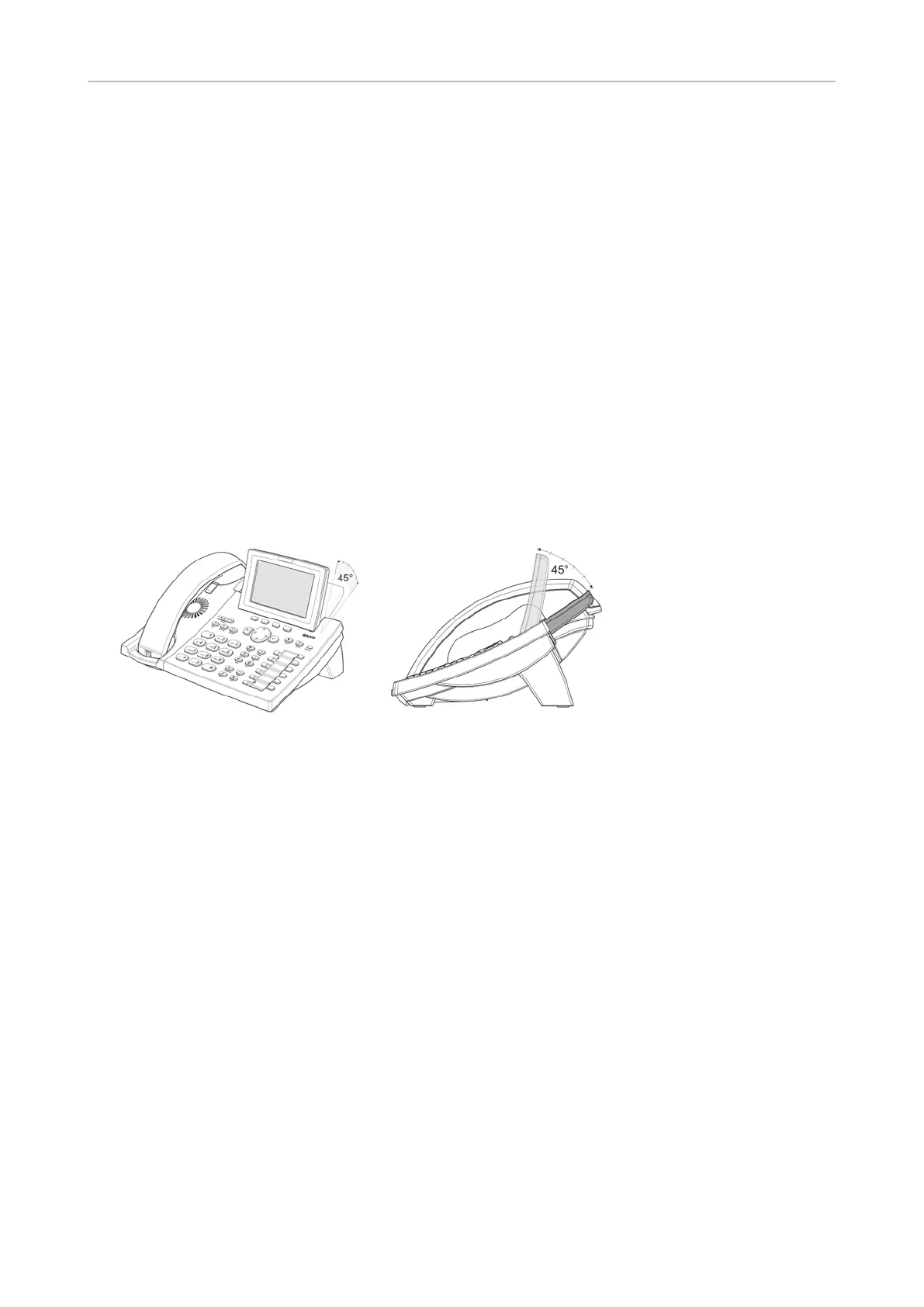
Adjusting the display angle
The display is adjustable in 6 steps up to an angle of 45° (Fig. 1 and 2).
• Up: Place your thumb on the lower corner of the display and pull the upper edge of the display
upward with your index finger.
• Down: Place your thumb on the upper edge of the display and push it down.
Do not use too much force and do not pull, wrench, or twist the display as this might damage or break
the hinges.
Fig. 1 Fig. 2



 To Next Page