95
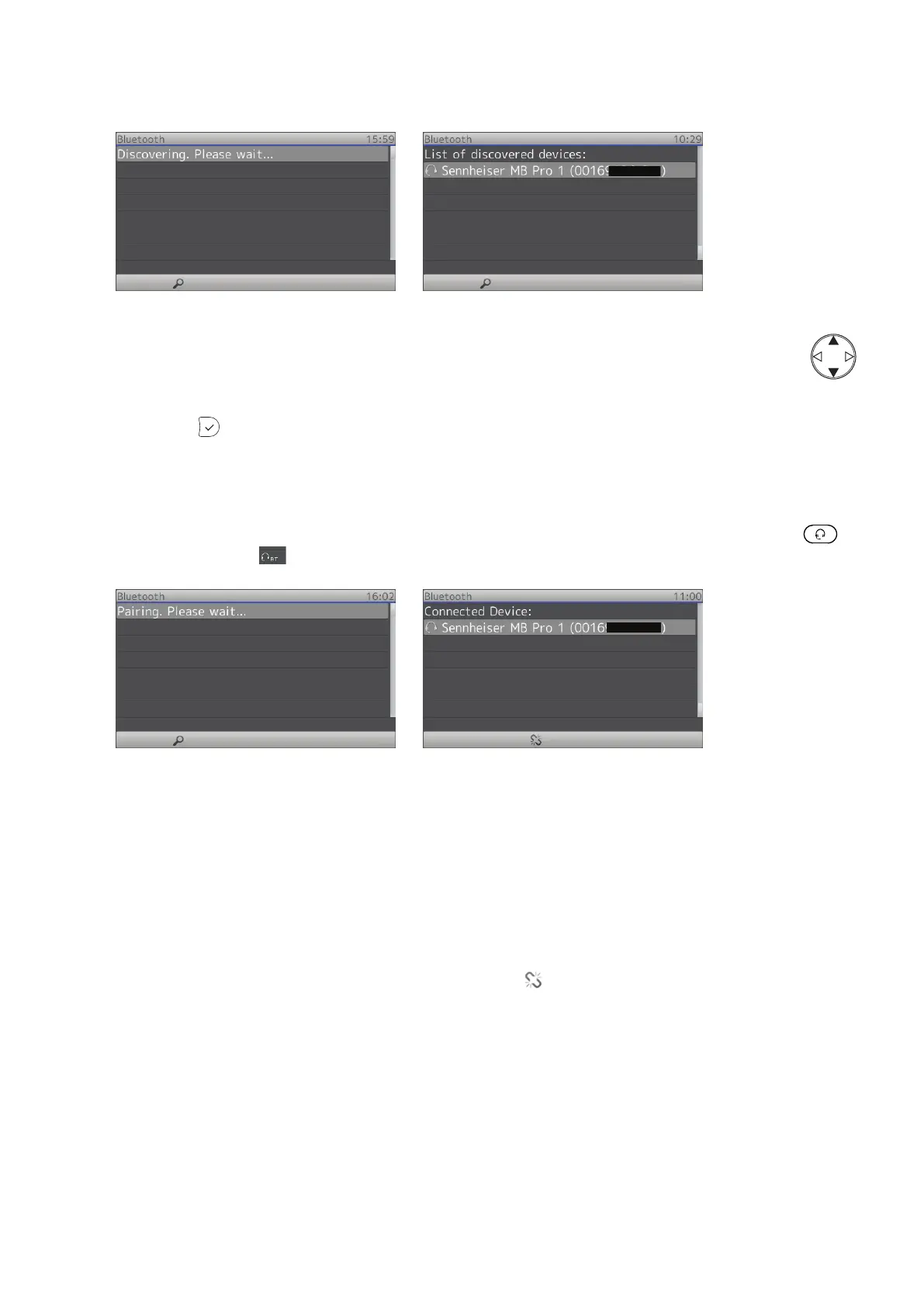
Fig. 3 Fig. 4
4. When more than one device is listed, select one of them with the up and down arrows on the
navigation key .
5. When the headset you wish to pair is highlighted (Fig. 4), put the headset into pairing mode and press
the OK key
on the phone. Please, refer to the headset‘s manual for further information on putting
the headset into pairing mode.
The display will show the message "Pairing. Please wait..." (Fig. 5). When phone and headset have been
paired, the display will show the connected headset with the audio/video symbol, make and model, and
MAC address (Fig. 6). When headset mode on the phone is turned on by pressing the headset key
,
the BT headset symbol
is shown in the status line of the display (Fig. 7 on page 97).
Fig. 5 Fig. 6
Unpairing
To be able to use a dierent headset with the phone, the currently connected headset must be unpaired
from the phone first. This can be done whether the headset is turned on or o.
1. Open the phone‘s Settings menu -> 1 Preferences -> 7 Bluetooth.
2. Press the function key underneath the "Unpair" symbol
(Fig. 6).
Disconnecting a Paired Headset
When the headset is turned o or moves out of transmission range of the phone, or when a dierent
audio device (handset, speakerphone) is selected on the phone, the headset is disconnected but it will
remain paired with the phone.



 To Next Page