79
Appendix 1 - Display Symbols
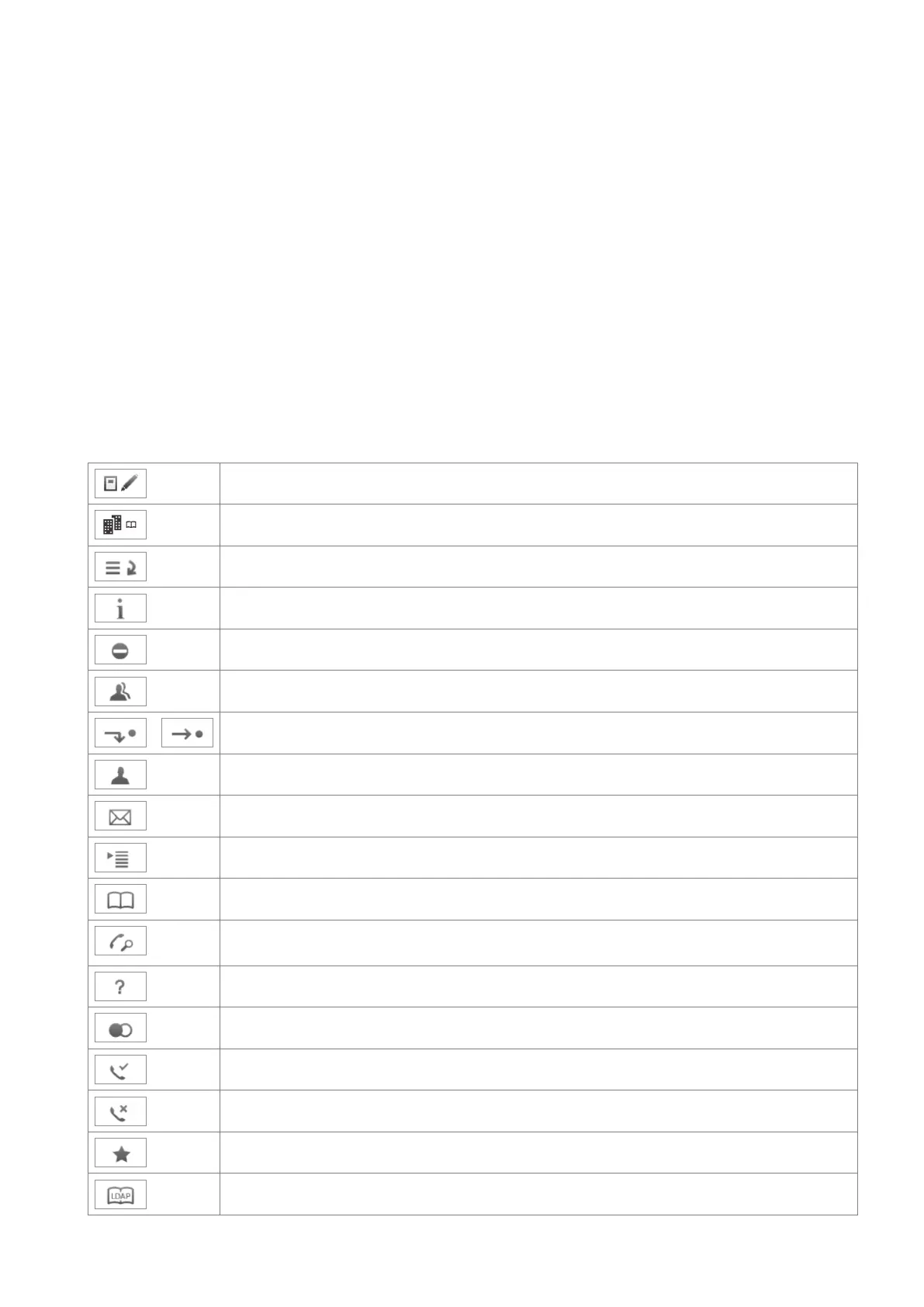
Display symbols and Icons
Symbols found in the function key line
The buttons symbolize the functions that are currently available for activation. Press the function key
underneath the symbol to activate the function.
Programmable function symbols
These are the symbols displayed in the function key line when the phone is idle. They can be selected on
the phone's web interface > Function Keys page. See "At a glance" on page 18 for the default settings.
Displaying SIP URLs of all active identities; selecting outgoing identity
External phone directory
Call list menu (missed, received, and dialed calls)
Available status messages
Turning DND on and o
Contacts list
/
Forwarding all calls (turning on/turning o)
Presence signaling on/o
Retrieving messages from mailbox
Settings menu
Directory
Monitoring calls on other extensions (see Extension Monitoring). The button will only
be displayed when there are ongoing calls.
IP address of phone and snom's web address
Redial (dialed calls)
Received calls
Missed calls
Favorites
LDAP Directory



 To Next Page