94
Appendix 6 - Wireless Module (D375 only), Bluetooth-compatible
Using the Phone with a Bluetooth Headset
The phone has a built-in wireless module that is compatible with Bluetooth v4.0 + EDR, class 2, headsets.
Note: Please test any headset you want to use with a Snom phone prior to purchasing the
headset. Snom cannot guarantee that any headsets will be compatible with Snom phones.
In particular, but not excluding other possible factors, the software on third-party headsets
may have been modified unbeknownst to Snom, resulting in restrictions to functionality up
to and including loss of compatibility with the Snom phone.
Currently, one audio/video Bluetooth or Bluetooth-compatible device can be paired with
the phone. The phone supports one headset at a time. When more than one headset is
connected to the phone, the devices used in descending order of priority will be Bluetooth
headset -> USB headset -> wired headset via RJ connector.
Pairing
1. Turn on the headset to make it detectable. You may need to put some headsets into pairing mode to
make them detectable.
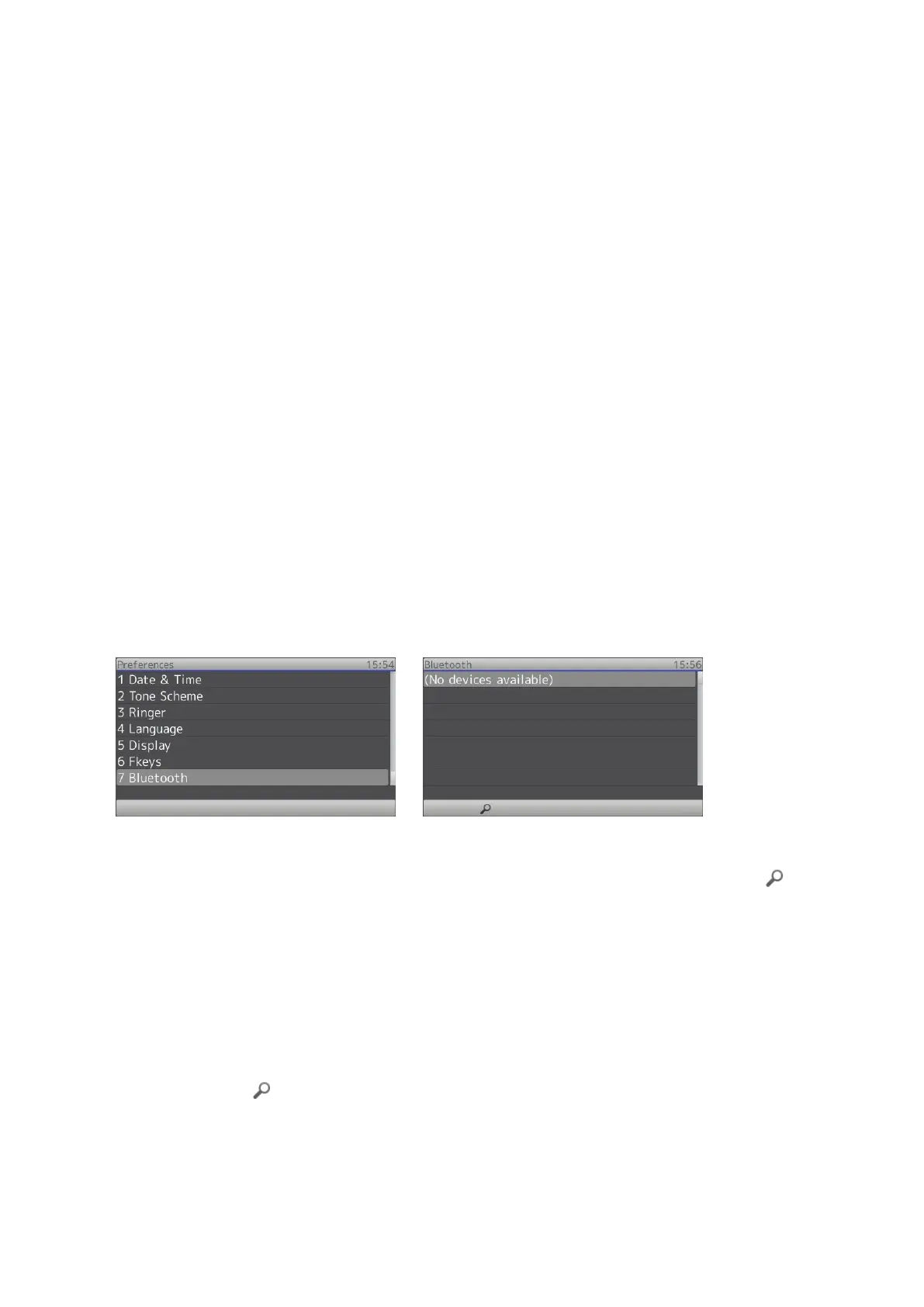
2. Open the phone‘s Settings menu -> 1 Preferences -> 7 Bluetooth (Fig. 1). When there are no paired
or connected devices, the setting will say "No devices available" (Fig. 2).
Fig. 1 Fig. 2
3. Press the context-sensitive function key underneath the symbol of the magnifying glass to
initiate discovery mode. The display now says "Discovering. Please wait..." (Fig. 3).
If devices are detected, they will be listed on the display in the List of discovered devices, one device
per line (Fig. 4). Each line contains a symbol for the type of device, the make/model of the device,
and its MAC address. Currently only the type Audio/Video is supported, indicated by the headset
symbol.
If no device is found or the headset you want to pair is not among the listed ones, make sure that the
headset is detectable, i.e., turned on and within range, then press the function key underneath the
magnifiying glass
again to repeat the search.



 To Next Page