34
D375 | Snom 370 User Manual Getting to Know Your Phone
User mode/administrator mode
Snom phones c
an be operated in administrator or user mode. In administrator mode, all settings are
accessible and can be modified; in user mode, a number of settings are not accessible. The factory
default is administrator mode.
When the phone is running in user mode, the administrator password is required to revert to
administrator mode. The default administrator password is 0000 (4 x zero). We recommend that
you change the password.
Note: Do not forget to write the new password down and store it in a safe place; without
it, a TFTP reset to factory values is necessary to return the phone to administrator mode.
If your phone is administered centrally, user mode may be the rule. Please check with
your administrator.
User mode on the phone
The "Identity" and "Network" menus and the setting "Reset Values" in the "Maintenance" menu are
inaccessible. See also "Settings" on page 27.
User mode on the web interface
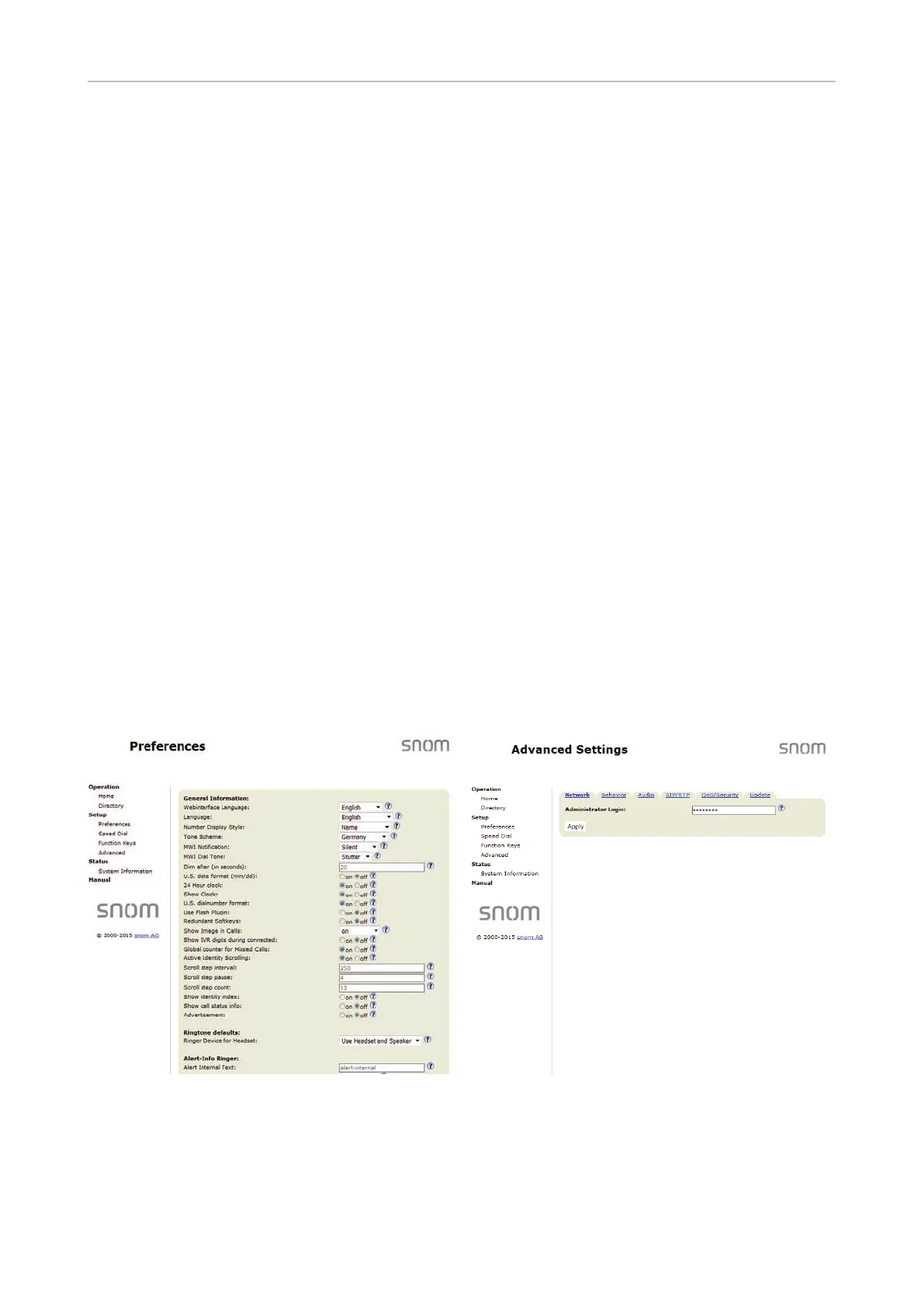
Some windows like "Preferences" are available in user mode while many others, like the identities,
are not. The menu item "Advanced" is available but the settings normally found on it are not. In user
mode the two pages look like this:
To return the phone and its web interface to administrator mode, open the Advanced Settings page,
enter the administrator password in Administrator Login and click on "Apply". The default password
is 0000 (4 x zero). The two pages in administrator mode look like this:



 To Next Page