47
D375 | Snom 370 User Manual Using the Phone
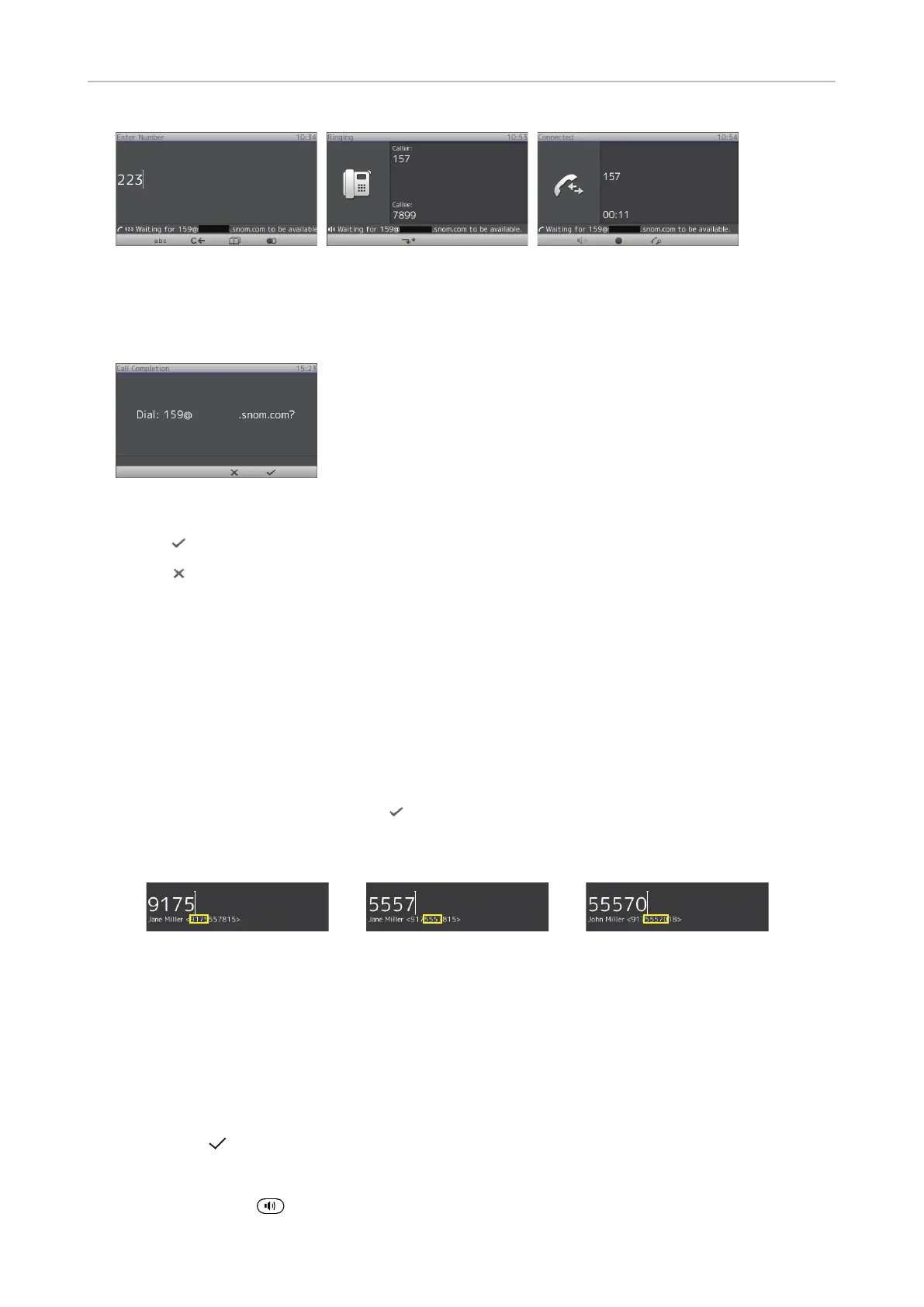
Fig. 4 Fig. 5 Fig. 6
When the number becomes available, you will see it announced on the display (Fig. 7) and hear a
double beep if you are in a call.
Fig. 7
• Press to dial.
• Press
to turn o call completion for this call.
Number guessing (auto completion)
Note: The default setting for Number guessing is "o". To be able to use it, open the
phone's web interface to Advanced > Behavior > Phone Behavior, change the setting
to "on", and enter the minimum number of characters you must enter before number
guessing will start.
When you dial and have typed the minimum number of digits, the phone will propose numbers
containing the typed string from the numbers saved on its call lists and in the directory. When the
desired number is on the display, press
to dial.
In the following example, the minimum number of characters is four:
Accepting calls
Using dierent audio devices
Handset: Pick up the handset.
Headset: Press
or the blinking line key. If Bluetooth headset, set also "Appendix 6 - Wireless
Module (D375 only), Bluetooth-compatible" on page 94.
Speakerphone: Press
.



 To Next Page