82
On idle screen
Outgoing identity
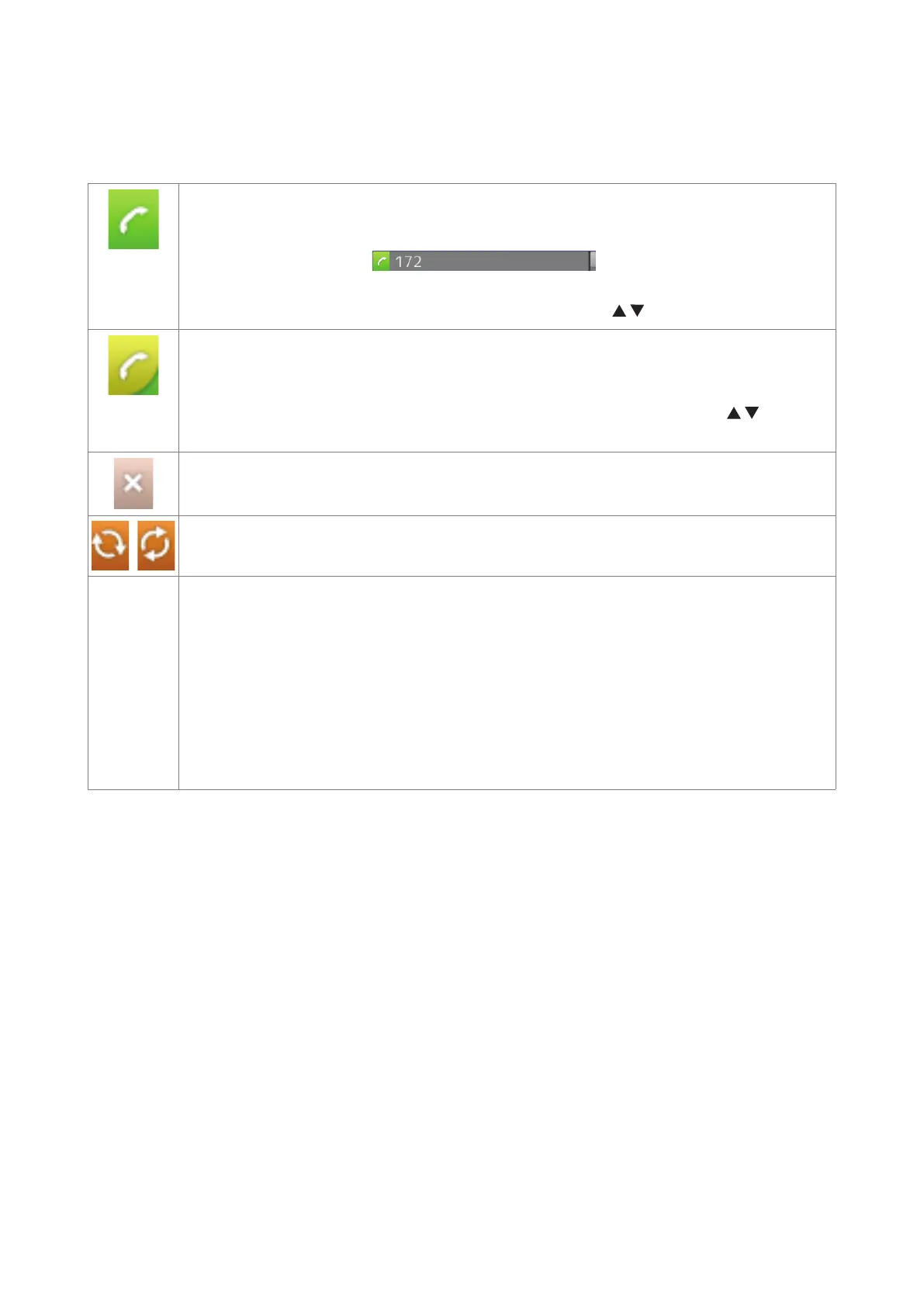
• The current outgoing identity is indicated by the lighter line and the green box with
the handset symbol:
. When you call someone, this
is your identity for the call.
• Select a dierent identity for the next call by pressing
on the navigation key.
Active identity
• Can be called
• Can be selected as the outgoing identity for making calls by pressing
on the
navigation key.
Identity not properly registered. See
Identity trying to register.
Identities can be unregistered without removing the registration settings by changing
their status to "inactive" on the phone's web interface. Inactive identities are not
displayed on the idle screen. They cannot be called or selected as the outgoing
identity. To reregister the identity, open the phone's web interface > Configuration
Identity (1-12).
1. Change the "Identity active" setting to "on".
2. Click on "Re-Register".
3. Click on "Save".



 To Next Page