38
D385 User Manual Getting to Know Your Phone
characters on the phone's keypad (see "Entering numerals, letters, special characters, and
symbols" on page 24). Write the password down and store it in a safe place!
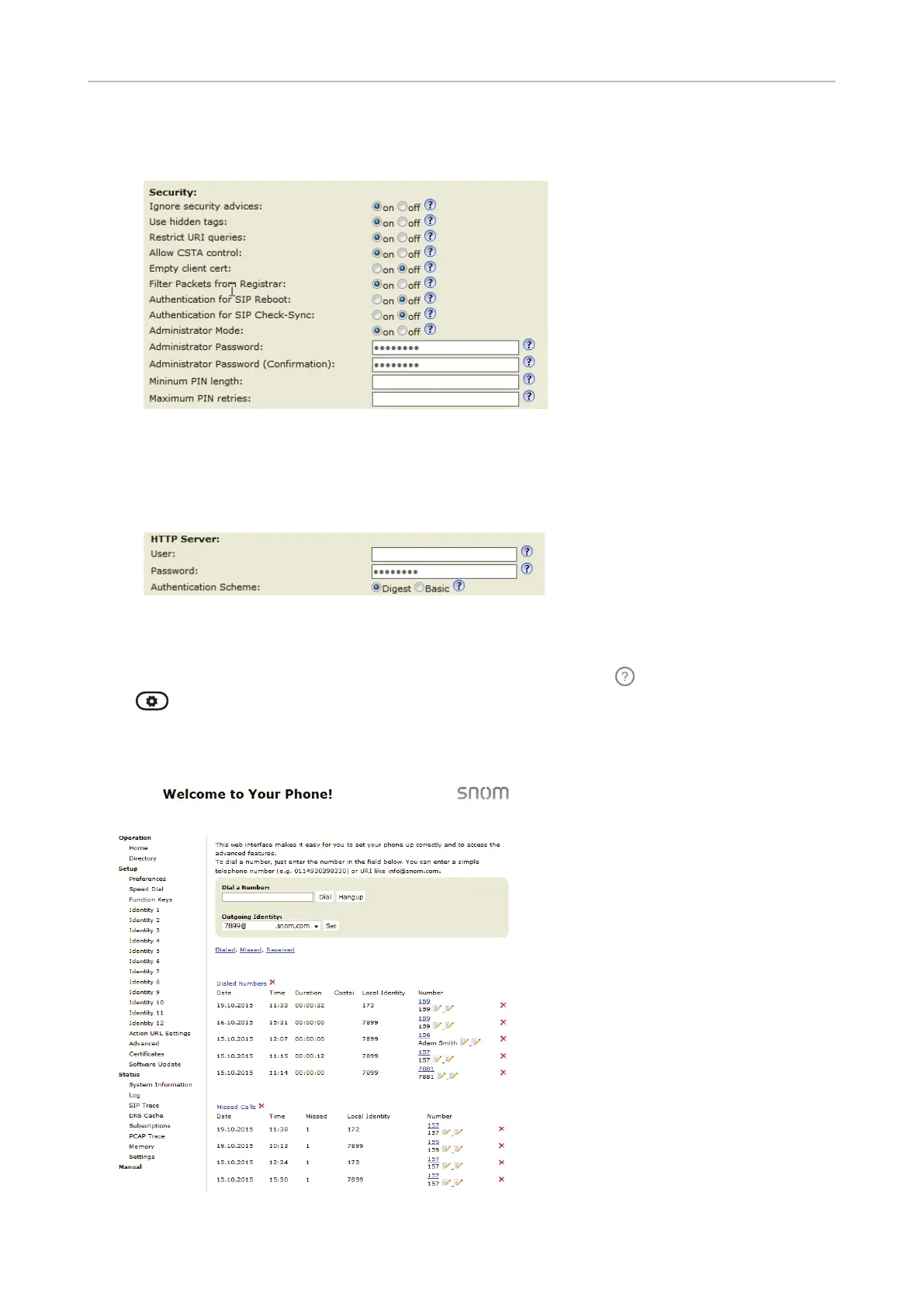
◦ HTTP user name and password. Enter the data in the text fields of the HTTP Server section
and click Apply. The default value is blank.
- User name. Valid values are character strings of letters and numerals, e.g. john or jh24.
- Password. Text string.
Opening the web interface
1. Look up the phone's IP address: Press the function key underneath
, if the symbol is available,
or
> Information > System Info or Help.
2. Open a web browser on your PC. Enter the IP address, preceded by "http://" or "https://" in the
address bar (for example: http://192.168.10.115) and press ENTER. The home screen opens:



 To Next Page