HYD 5/6/8/10/15/20KTL-3PH USER MANUAL
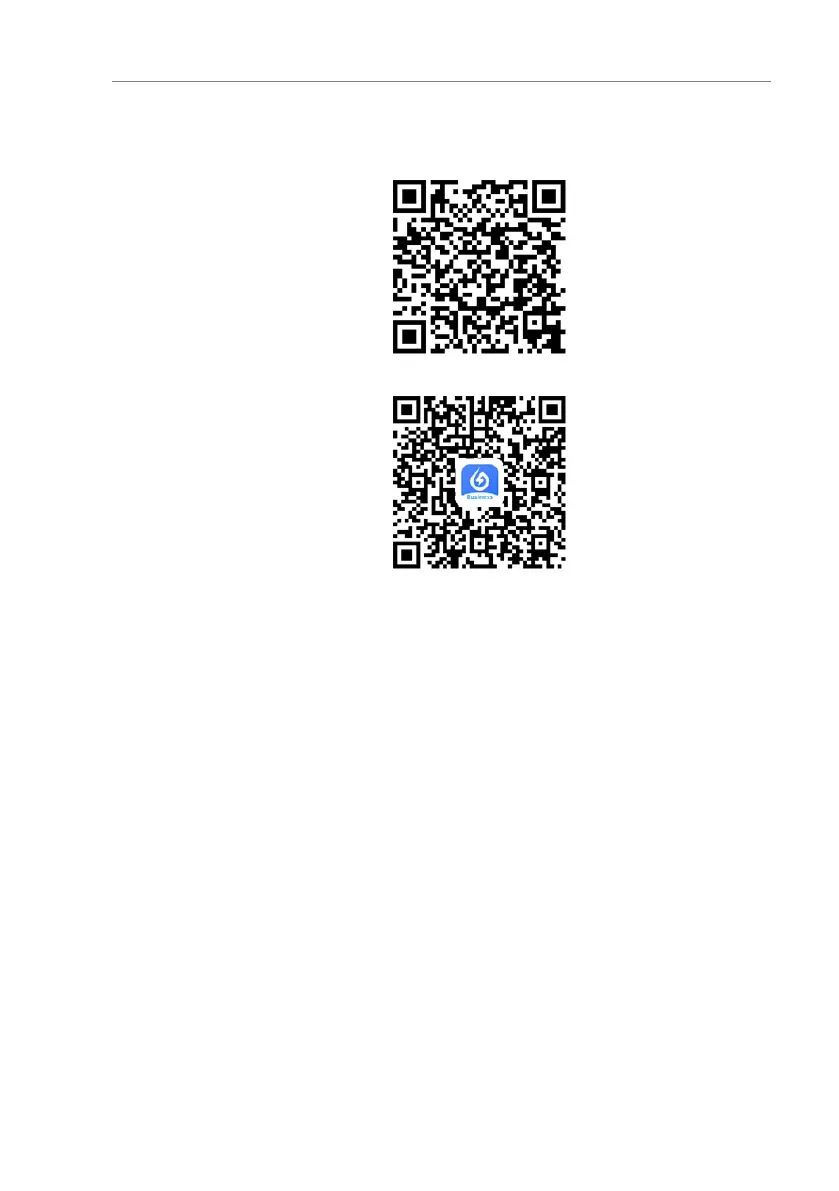
SOLARMAN Smart (for end customers):
SOLARMAN Business (for installers):
Figure. 5-42 SOLARMAN QR codes
Configuration steps
1. After starting the app, register as a new user or enter the
current solarMAN access data.
2. Create a new system and save the system data.
3. Scan the barcode of the stick logger to assign an inverter to
the system.
4. Go to the newly created system in order to configure the
stick logger (device/logger)
5. Press the button on the WiFi stick for 1 second to activate
the WPS mode of the stick so that the smartphone can be
connected to the WiFi stick.
6. Now, select your local WiFi network for Internet access and
enter your WiFi password.
7. The WiFi stick is configured with the access data.



 To Next Page