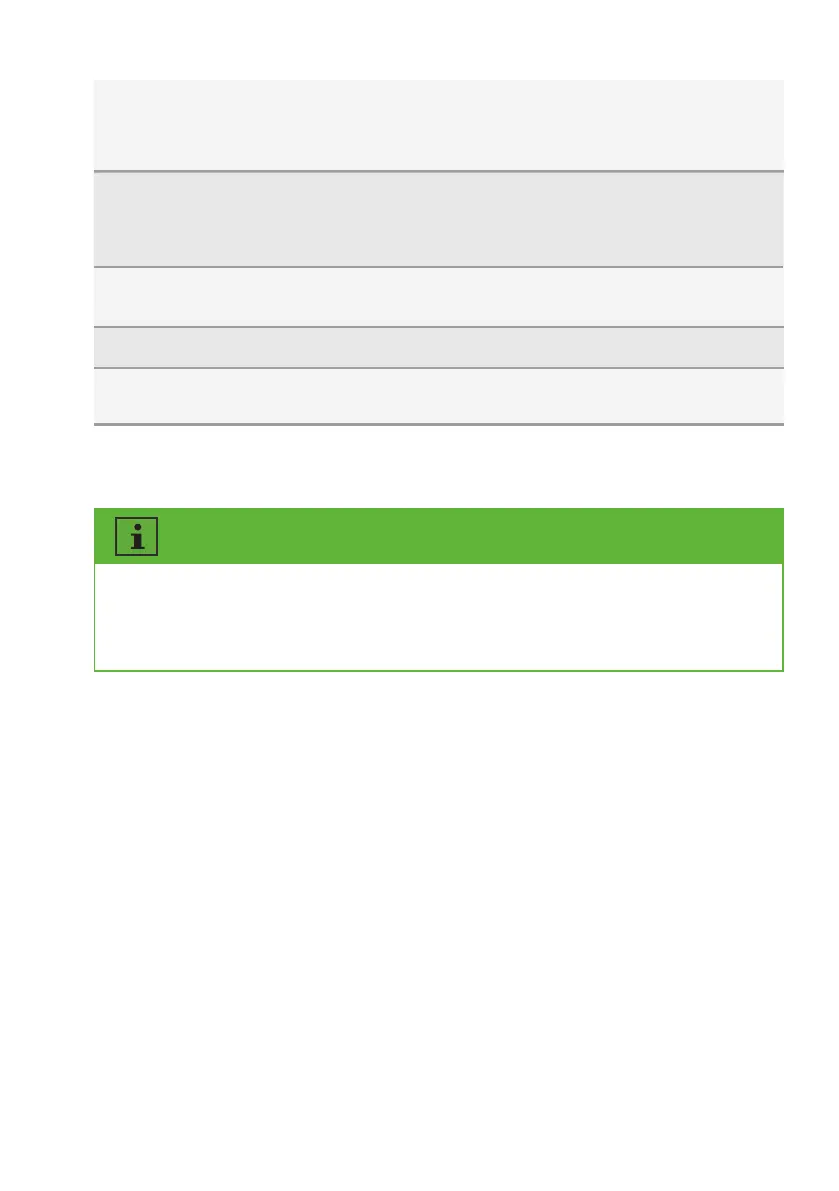
8.5.2 Grid code settings
Active power
settings
Reactive
power
settings
Inverter
update
Power on/off
Energy storage
settings
Configure the parameters of the P(U) curve. Configure the
parameters of the P(f) curve. Configure the parameters of
the active power limited. Configure the parameters of the
active power increasing and decreasing speed.
Choose the reactive power control mode. Configure the
parameters of the Q (U) curve. Configure the parameters
of the cos φ (P) curve. Configure the parameters of the fix
Q value or fix cos φ value.
Update the firmware of the inverter and monitor device.
Update the safety package.
Remote turn on/off the inverter on the App.
Configure the parameters of the Hybrid inverter.
Configure the parameters of the battery.
➃
➄
➅
➆
➇
For the Australia market, the inverter cannot be connected to the grid before the safety
related area is set. Please select from Australia Region A/B/C to comply with AS/NZS
4777.2:2020, and contact your local electricity grid operator on which Region to select.
Normally you only need choose the grid code from the support grid code list. The product has
fully complied with the standards that are added in the list. If the local grid operator has the other
requirement, you can set the parameter according to the requirement after you get the approval.
Procedure:
Step 1:
Tap “Grid code setting” to enter to the next page.
Step 2:
Swipe the smartphone screen to choose the right grid code, then tap “Save” and go back
the previous page.
UM0035_ASW05-12kH-T2-T3_EN_V01_0523





 To Next Page