Solplanet App8
8.1 Brief introduction
8.2 Download and install
8.3 Create an account
The Solplanet App can establish communication connection to the inverter via the WLAN, there
by achieving near-end maintenance on the inverter. Users can view inverter information and set
parameters through the App.
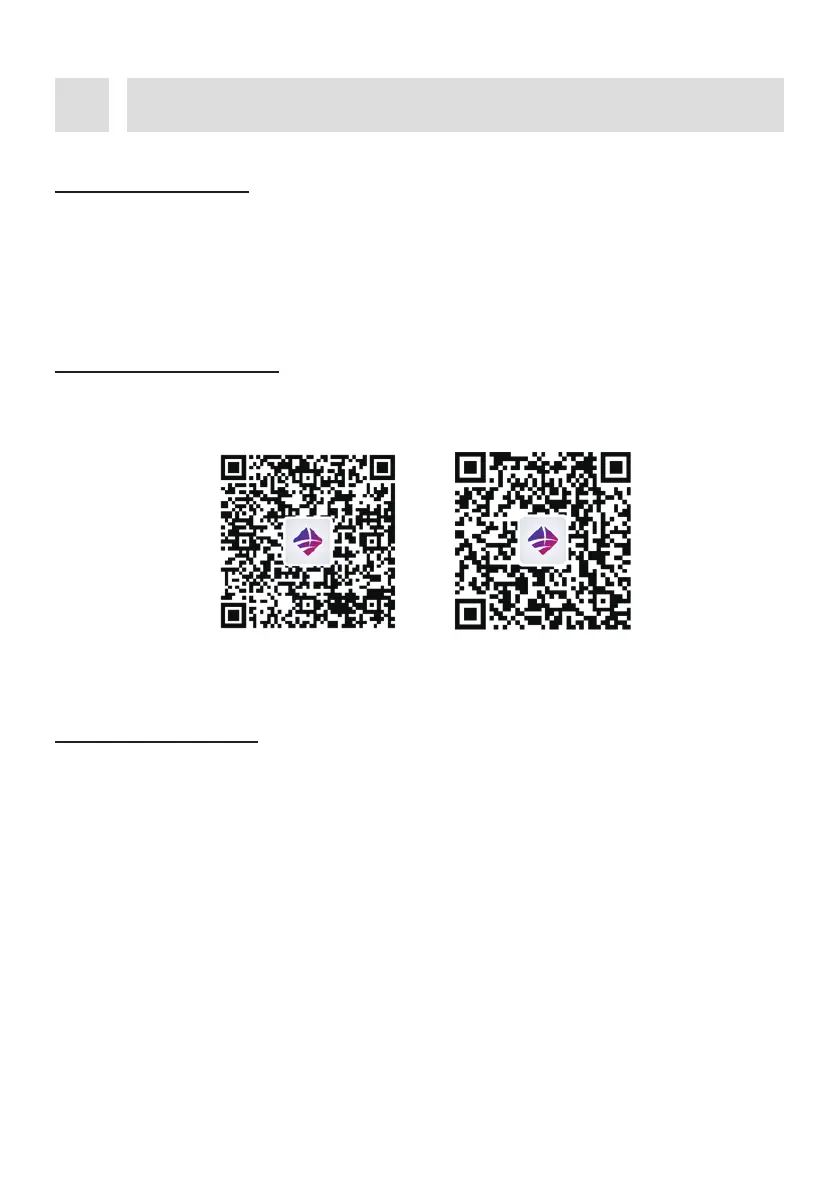
Scan the following QR code to download and install the App according to the prompt information.
If you do not have an account, you need to register a new account first.
Procedure:
Android iOS
Step 2:
The user groups “Business user” and “End user” need be selected according to your
identity, and tap “Next step”.
Step 1:
Open Solplanet App to enter the login screen, and tap “Do not have an account” to enter
the next screen.
UM0035_ASW05-12kH-T2-T3_EN_V01_0523





 To Next Page