OPERATING MANUAL PAT-1, PAT-2, PAT-2E, PAT-10 version 1.02
Use and
to set the test time
duration for insulation resistance meas-
urement
. Select „oFF” to switch off this test
completely.
Parameters of each subsequent test are selected in the same manner.
Press
ENTER
to confirm settings or
press ESC to exit without saving
the changes.
The inspection of the tested device must be carried out.
Among others, examine the following: PE cable and power cables
of the tested device, mains plug (against cracks and burnouts),
cable fittings and terminations, housing, air vents, identification
plates, covers, commutators and brushes, windings, bearings,
mechanical systems and other elements that affect proper opera-
tion of the device and safety of the user.
Press START/STOP button. The visual in-
spection mode is on.
The tester is waiting for
the evaluation of the
device after completing
visual inspection. If the
measurement of the L-N
circuit resistance is
selected, tester will also
display the result of R
LN
measurement. If it's not
selected, then dashes will
be displayed in the main
screen area „----„.
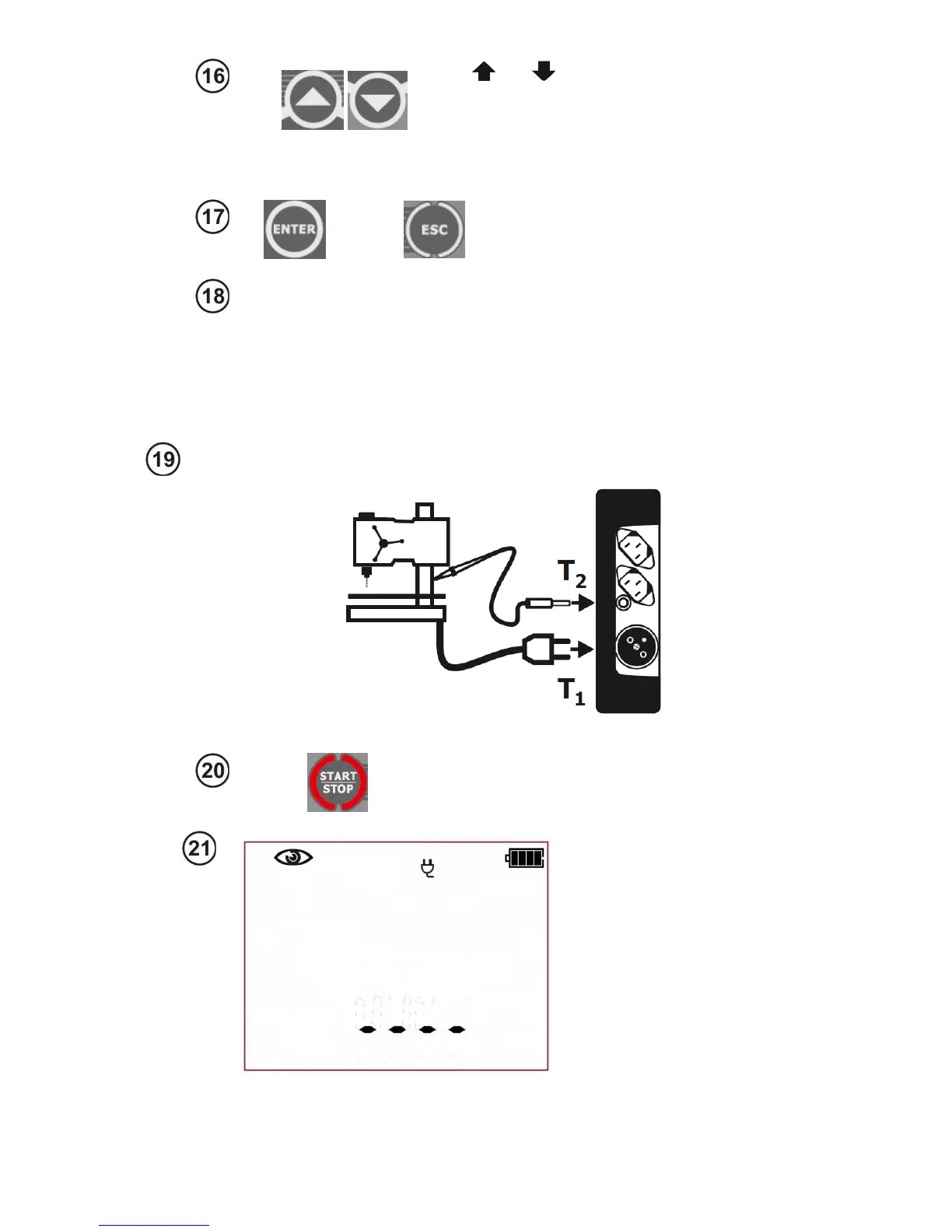
If the result of the visual inspection is positive, connect the tested device accord-
ing to the diagram below (tested device should be turned on).



 To Next Page