ModelName: Falcon_E
PartNumber: 4-164-613-11
101
101
Common Settings
Table of
Contents
Home
Menu
Index
Changing the Common Settings
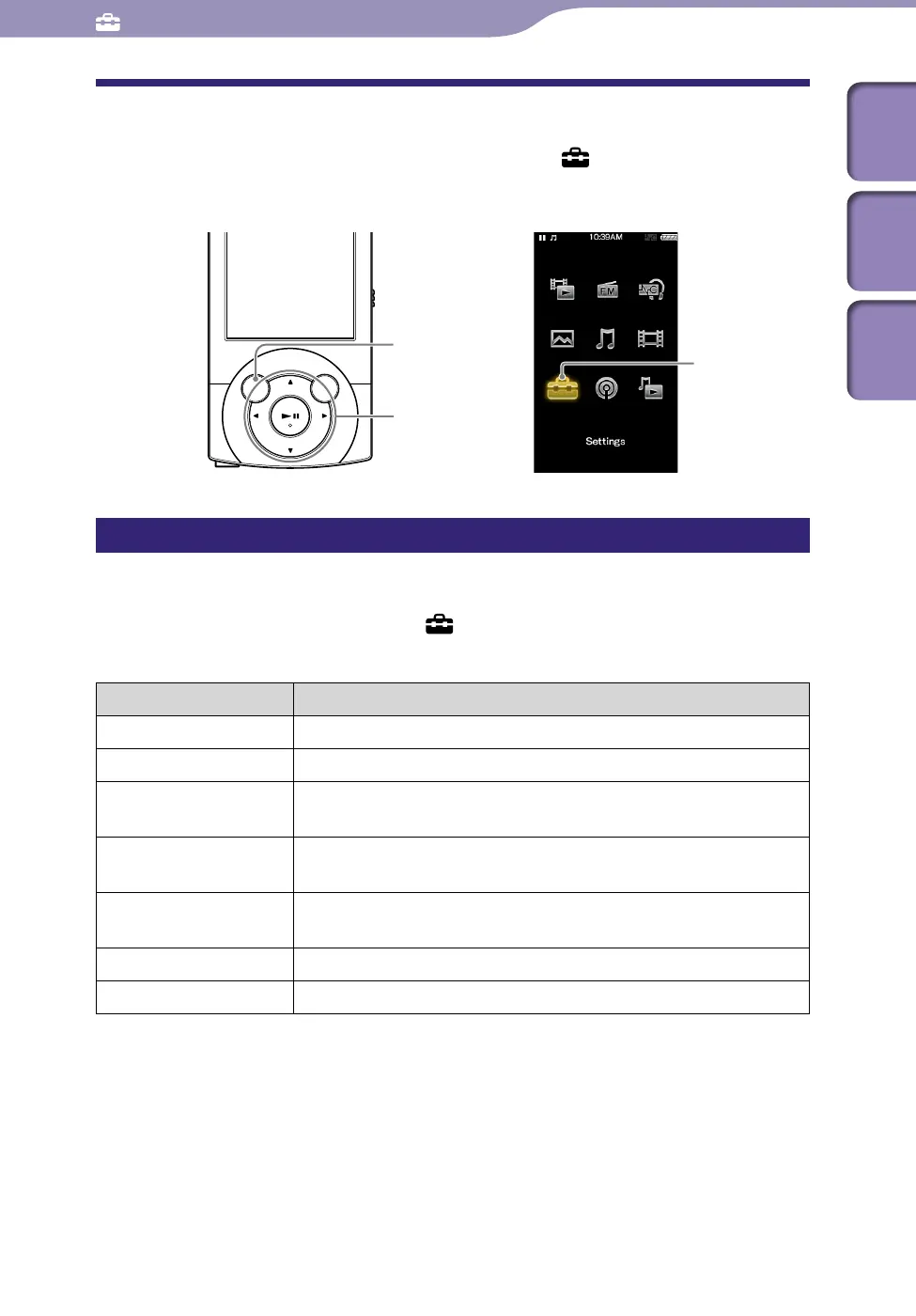
To change the common settings of the player, select [Settings] from the
Home menu, then select [Common Settings].
Displaying the player information [Unit Information]
Information such as model name, firmware version, etc., is displayed.
From the Home menu, select [Settings]
[Common Settings]
[Unit Information].
Item Description
[Model:] Displays the model name of the player.
[Firmware:] Displays version information for the player’s firmware.
[Free/Total Memory
Space:]
Displays the available free space size/total capacity of the player.
[Total Songs:] Displays the total number of songs (including audio podcasts)
stored on the player.
[Total Videos:] Displays the total number of videos (including video podcasts)
stored on the player.
[Total Photos:] Displays the total number of photos stored on the player.
[WM-PORT:] Displays the version information for WM-PORT.
Common Settings
BACK/HOME button
[Settings]
5-way button











 To Next Page