ModelName: Falcon_E
PartNumber: 4-164-613-11
73
73
Enjoying Podcast
Table of
Contents
Home
Menu
Index
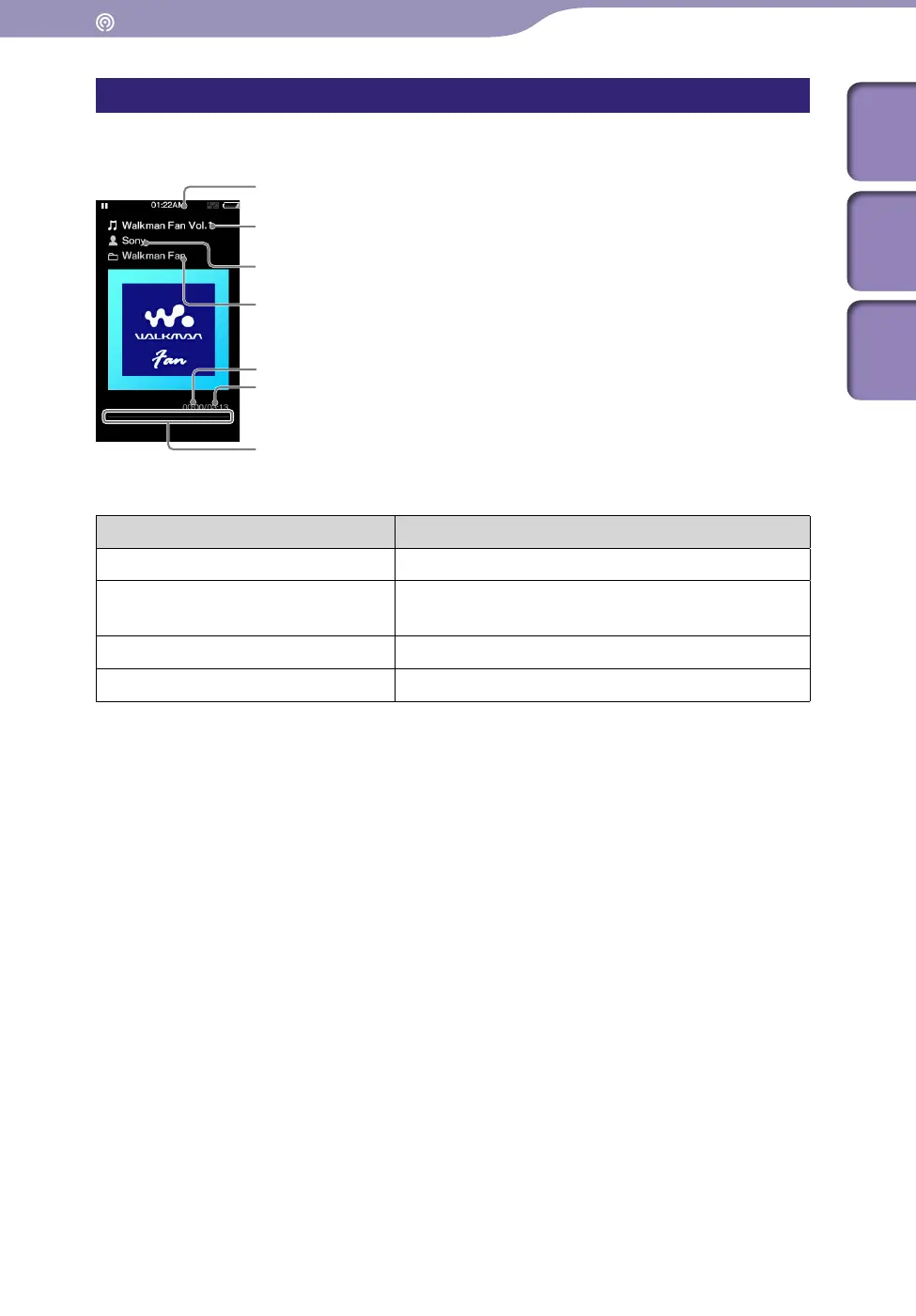
Podcast playback screen
Audio playback screen
Operations on the audio playback screen
To (Screen indication) Do this
Play ()/pause ()
*1
Press the button.
Fast forward ()/fast rewind
()
Press and hold the / button.
Find the beginning of the episode
*2
Press the / button.
Return to the list screen Press the BACK/HOME button.
*1
During pause, if there is no operation for a while, the player automatically enters standby mode.
*2
Both of the / buttons find the beginning of the episode. To play back the next episode, press
the BACK/HOME button to display the episode list to select the desired episode.
Continued
Information area
Episode name
Artist name
Podcast name
Elapsed time
Total time
Progress bar











 To Next Page