ModelName: Falcon_E
PartNumber: 4-164-613-11
92
92
Listening to FM Radio
Table of
Contents
Home
Menu
Index
Changing the FM Radio Settings
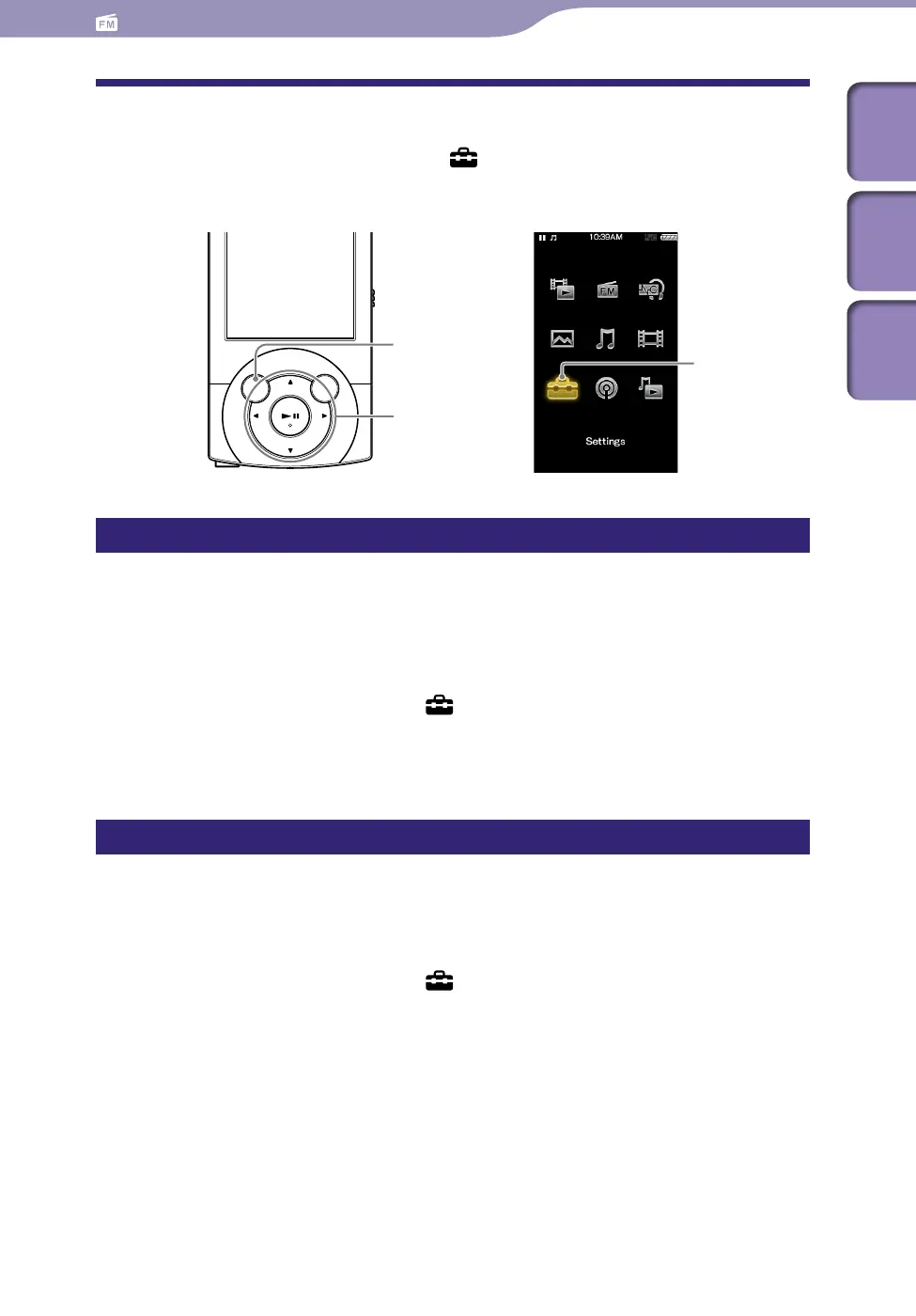
To change the FM radio settings, select [Settings] on the Home menu, then
select [FM Radio Settings].
Setting the reception [Scan Sensitivity]
When you select stations using the [Auto Preset] function (
p.
89) or the
/ button, the FM receiver may receive unwanted broadcast stations as a
result of sensitivity being too high. In this case, set the reception to [Low].
[High] is set by default.
From the Home menu, select [Settings]
[FM Radio Settings]
[Scan Sensitivity]
[Low].
To s
et the reception sensitivity back to the default, select [High].
Setting monaural/stereo [Mono/Auto]
If noise occurs during FM reception, set the receiver to [Mono] for monaural.
If you set it to [Auto], monaural/stereo reception is selected automatically,
depending on reception conditions. [Auto] is set by default.
From the Home menu, select [Settings]
[FM Radio Settings]
[Mono/Auto]
[Mono].
To r
eturn to automatic setting, select [Auto].
BACK/HOME button
[Settings]
5-way button











 To Next Page