ModelName: Falcon_E
PartNumber: 4-164-613-11
50
50
Playing Music
Table of
Contents
Home
Menu
Index
Changing the Music Settings
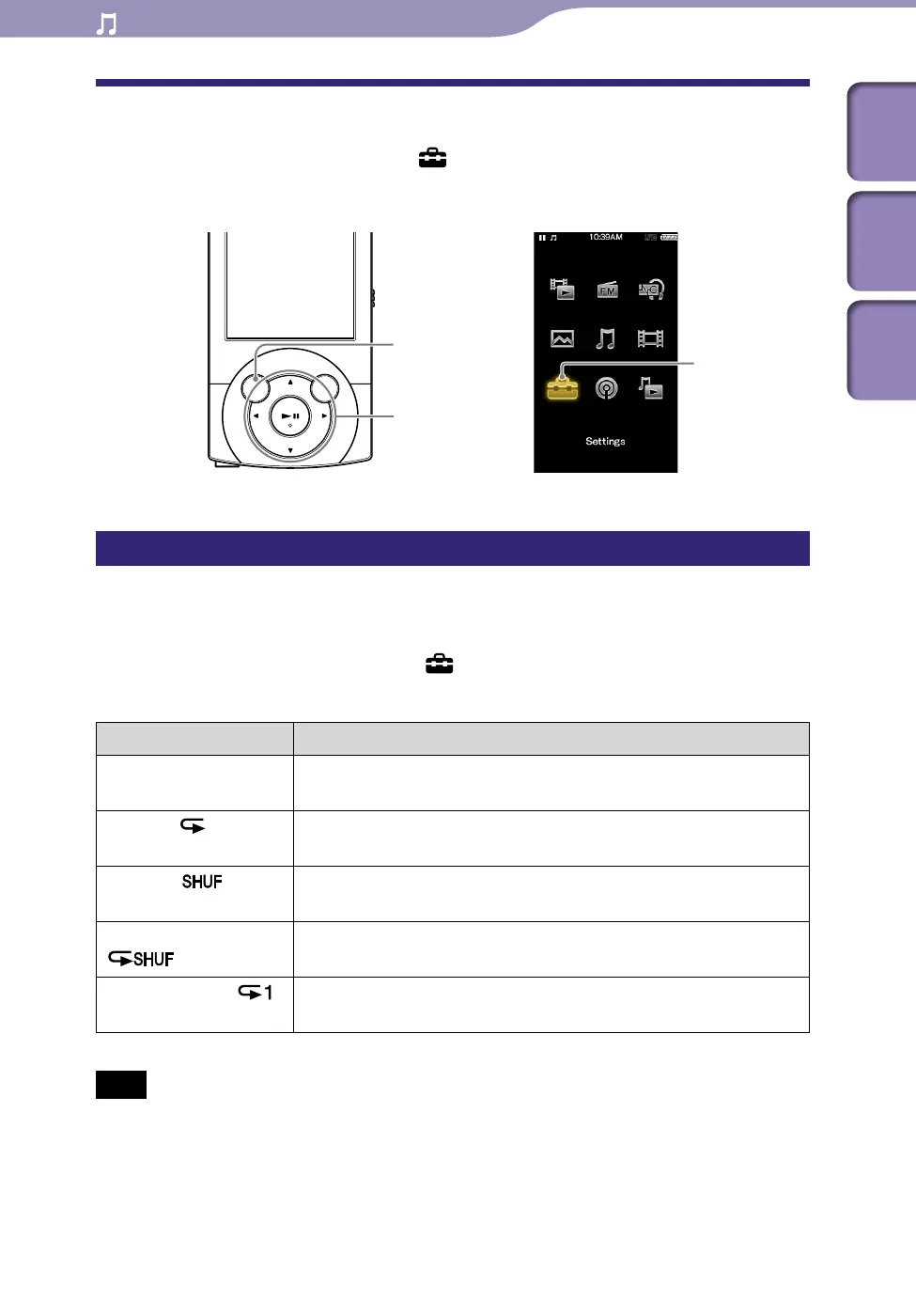
To change the music settings, select [Settings] from the Home menu, then
select [Music Settings].
Setting the play mode [Play Mode]
The player offers a variety of play modes, including random play and selected
repeat play.
From the Home menu, select [Settings]
[Music Settings]
[Play Mode]
desired play mode type.
Type (icon) Description
[Normal] (No icon) The songs within the playback range are played back in the song
list order. (Default setting)
[Repeat] (
)
The songs within the playback range are played back in the song
list order and then repeated.
[Shuffle] (
)
The songs within the playback range are played back in random
order.
[Shuffle&Repeat]
(
)
The songs within the playback range are played back in random
order and then repeated.
[Repeat 1 Song] (
)
The current song or the song selected from a song list is played
back repeatedly.
Note
Songs to be played back differ depending on the [Playback Range] settings (
p.
51).
BACK/HOME button
[Settings]
5-way button











 To Next Page