ModelName: Falcon_E
PartNumber: 4-164-613-11
56
56
Using the Language Learning Function
Table of
Contents
Home
Menu
Index
Using the Language Learning Function
When you set [Language Learning Mode] to [On], you can use the [Quick
Replay] function and the A-B repeat function. This section also explains about
the playback speed control function.
Hint
You can adjust the playback speed regardless of whether [Language Learning Mode] is
set to [On] or [Off] (
p.
58).
Wh
en [Language Learning Mode] is set to [On], you can also use the [Quick Replay]
function and the A-B repeat function in the podcast’s audio playback screen (
p.
73).
The [DPC (Speed Control)] setting also affects the playback speed of the audio podcast.
Activating the language learning function
From the Home menu, select [Settings]
[Music Settings]
[Language Learning Mode]
[On].
Type Description
[On] Activates the [Language Learning Mode], allowing you to use
the [Quick Replay] function and the A-B repeat function.
[Off] Disables the [Language Learning Mode]. (Default setting)
Note
When [Language Learning Mode] is set to [On], the / button works for the language
learning function and you cannot use the album scroll function (
p.
43).
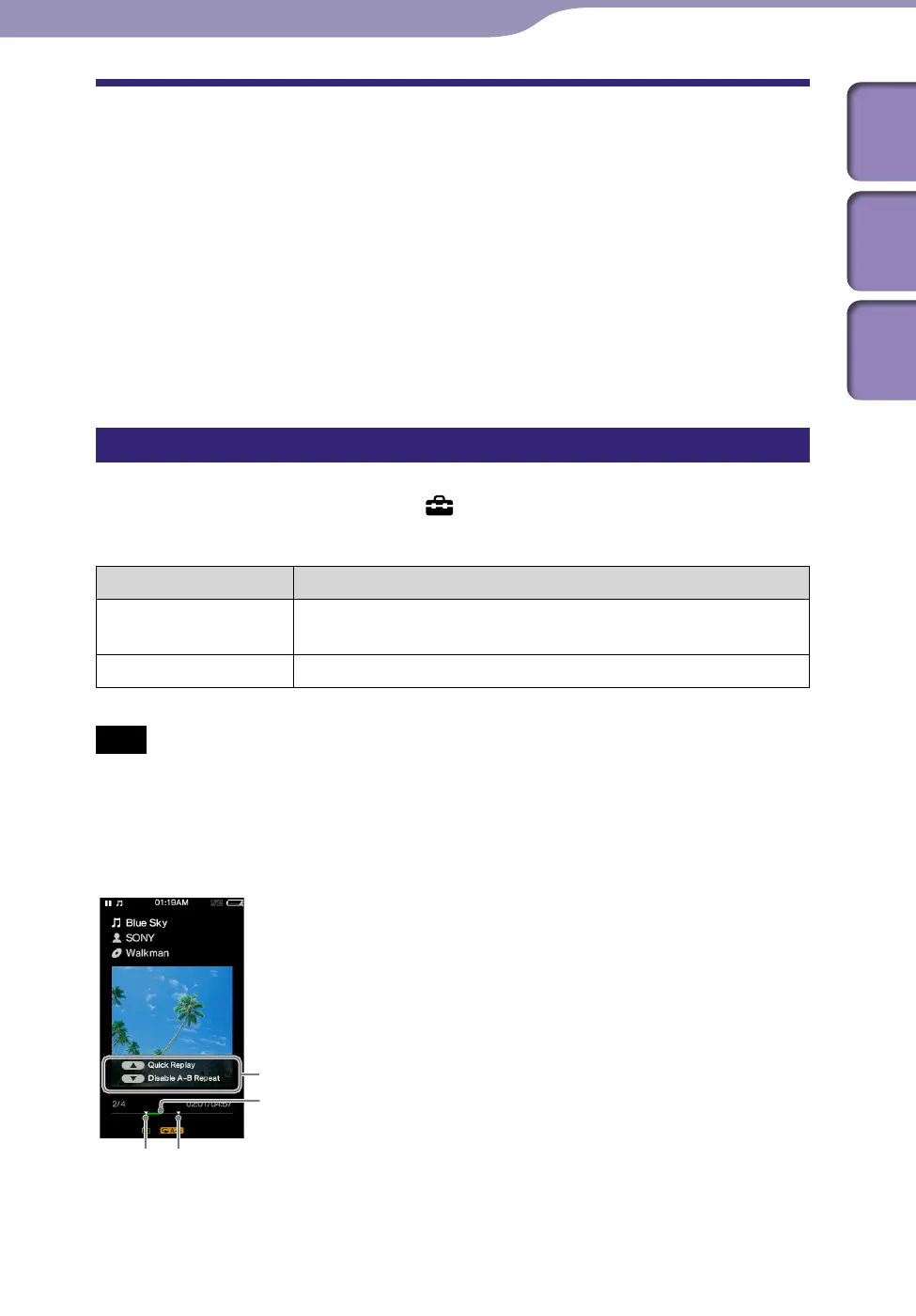
Music playback screen with language learning activated
Using the Language Learning Function
Operation guide
Point A Point B
Section A-B











 To Next Page