ModelName: Falcon_E
PartNumber: 4-164-613-11
31
31
Transferring Music
Table of
Contents
Home
Menu
Index
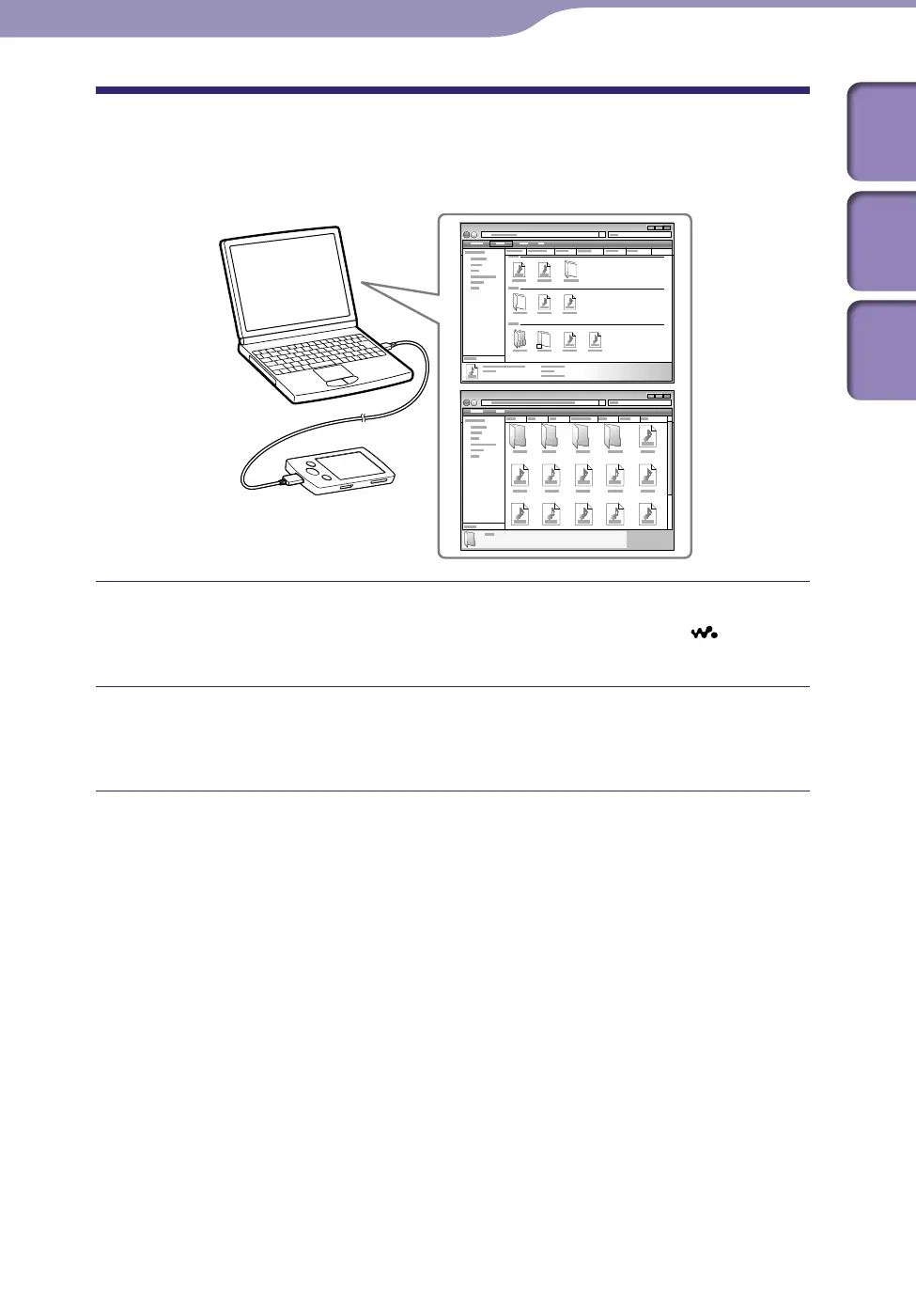
Transferring Music Using Windows Explorer
You can directly transfer data by drag-and-drop using Windows Explorer on
your computer.
Connect the player to your computer using the supplied USB cable.
Insert the connector of the USB cable into the player with the
mark
facing up.
Click [start] – [My Computer] or [Computer] – [WALKMAN] –
[Storage Media], and then select the [MUSIC] folder.
Data hierarchy may differ, depending on your computer environment.
Continued











 To Next Page