ModelName: Falcon_E
PartNumber: 4-164-613-11
68
68
Watching Videos
Table of
Contents
Home
Menu
Index
Changing the Video Settings
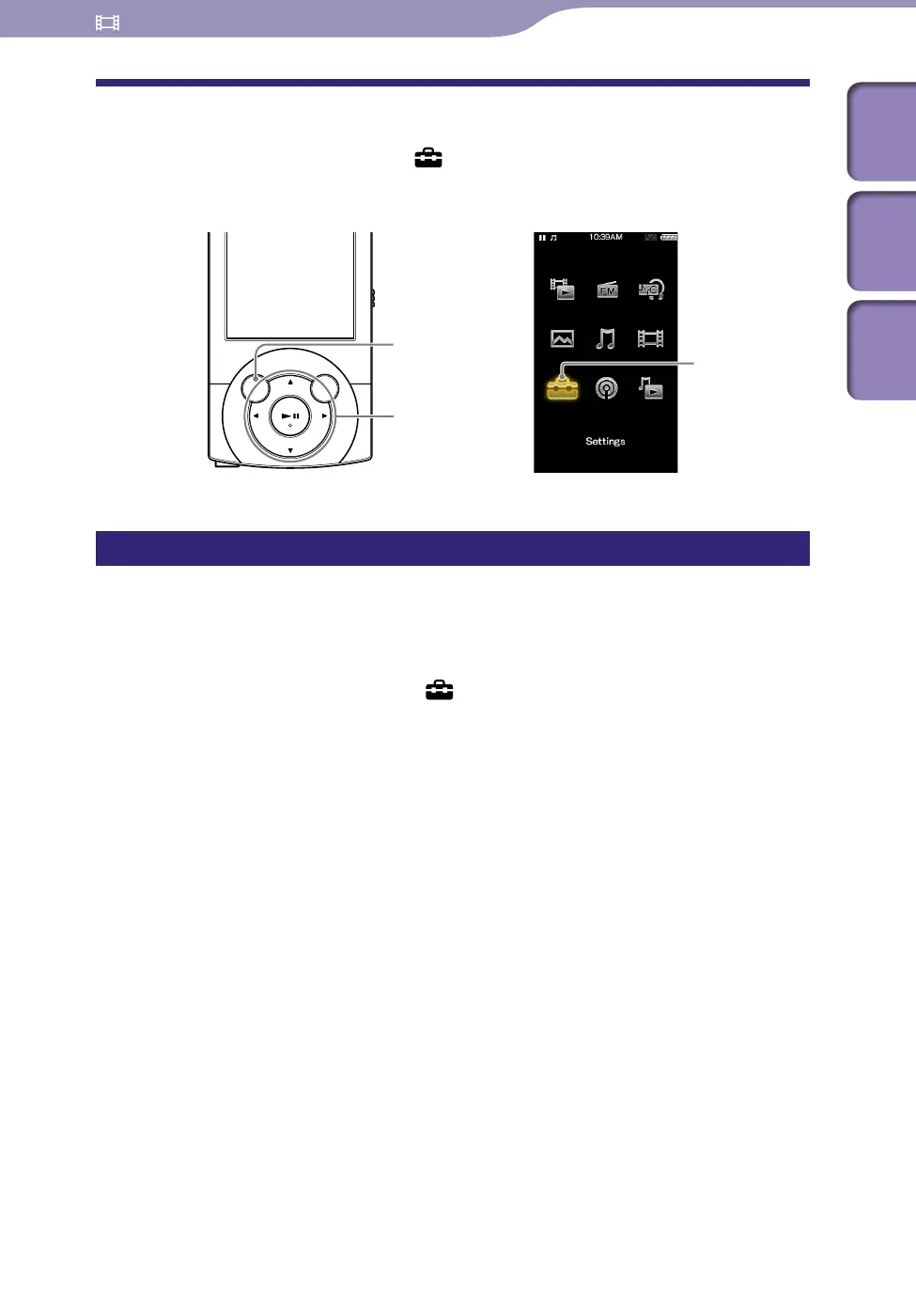
To change the video settings, select [Settings] on the Home menu, then
select [Video Settings].
Setting the zoom function [Zoom Settings]
You can zoom in the currently playing video. When the video is output to a
television, it is enlarged in accordance with the [TV Output Size] setting (
p.
64, 65).
From the Home menu, select [Settings]
[Video Settings]
[Zoom Settings]
desired zoom setting type.
Continued
5-way button
BACK/HOME button
[Settings]











 To Next Page