ModelName: Falcon_E
PartNumber: 4-164-613-11
87
87
Listening to FM Radio
Table of
Contents
Home
Menu
Index
Listening to FM Radio
[FM Radio]
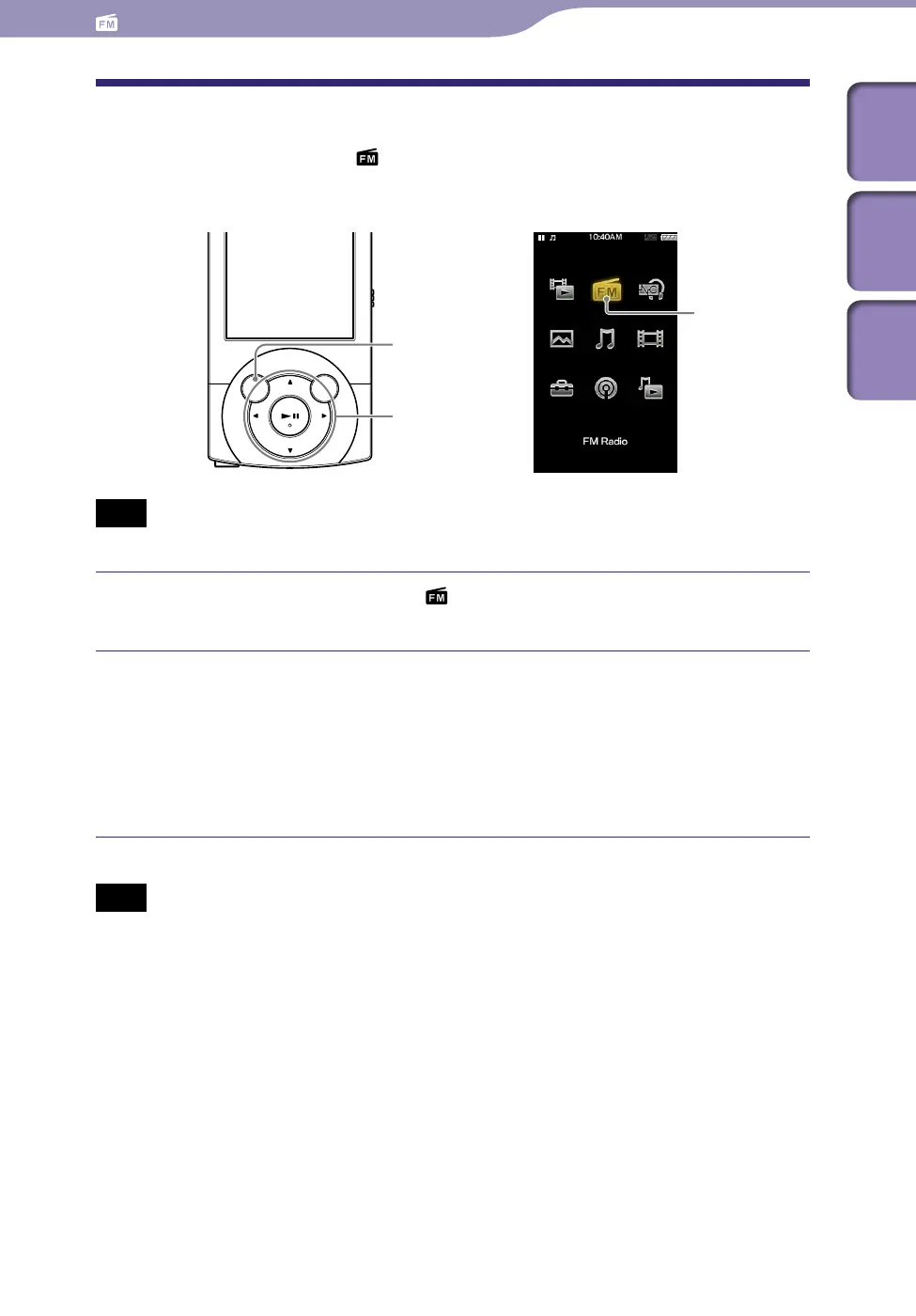
To listen to FM Radio, select [FM Radio] on the Home menu to display the
[FM Radio] screen.
Note
The headphone cord serves as an antenna, so extend it as far as possible.
From the Home menu, select [FM Radio].
The [FM Radio] screen appears.
Press the / button to select the desired frequency, or press the
/ button to select the desired preset number.
The FM radio broadcasting of the selected frequency or preset number is
received.
F
o
r details on how to operate the FM Radio screen, see “FM Radio
screen” (
p
.
88).
Note
You cannot select a preset number if no preset station is stored. Preset receivable stations
using [Auto Preset] (
p.
89), or preset the receivable stations manually (
p. 90).
BACK/HOME button
5-way button
[FM Radio]
Listening to FM Radio











 To Next Page