ModelName: Falcon_E
PartNumber: 4-164-613-11
88
88
Listening to FM Radio
Table of
Contents
Home
Menu
Index
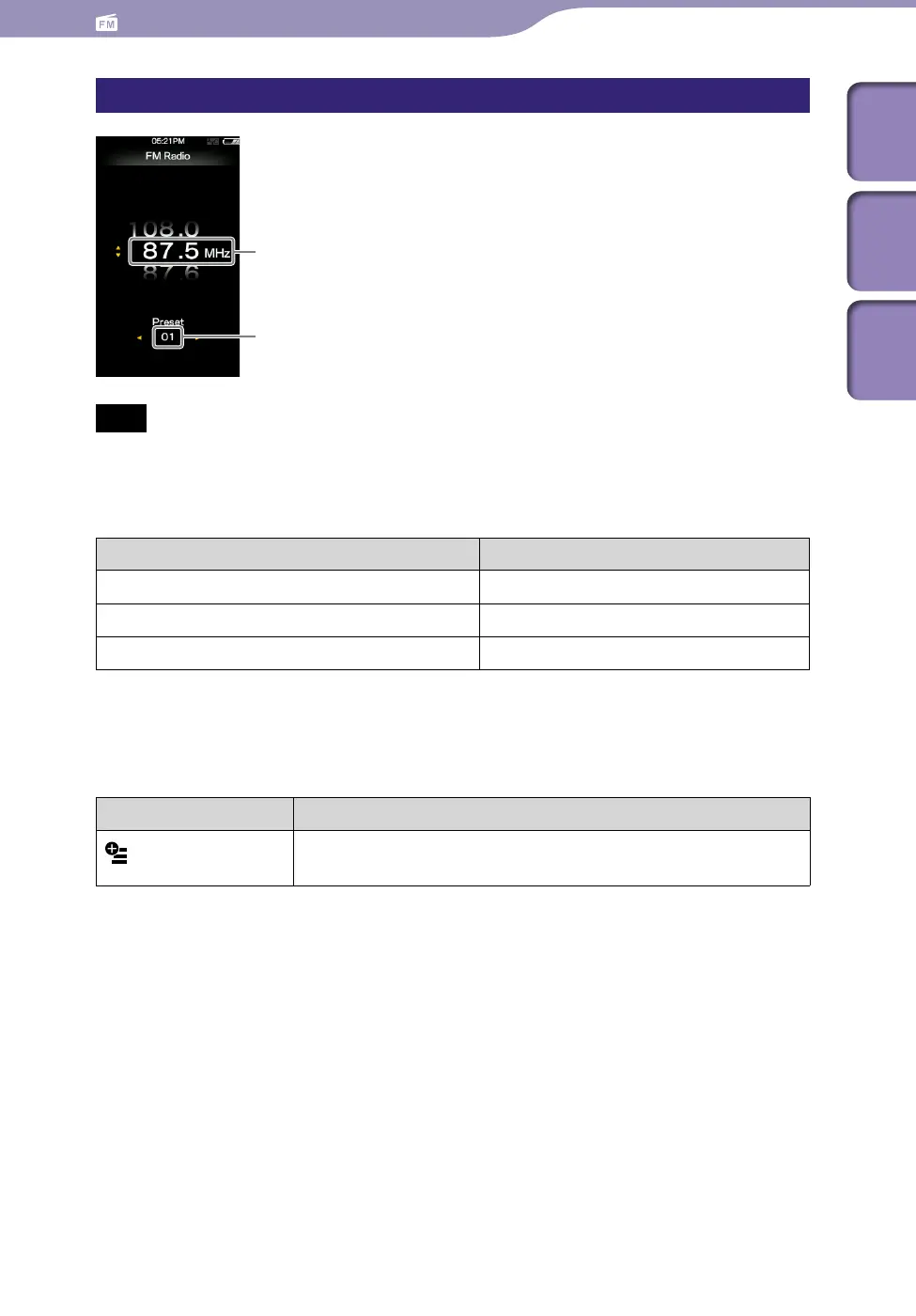
FM Radio screen
Note
Depending on the country/region in which you have purchased the player, the screen
appearance may differ.
Operations on the [FM Radio] screen
To Do this
Select the previous/next frequency
Press the / button.
Select the previous/next receivable station
*1
Press and hold the / button.
Select the previous/next preset number
*2
Press the / button.
*1
If sensitivity is too high, change the [Scan Sensitivity] setting (
p.
92) to [Low].
*2
You cannot select a Preset number if no preset station is stored. Preset receivable stations using
[Auto Preset] (
p.
89).
Icon which appears by pressing the OPTION/PWR OFF button
Icon Description
(Option Menu)
Shows the option menu. For details on the FM radio option
menu, see “Using the FM Radio Option Menu” (
p.
91).
Frequency
Preset number











 To Next Page