ModelName: Falcon_E
PartNumber: 4-164-613-11
116
116
Troubleshooting
Table of
Contents
Home
Menu
Index
Troubleshooting
If the player does not function as expected, try the following steps to resolve
the issue.
1 Find the symptoms of the issue in the following troubleshooting tables,
and try any corrective actions listed.
2 Connect the player to your computer to charge the battery.
You may be able to resolve some issues by charging the battery.
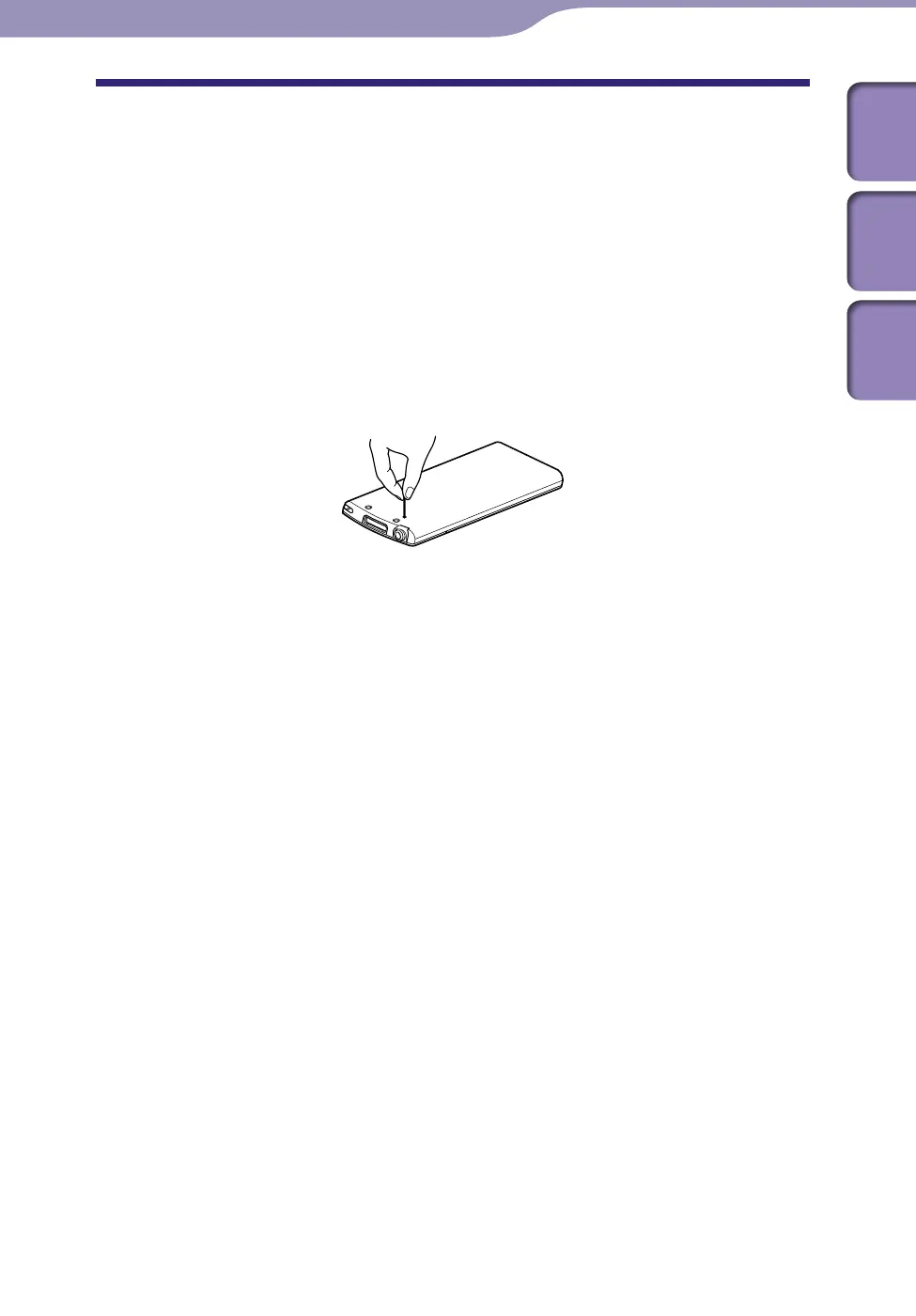
3 Press the RESET button with a small pin, etc.
If you press the RESET button while operating the player, stored data and
player settings may be lost.
4 Check information on the issue in the Help of each software.
5 Look up information on the issue on one of the customer support Web
sites (
p
.
141).
6 If the approaches listed above fail to resolve the issue, consult your
nearest Sony dealer.
Troubleshooting











 To Next Page