ModelName: Falcon_E
PartNumber: 4-164-613-11
76
76
Enjoying Podcast
Table of
Contents
Home
Menu
Index
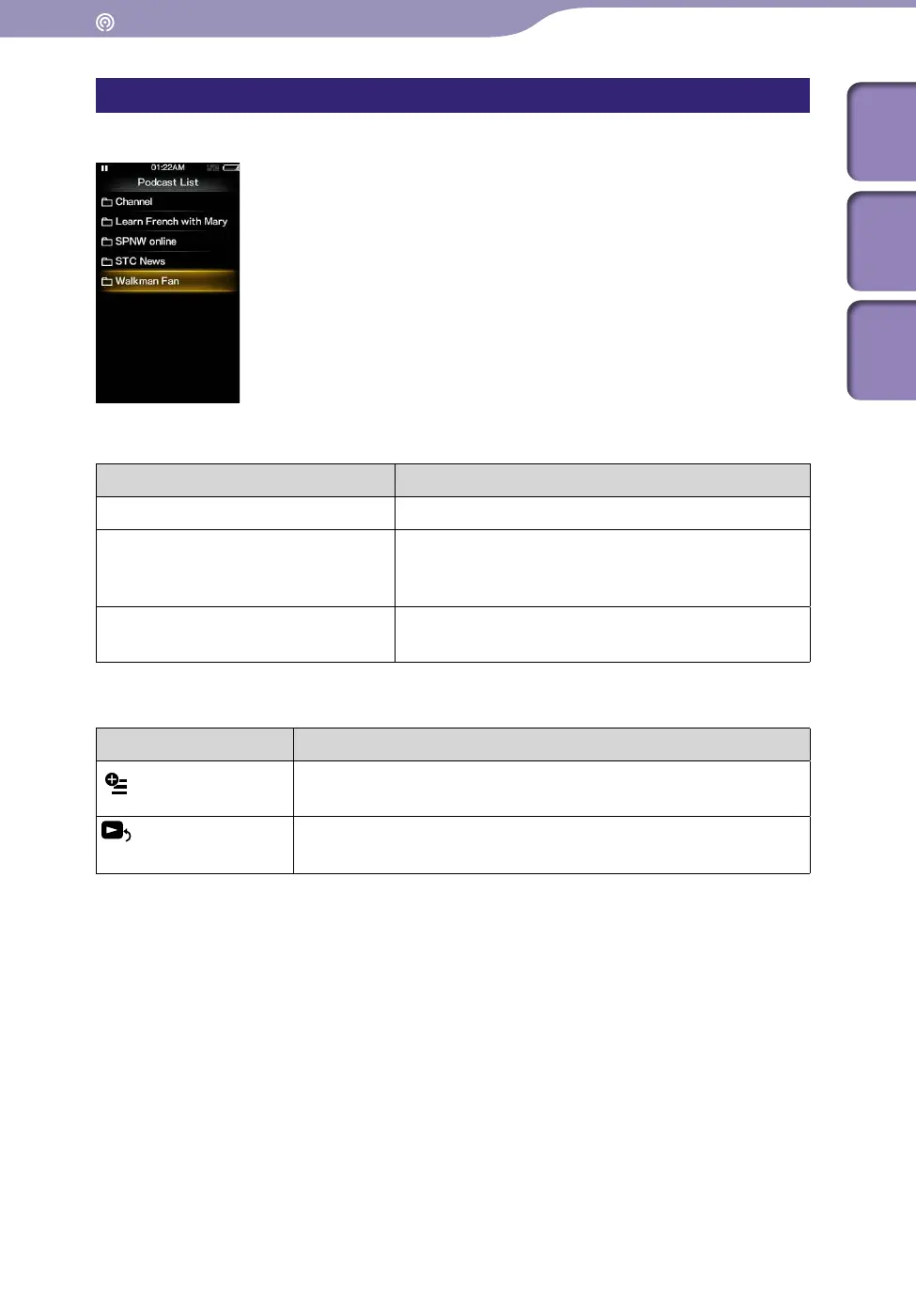
Podcast list screen
Podcasts are displayed in the [Podcast List] screen in name order.
Operations on the [Podcast List] screen
To (Screen indication) Do this
Select an item
Press the button.
Move the cursor up or down
Press the / button.
Pr
ess and hold the / button to scroll up or
down faster.
Display the previous/next screen of
the list
Press the / button.
Icons which appear by pressing the OPTION/PWR OFF button
Icon Description
(Option Menu)
Shows the option menu. For details on the podcast option
menu, see “Using the Podcast Option Menu” (
p
.
79).
[To Playback
Screen]
Returns to the podcast playback screen.











 To Next Page