ModelName: Falcon_E
PartNumber: 4-164-613-11
49
49
Playing Music
Table of
Contents
Home
Menu
Index
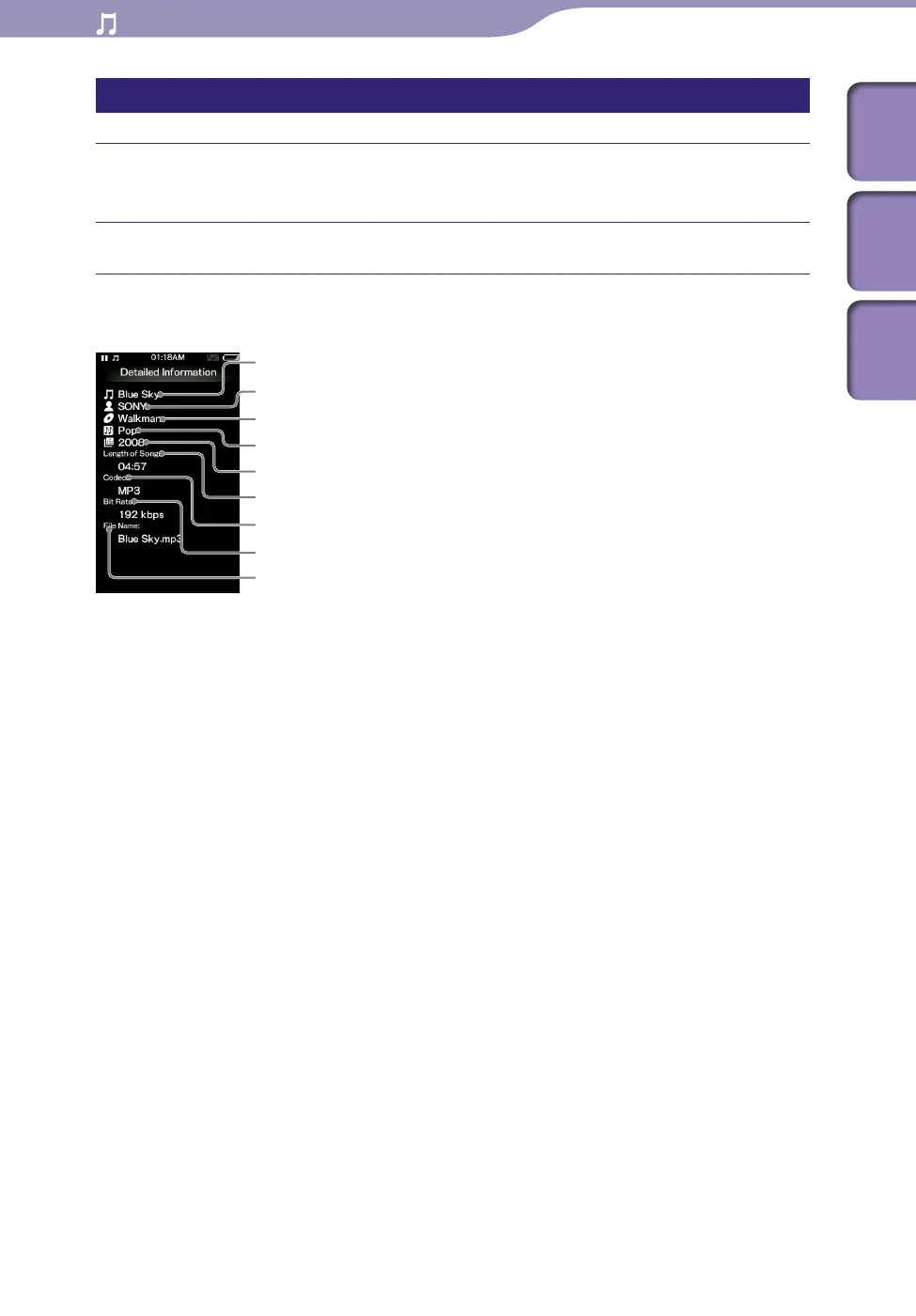
Displaying the detailed information screen [Detailed Information]
From the music playback screen, press the OPTION/PWR OFF
button to bring up the option menu.
Select [Detailed Information].
Detailed information screen
Song name
Artist name
Album title
Release year
Length of Song
Genre
Codec
While playing back copyright protected songs, [Secured] appears.
Bit rate
While playing back variable bit rate songs, [VBR] is shown.
File name











 To Next Page