ModelName: Falcon_E
PartNumber: 4-164-613-11
86
86
Viewing Photos
Table of
Contents
Home
Menu
Index
Changing the Photo Settings
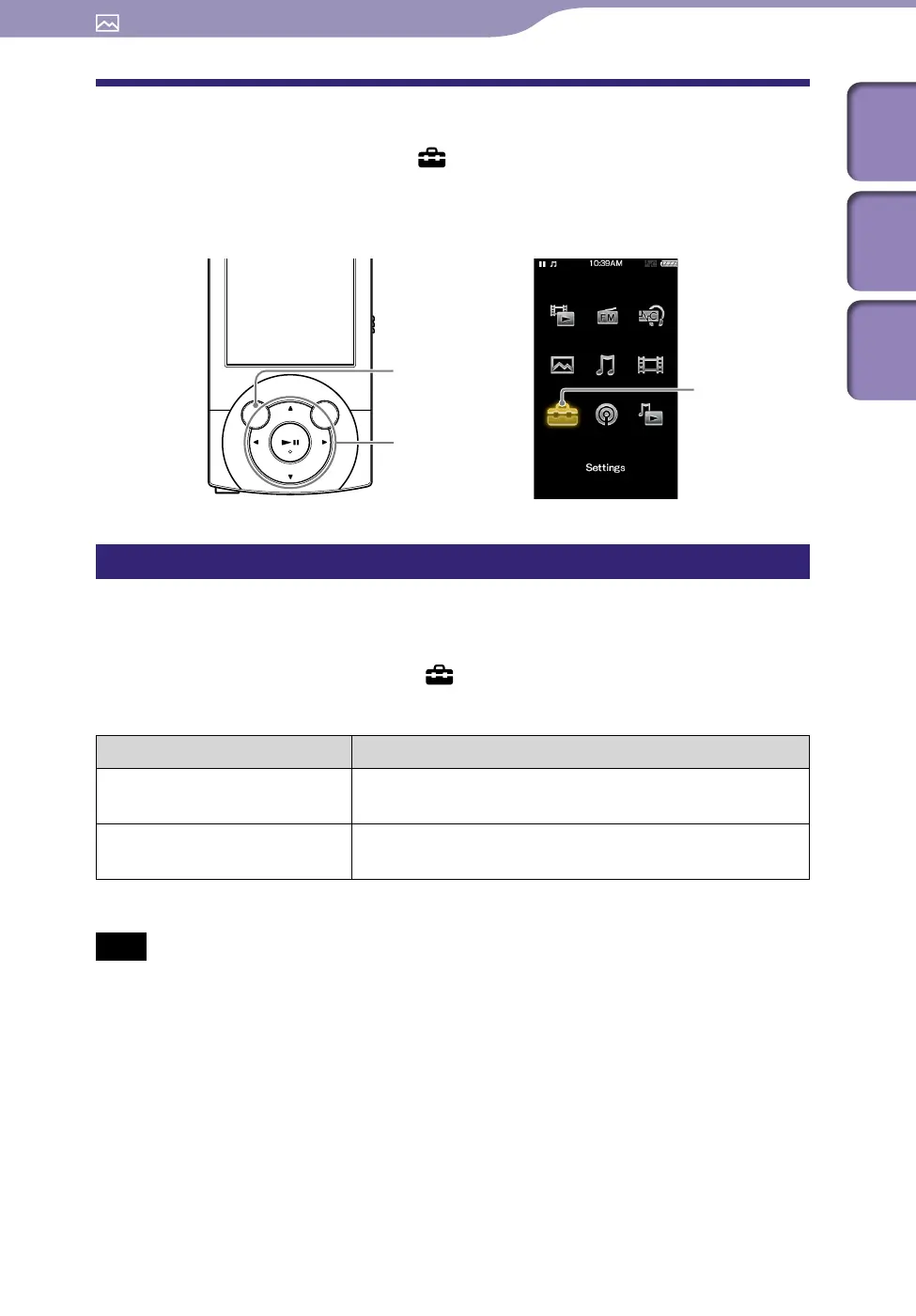
To change the photo settings, select [Settings] on the Home menu, then
select [Photo Settings].
Setting the photo list display format [Photo List Format]
The player offers 2 display formats. You can set the display format of the photo
list as [Thumbnail + Title]
*1
or [Thumbnail Only].
From the Home menu, select [Settings]
[Photo Settings]
[Photo List Format]
desired photo list format type.
Type Description
[Thumbnail + Title] Displays a photo title with a thumbnail image in the
photo list.
[Thumbnail Only] Displays only thumbnails in the photo list. (Default
setting)
*1
Thumbnail refers to a reduced size image of a photo.
Note
Thumbnails may not be displayed, depending on the file format.
BACK/HOME button
5-way button
[Settings]











 To Next Page