ModelName: Falcon_E
PartNumber: 4-164-613-11
99
99
Using the Noise Canceling Function
Table of
Contents
Home
Menu
Index
Changing the Noise Canceling Settings
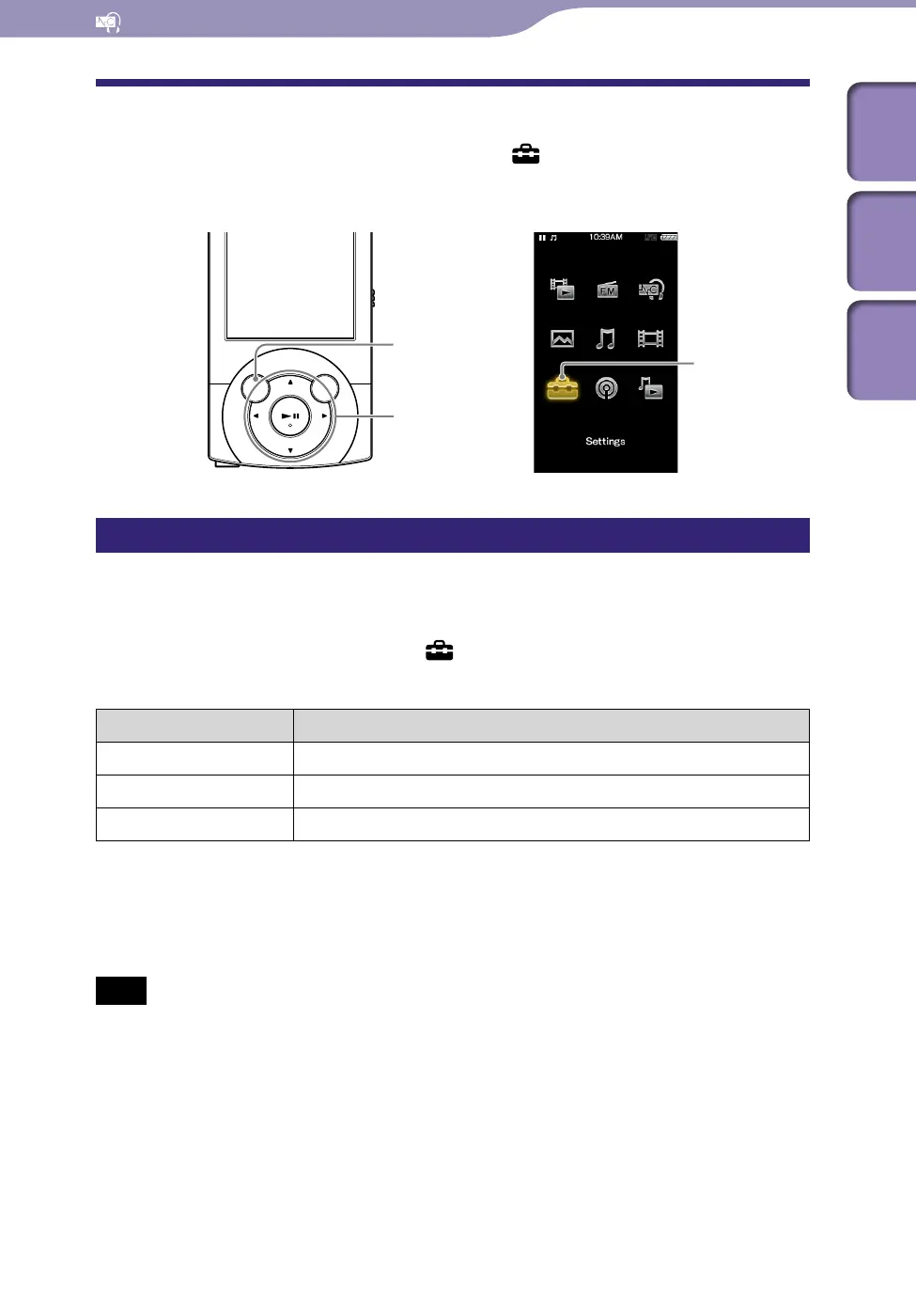
To change the Noise Canceling settings, select [Settings] from the Home
menu, then select [NC Settings].
Selecting NC Environment [Select NC Environment]
You can select the digital filter that is most suitable for reducing the ambient
noise at the location.
From the Home menu, select [Settings]
[NC Settings]
[Select NC Environment]
the desired setting type.
Type Description
[Bus/Train] Most effective at reducing noise in a bus or train.
[Airplane] Most effective at reducing noise in an airplane.
[Office] Most effective at reducing noise in an office.
Hint
You can also select the filter from the [NC Modes] screen, by selecting [Select NC
Environment] from the option menu.
Note
This function is only effective when [Noise Canceling: On/Off] is set to [On].
BACK/HOME button
5-way button
[Settings]











 To Next Page