ModelName: Falcon_E
PartNumber: 4-164-613-11
39
39
Playing Music
Table of
Contents
Home
Menu
Index
Playing Music
[Music]
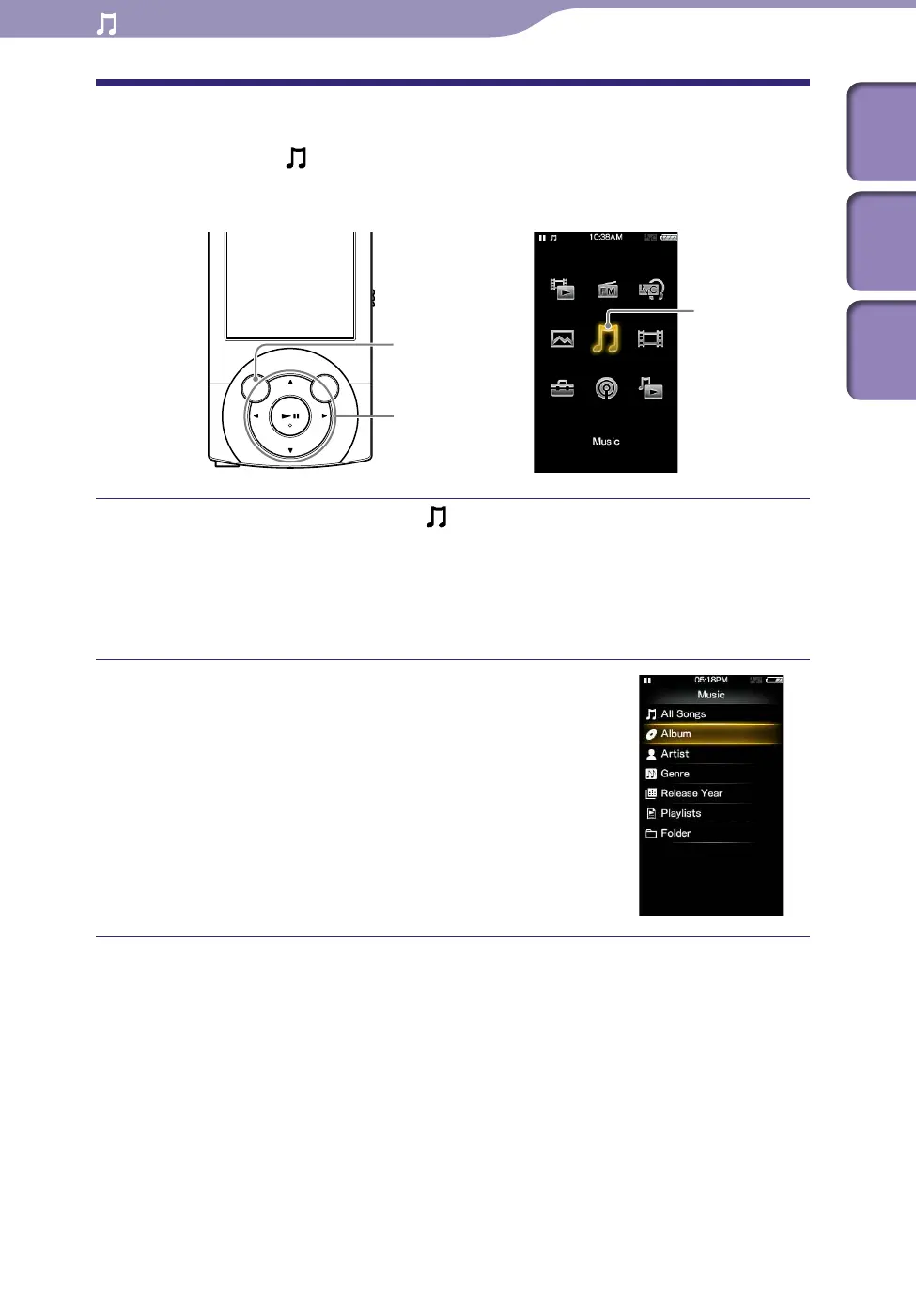
To play music, select [Music] on the Home menu to display the [Music]
screen.
From the Home menu, select [Music].
The music menu appears.
Yo
u can select the desired search method to display the music list screen
and search for songs. For details, see “Search method” of “Searching for
Songs” (
p
.
43).
Select desired search method
desired
song.
The music playback screen appears and
playback of the songs begins.
S
e
lect items until a song list appears.
Fo
r details on how to operate the music
playback screen, see “Music playback
screen” (
p
.
40).
BACK/HOME button
5-way button
[Music]
Playing Music











 To Next Page