ModelName: Falcon_E
PartNumber: 4-164-613-11
95
95
Using the Noise Canceling Function
Table of
Contents
Home
Menu
Index
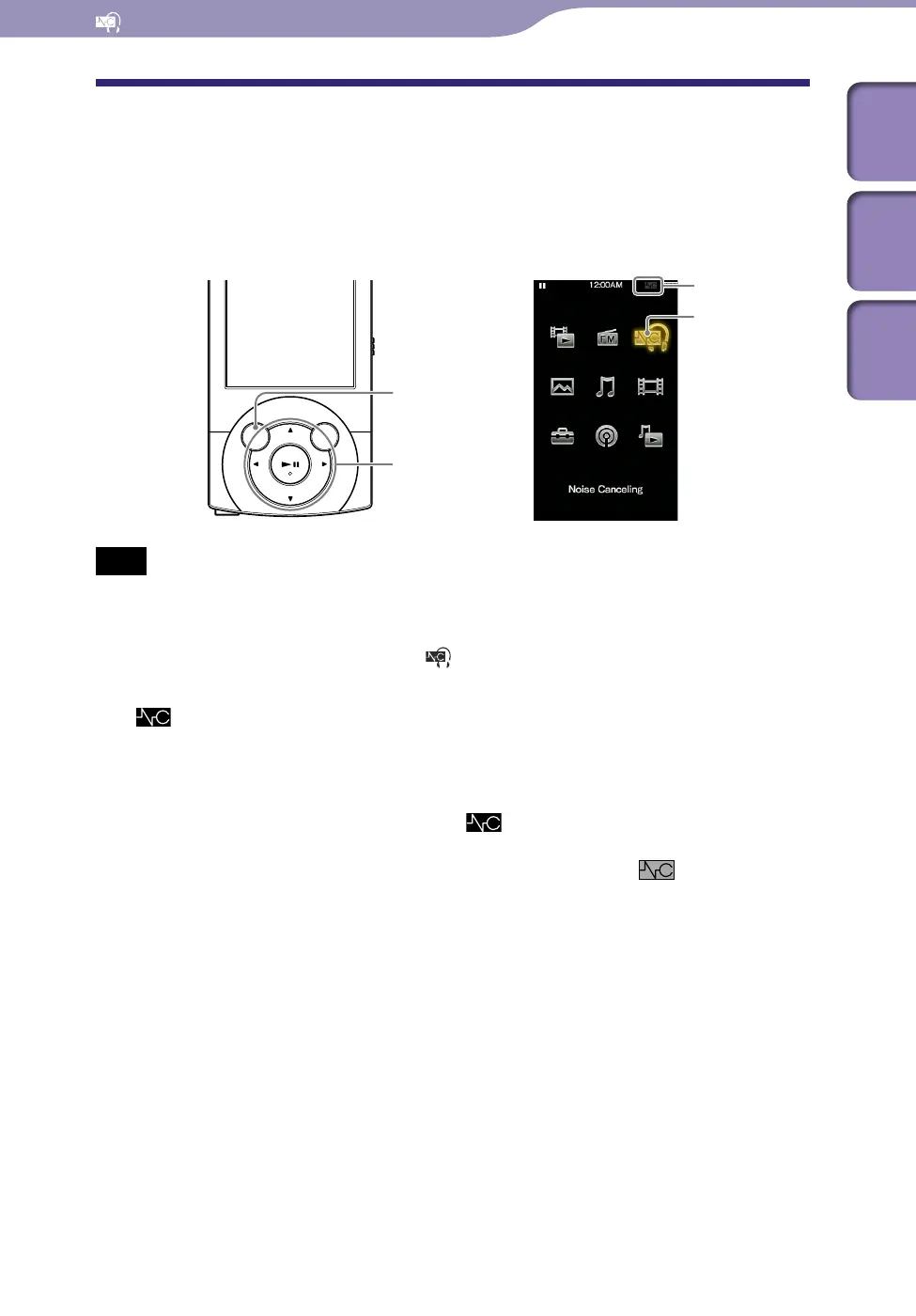
Playing Back with the Noise Canceling Function
[Noise Canceling]
The internal microphone of the headphones catches the ambient noise, and the
player outputs an antiphase sound wave to cancel the noise.
Note
If headphones other than those supplied are used, the Noise Canceling function will not
work even if [Noise Canceling: On/Off] is set to [On].
From the Home menu, select [Noise Canceling]
[Noise
Canceling: On/Off]
[On].
appears in the information area.
[On] is s
et by default.
Hint
When the Noise canceling function is active,
appears on the screen. If the
headphones other than those supplied are used, the Noise Canceling function will not
work even if [Noise Canceling: On/Off] is set to [On]. In this case,
appears in the
information area.
Yo
u can adjust the effect of the Noise Canceling function. For details, see
p.
100.
BACK/HOME button
5-way button
[Noise Canceling]
Icon indication











 To Next Page