ModelName: Falcon_E
PartNumber: 4-164-613-11
11
11
Basic Operations and Screens
Table of
Contents
Home
Menu
Index
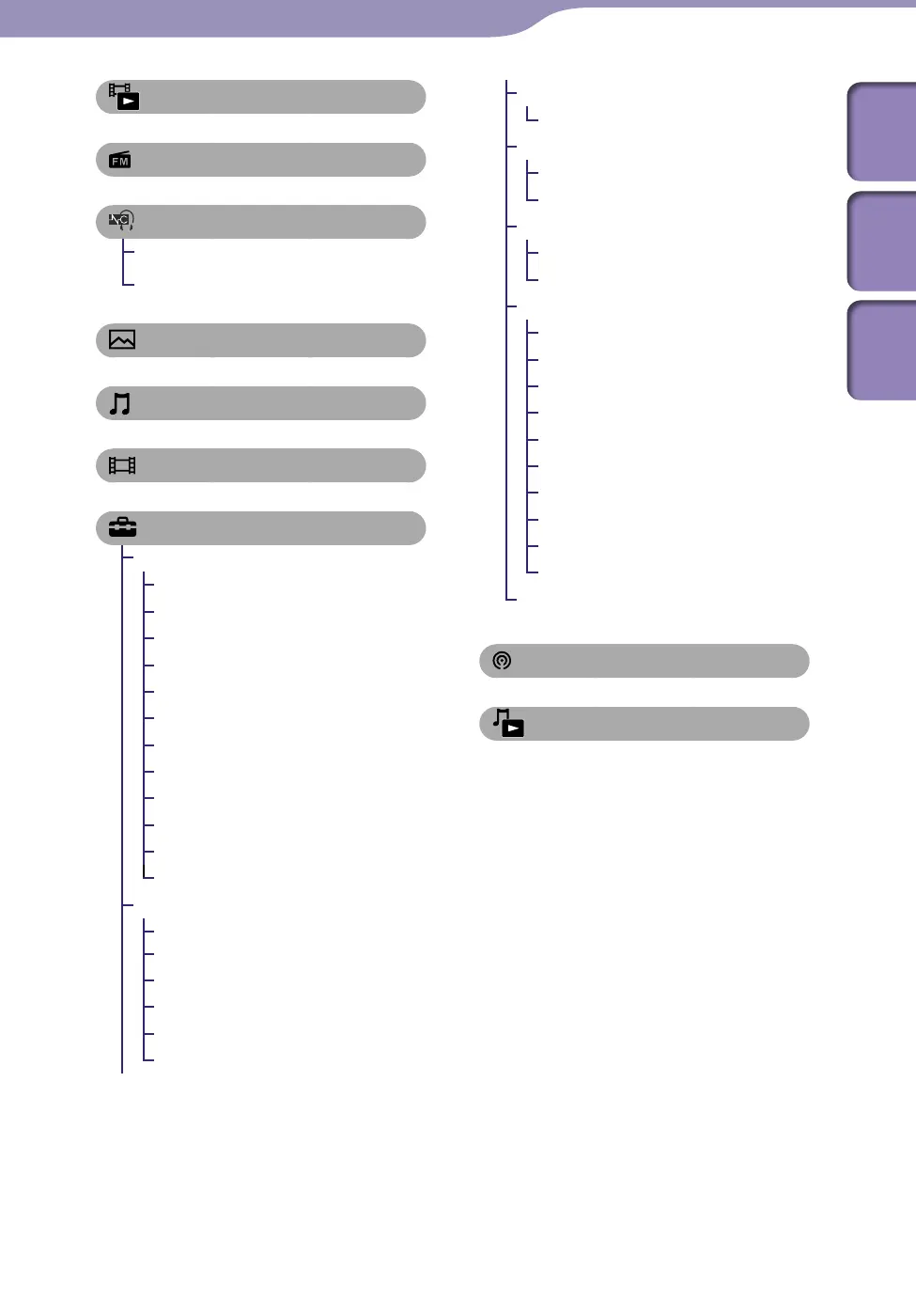
[Go to video playback screen] ... 60
[FM Radio] ............................... 87
[Noise Canceling]
[Noise Canceling: On/Off] .......95
[NC Modes] .........................96, 98
[Photos] ................................. 81
[Music] .................................... 39
[Videos] .................................. 59
[Settings]
[Music Settings]
[Play Mode] ........................... 50
[Playback Range] ................... 51
[Equalizer].............................. 51
[VPT(Surround)] .................. 53
[DSEE(Sound Enhance)] ..... 54
[Clear Stereo] ......................... 54
[Dynamic Normalizer] ......... 55
[Album Display Format] ...... 55
[Language Learning Mode] .... 56
[DPC (Speed Control)] ........ 58
[TV Output(Music)] ............. 45
[NTSC/PAL settings] ............ 46
[Video Settings]
[Zoom Settings]..................... 68
[On-Hold Display] ................ 71
[Order of Video List] ............ 71
[TV Output(Video)] ............. 64
[NTSC/PAL settings] ............ 65
[TV Output Size] ................... 65
[Photo Settings]
[Photo List Format] ..............86
[FM Radio Settings]
[Scan Sensitivity] ................... 92
[Mono/Auto] ......................... 92
[NC Settings]
[Set Noise Cancel Level]..... 100
[Select NC Environment] ..... 99
[Common Settings]
[Unit Information] ..............101
[AVLS (Volume Limit)] ...... 102
[Beep Settings] ..................... 102
[Screen Off Timer] .............. 103
[Brightness] .......................... 104
[Wallpaper Settings] ........... 105
[Clock Settings] ...........106, 107
[Battery Care] ...................... 108
[Reset/Format] ............108, 109
[USB Connection Mode] ...109
[Language Settings] ...........21, 110
[Podcasts] ................................ 72
[Go to song playback screen] .... 40
Continued











 To Next Page