ModelName: Falcon_E
PartNumber: 4-164-613-11
13
13
Basic Operations and Screens
Table of
Contents
Home
Menu
Index
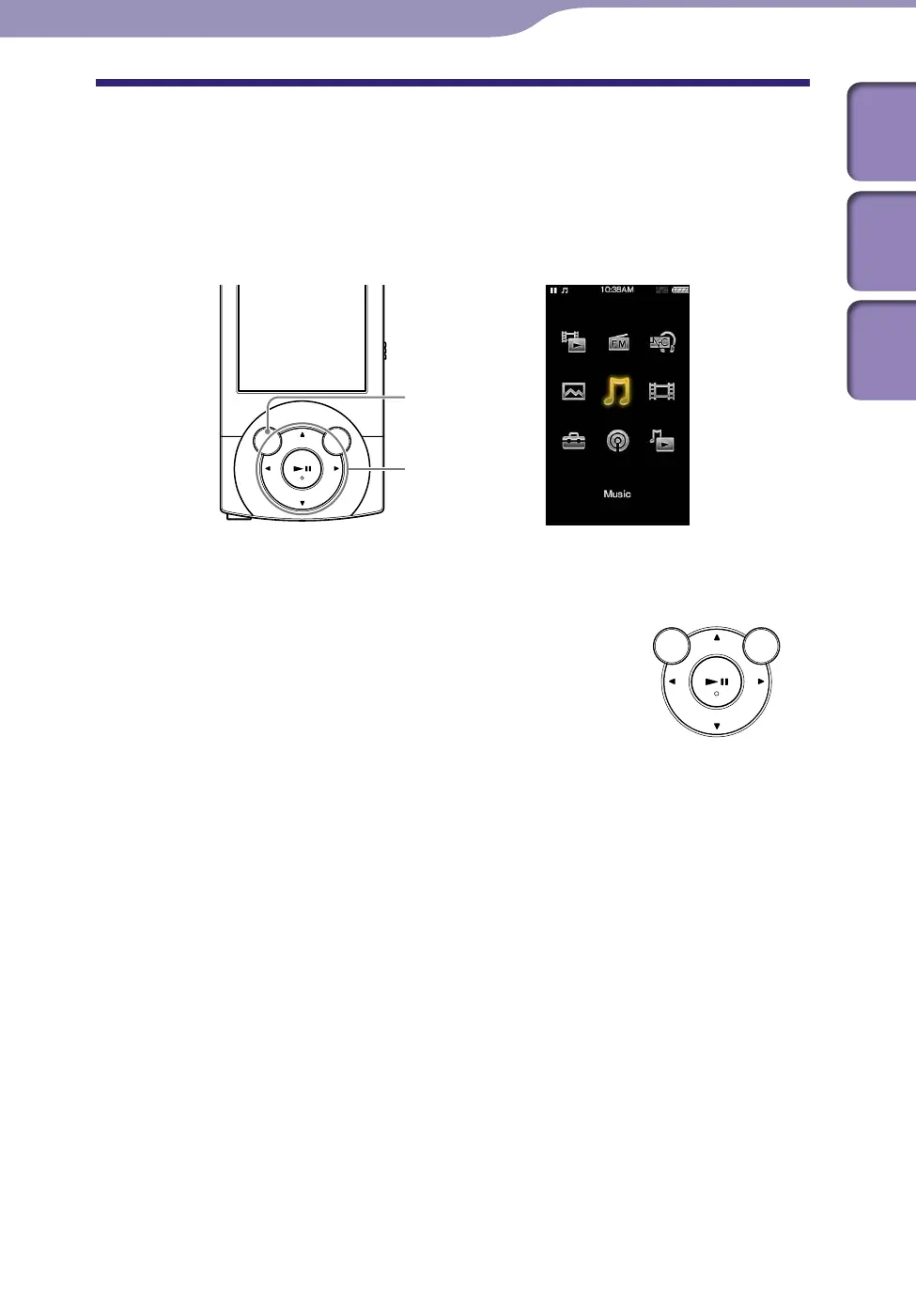
How to Use the Home Menu
The Home menu is the starting point of each application, such as searching for
songs, changing settings, etc.
You can display the Home menu by pressing and holding the BACK/HOME
button of the player.
From the Home menu, you can select the desired item on the screen by using
the 5-way button.
/// button: Selects an item.
button: Confirms an item.
Continued
BACK/HOME button
5-way button











 To Next Page