ModelName: Falcon_E
PartNumber: 4-164-613-11
34
34
Transferring Videos/Photos/Podcasts
Table of
Contents
Home
Menu
Index
Transferring Videos/Photos/Podcasts Using
Content Transfer
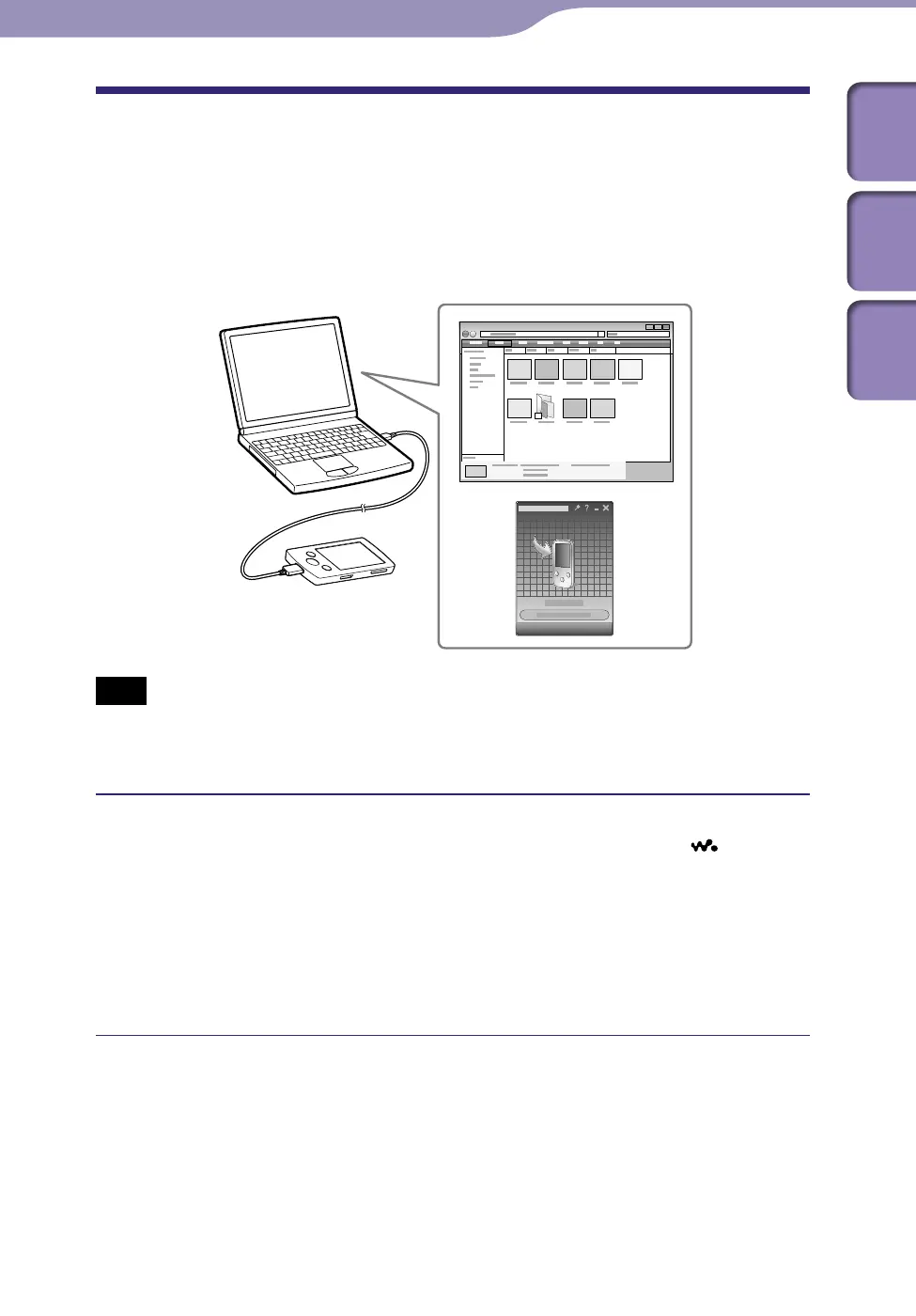
You can transfer videos/photos/podcasts stored on your computer to the player
using Content Transfer. You can transfer videos/photos/podcasts by drag-and-
drop of the desired videos/photos/podcasts from Windows Explorer to Content
Transfer.
Note
Do not disconnect the USB cable while [Do not disconnect.] appears on the player, as
the data being transferred may be damaged.
Co
ntents with copyright protection cannot be transferred.
Connect the player to your computer using the supplied USB cable.
Insert the connector of the USB cable into the player with the
mark
facing up.
Content Transfer starts automatically.
F
o
r details on setting automatic start and general operation of Content
Transfer, refer to the Help of Content Transfer.
Y
o
u can also click [All programs] in the [start] menu, and then [Content
Transfer] - [Content Transfer] to start the software.
Continued











 To Next Page