ModelName: Falcon_E
PartNumber: 4-164-613-11
81
81
Viewing Photos
Table of
Contents
Home
Menu
Index
Viewing Photos
[Photos]
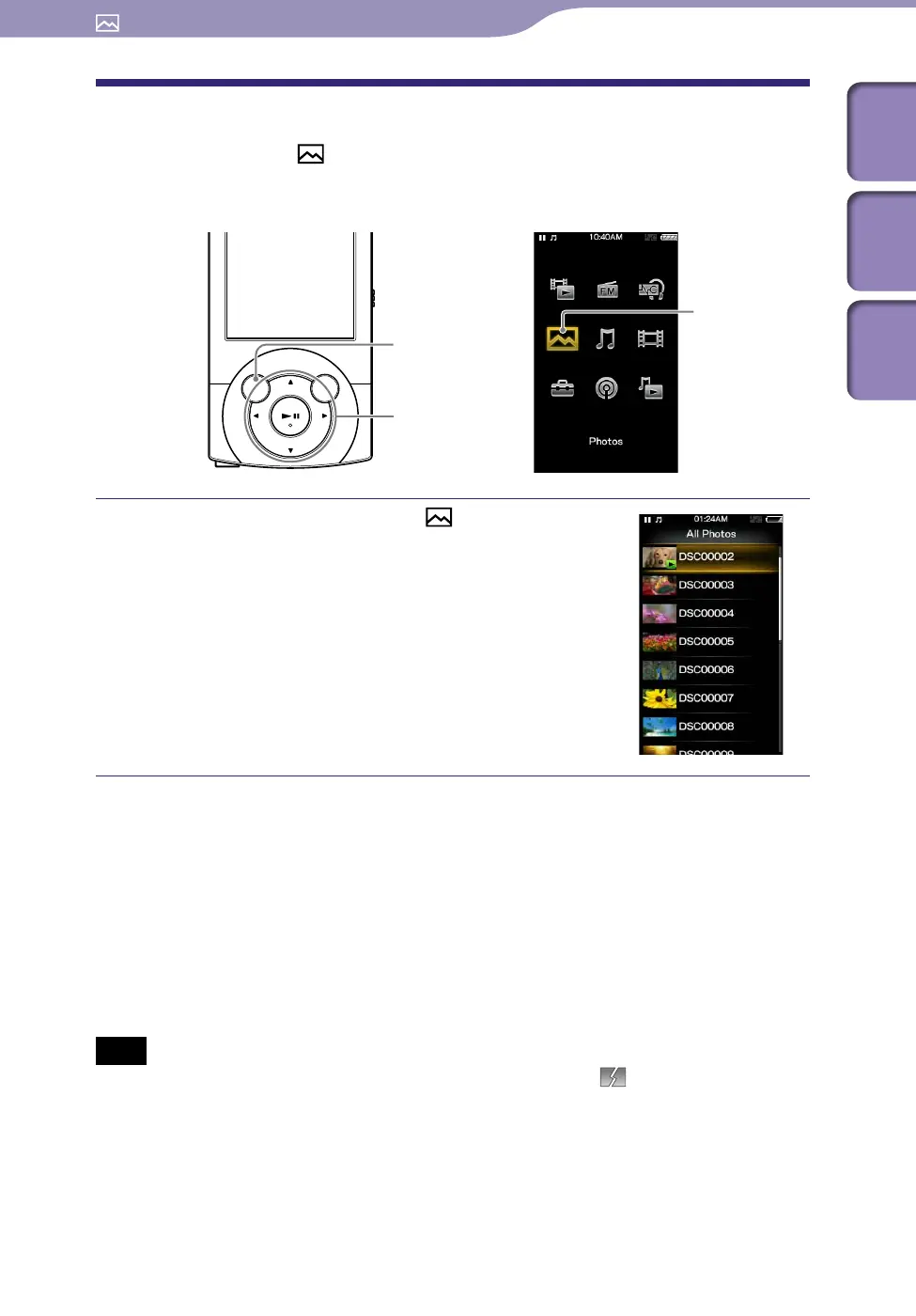
To view photos, select [Photos] on the Home menu to display the [Photos]
screen.
From the Home menu, select
[Photos]
desired folder
desired
photo.
The photo display screen appears.
Pr
ess the / button to display the
previous or next photo.
F
o
r details on how to operate the photo
display screen, see “Photo display screen”
(
p
.
82).
Hint
Playback of songs continues even while you are searching for photos in the photo folder
lists or photo lists, or when the photo display screen is displayed.
Yo
u can arrange photos transferred to the player by folder. Select the player (as
[WALKMAN]) using Windows Explorer, and drag-and-drop a new folder just under the
[DCIM], [PICTURE] or [PICTURES] folder. For details on data hierarchy, see
p.
33.
Ph
oto files are displayed in alphabetical order. The files under the [PICTURE],
[PICTURES] and [DCIM] folders are displayed in the [PICTURE], [PICTURES] and
[DCIM] folders respectively.
Note
If the size of a photo is too large, or the photo file is damaged,
appears, and the
photo cannot be displayed.
Viewing Photos
BACK/HOME button
5-way button
[Photos]











 To Next Page