ModelName: Falcon_E
PartNumber: 4-164-613-11
37
37
Transferring Videos/Photos/Podcasts
Table of
Contents
Home
Menu
Index
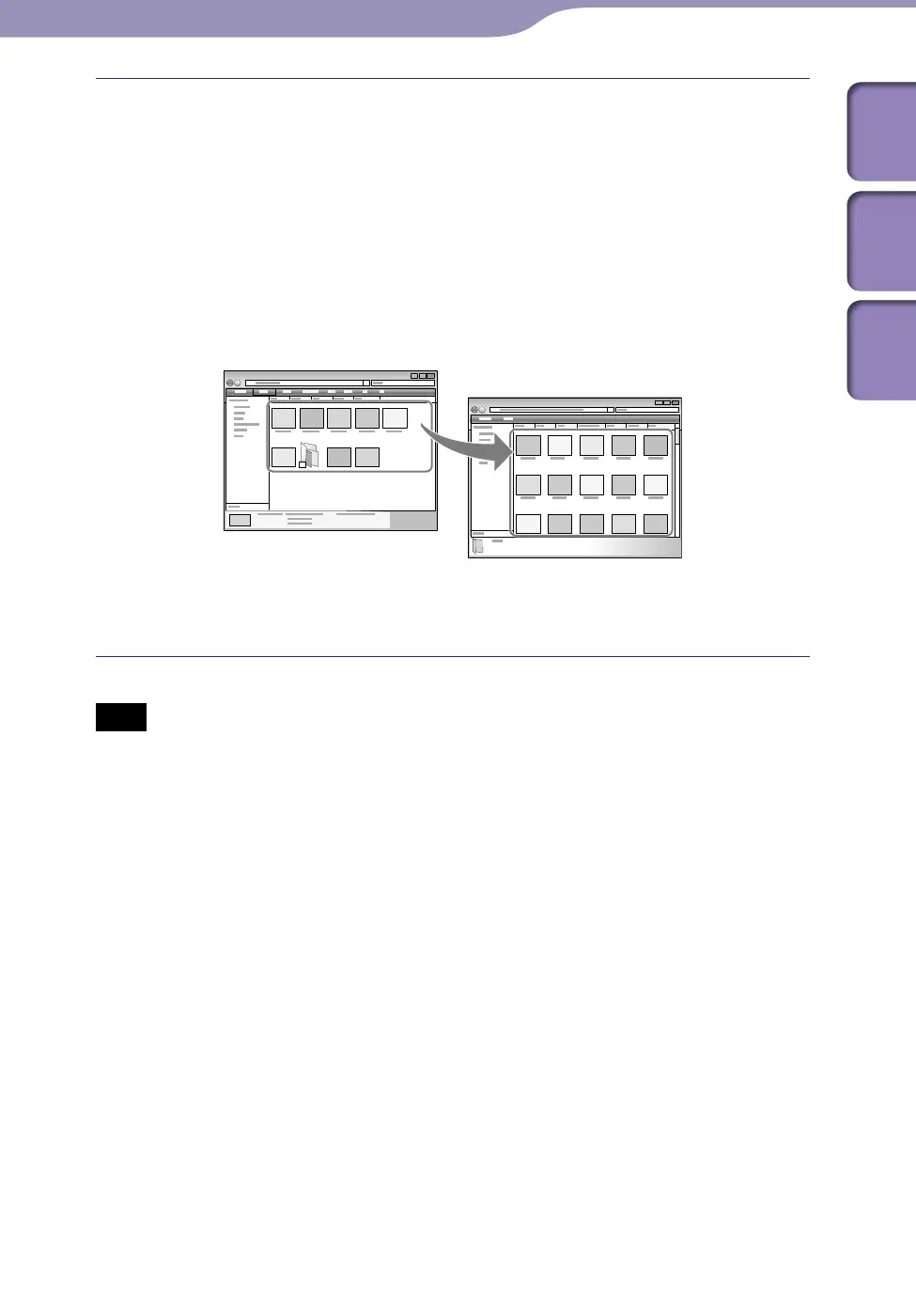
Drag-and-drop files or folders into the [VIDEO], [PICTURE],
[PICTURES], [DCIM] or [PODCASTS] folder or one of its subfolders.
Vide
o files or folders: drag-and-drop into the [VIDEO] folder, or one of
its subfolders.
P
h
oto files or folders: drag-and-drop into the [PICTURE], [PICTURES]
or [DCIM] folder, or one of their subfolders.
P
o
dcast folders and episode files: drag-and-drop podcast folders into the
[PODCASTS] folder and episode files into the podcast folders.
Note
Do not disconnect the USB cable while [Do not disconnect.] appears on the player.
Otherwise, data being transferred or stored on the player may be damaged. If the player
is disconnected while files are being transferred, unnecessary files may be left in the
player. In this case, transfer usable files back to the computer and format the player (
p.
109).
Do n
ot change folder names or delete the [MUSIC], [MP_ROOT], [MPE_ROOT],
[VIDEO], [DCIM], [PICTURE], [PICTURES] and [PODCASTS] folders.
Do n
ot change folder or file names directly under the [MP_ROOT] or [MPE_ROOT]
folders. Otherwise, they will not be displayed on the player.
Continued
Video/photo/podcast files or
folders in your computer
Video: [VIDEO] folder in your player
Photo: [PICTURE], [PICTURES] or [DCIM] folder
in your player
Podcast: [PODCASTS] folder in your player











 To Next Page