ModelName: Falcon_E
PartNumber: 4-164-613-11
63
63
Watching Videos
Table of
Contents
Home
Menu
Index
On the video playback screen, press the OPTION/PWR OFF button.
Select [Scene Scroll].
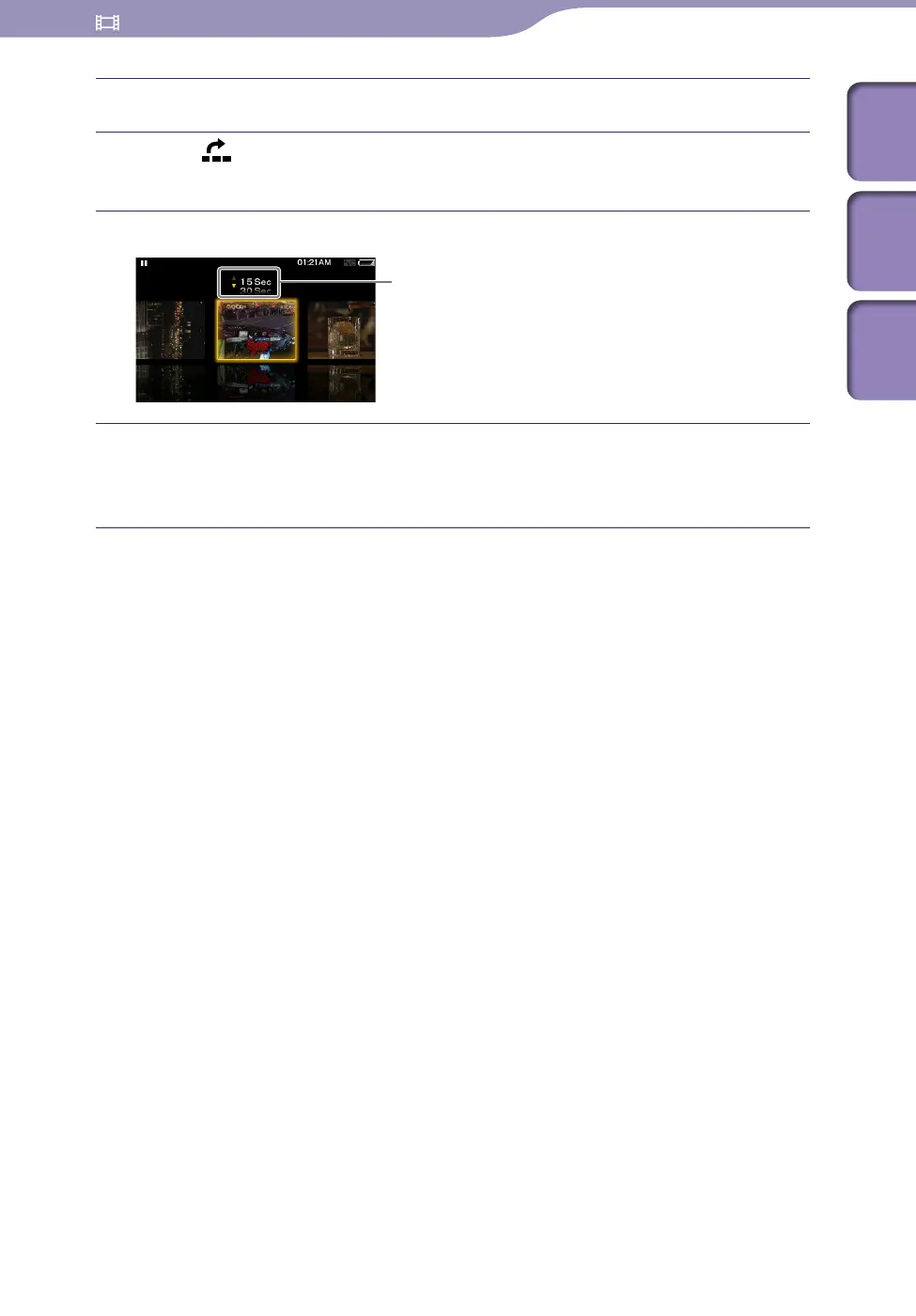
The scene scroll screen appears.
Press the / button to scroll the images.
Select the desired image, then press the button to confirm.
The video playback screen reappears and playback begins from the
beginning of the scene you selected.
Hint
Use the scene thumbnails as a guide (because each thumbnail may have a deviation from
the exact time interval).
To cancel the browsing
Press the BACK/HOME button.
Scene interval setting
You can set the interval of scenes displayed as thumbnails.
You can set the interval to [15 Sec], [30 Sec], [1 Min], [2 Min] or [5 Min].
Press the / button to select the desired interval.











 To Next Page