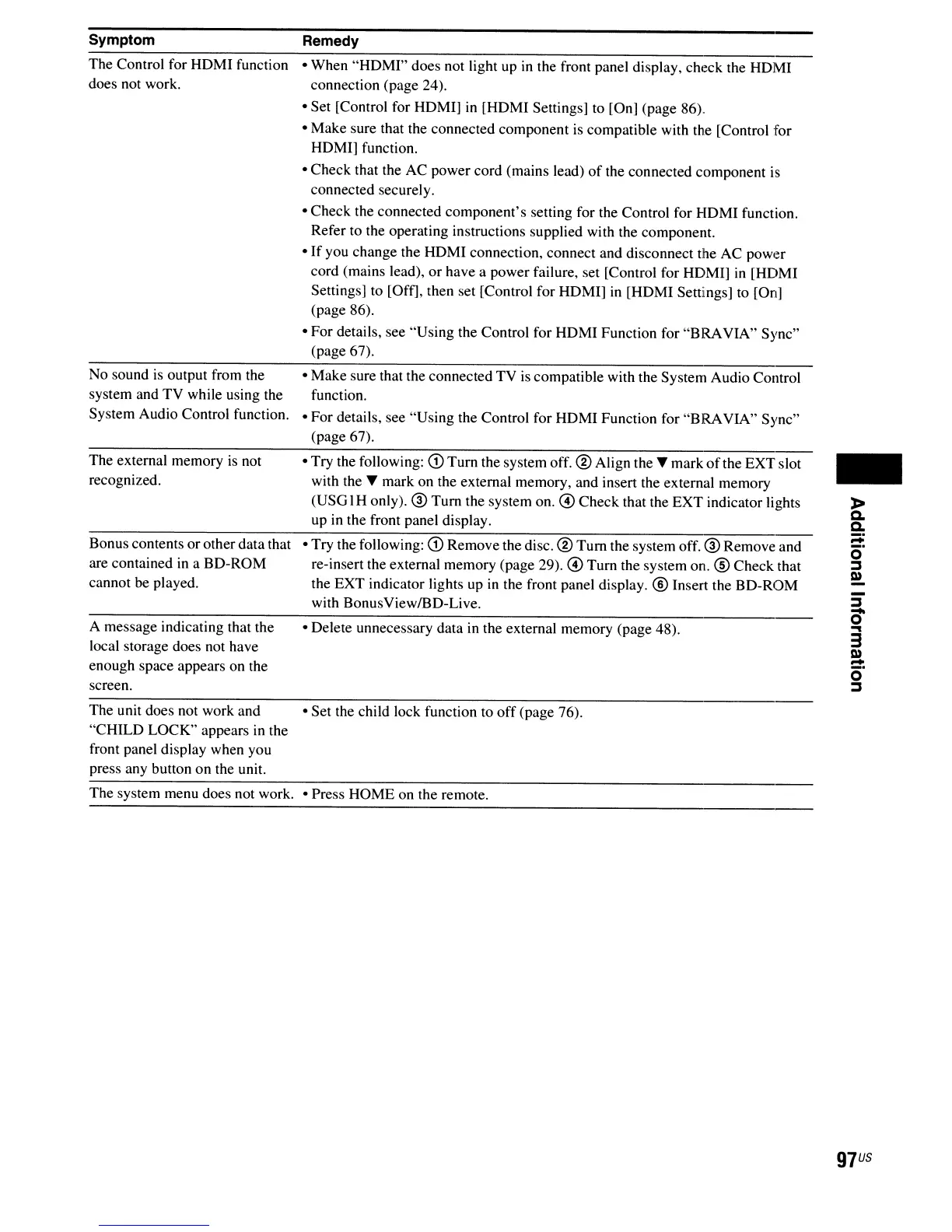
Symptom
The Control for HDMI function
does not work.
No sound
is
output from the
system and TV while using the
System Audio Control function.
The external memory
is
not
recognized.
Bonus contents orother data that
are contained
in
a BD-ROM
cannot be played.
A message indicating that the
local storage does not have
enough space appears on the
screen.
Remedy
• When "HDMI" does not light up
in
the front panel display, check the HDMI
connection (page 24).
• Set [Control for HDMI]
in
[HDMI Settings] to [On] (page 86).
• Make sure that the connected component
is
compatible with the [Control for
HDMI] function.
• Check that the AC power cord (mains lead)
of
the connected component
is
connected securely.
• Check the connected component's setting for the Control for HDMI function.
Refer to the operating instructions supplied with the component.
•
If
you change the HDMI connection, connect and disconnect the AC power
cord (mains lead), or have a power failure, set [Control for HDMI]
in
[HDMI
Settings] to [Off], then set [Control for HDMI]
in
[HDMI Settings] to [On]
(page 86).
• For details, see "Using the Control for HDMI Function for
"BRA
VIA" Sync"
(page 67).
• Make sure that the connected TV
is
compatible with the System Audio Control
function.
• For details, see "Using the Control for HDMI Function for "BRAVIA" Sync"
(page 67).
• Try the following:
CD
Tum
the system off. ® Align the T mark
of
the EXT slot
with the T mark on the external memory, and insert the external memory
(USG IH only). ® Turn the system on. @ Check that the EXT indicator lights
up
in
the front panel display.
• Try the following:
CD
Remove the disc. ®
Tum
the system off. ® Remove and
re-insert the external memory (page 29). @
Tum
the system on. ® Check that
the EXT indicator lights up
in
the front panel display. ® Insert the BD-ROM
with BonusViewIBD-Live.
• Delete unnecessary data
in
the external memory (page 48).
-
The unit does not work and • Set the child lock function to
off
(page 76).
"CHILD LOCK" appears
in
the
front panel display when you
press any button on the unit.
The system menu does not work. • Press HOME on the remote.
97
US



 To Next Page