"Handycam" User Guide
PrintSearch
Operation Search
Before use
Getting started
Recording
Playback
Playing images on a TV
Saving images with an external
device
Using the Wi-Fi function
Customizing your camcorder
Troubleshooting
Maintenance and precautions
Contents list
Top page > Customizing your camcorder > Shooting Mode > Smth Slw REC (Smooth slow rec)
Smth Slw REC (Smooth slow rec)
The camcorder records approximately 3-second-long fast actions or motions as an approximately 12-
second-long slow-motion movie.
1.
[Shooting Mode] [Smth Slw REC].
2. Press the START/STOP button.
[Recording...] disappears when recording is finished.
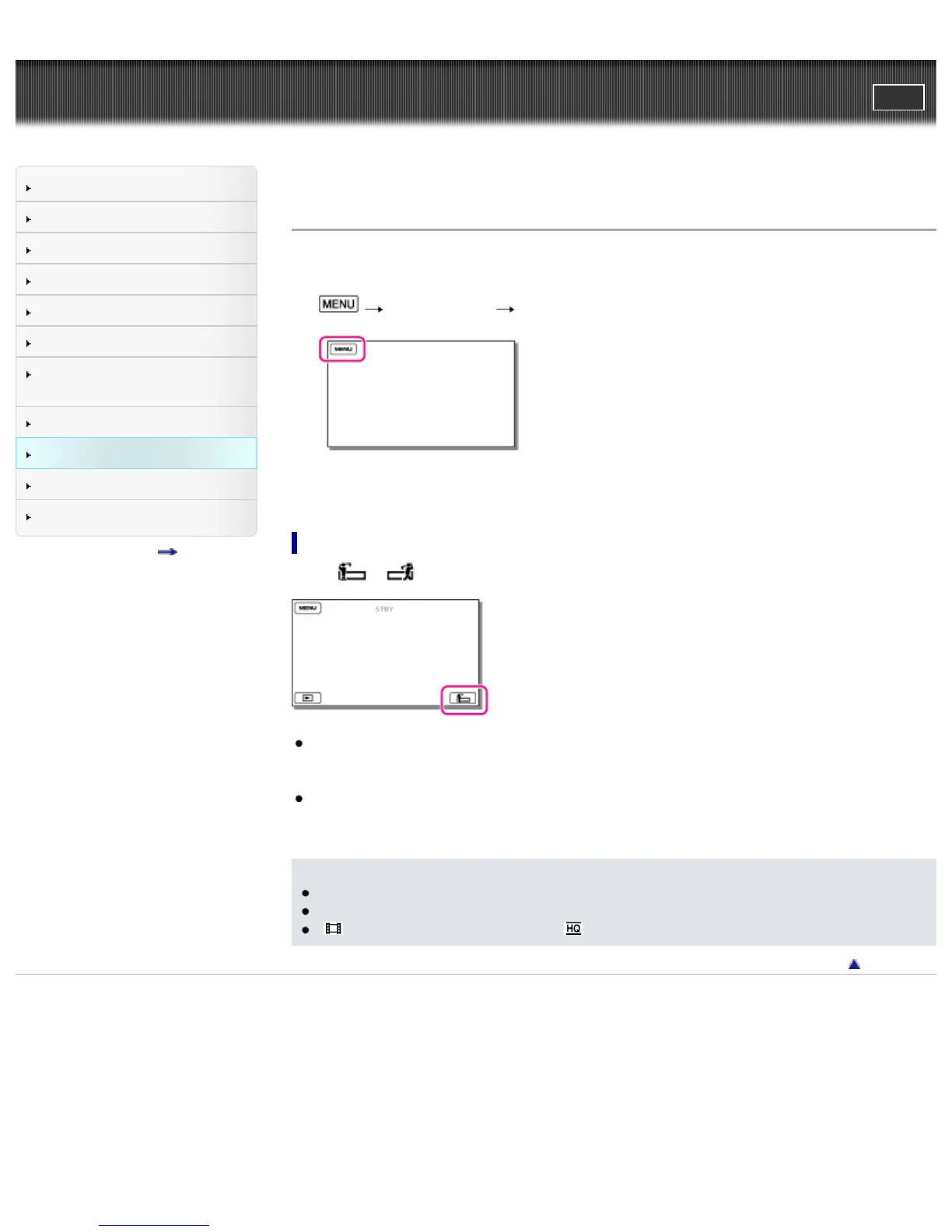
To change the timing at which the camcorder starts recording
Select [ ] / [ ] to make the setting.
[3sec After] (default setting)
The camcorder records a movie of approximately 3 seconds after the START/STOP button is
pressed.
[3sec Before]
The camcorder records a move of approximately 3 seconds before the START/STOP button is
pressed.
Notes
You cannot record sound.
Image quality is not as good as that of normal recording.
[
REC Mode] will be set to [Standard ] automatically.
Back to top
Copyright 2013 Sony Corporation



 To Next Page