"Handycam" User Guide
PrintSearch
Operation Search
Before use
Getting started
Recording
Playback
Playing images on a TV
Saving images with an external
device
Using the Wi-Fi function
Customizing your camcorder
Troubleshooting
Maintenance and precautions
Contents list
Top page > Customizing your camcorder > Setup > Date & Time Setting
Date & Time Setting
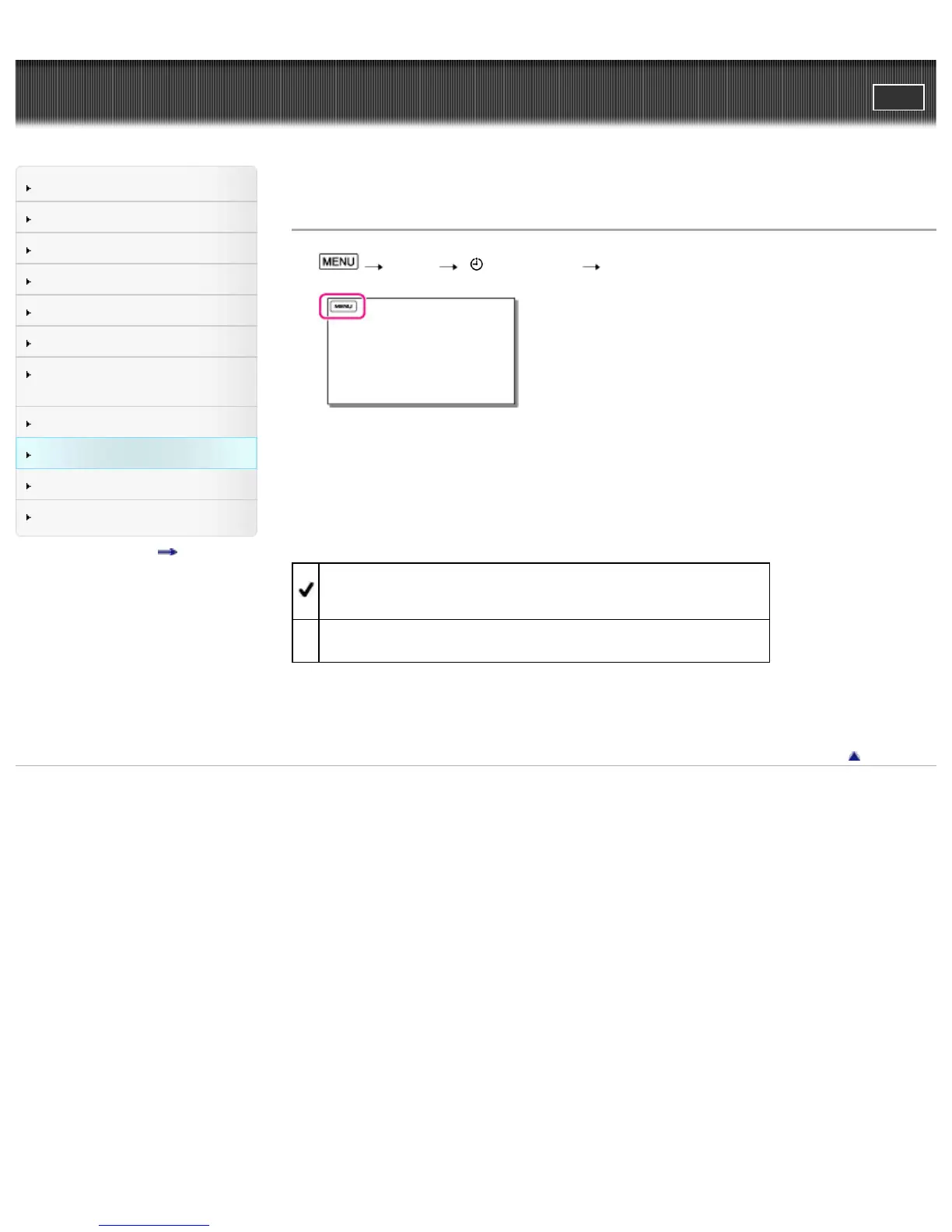
1. [Setup] [ Clock Settings] [Date & Time Setting].
2. Select the desired item ([Date & Time Format], [Daylight Savings]/[Summer Time], or [Date & Time]).
Date & Time Format
You can select one from 4 types of date and time format.
Daylight Savings / Summer Time
You can change this setting without stopping the clock.
Off
Does not set the summertime.
On
Sets the summertime. The clock is set to move the time forward 1 hour.
Date & Time
You can set the clock.
Back to top
Copyright 2013 Sony Corporation



 To Next Page