"Handycam" User Guide
PrintSearch
Operation Search
Before use
Getting started
Recording
Playback
Playing images on a TV
Saving images with an external
device
Using the Wi-Fi function
Customizing your camcorder
Troubleshooting
Maintenance and precautions
Contents list
Top page > Customizing your camcorder > Camera/Mic > Closer Voice
Closer Voice
Your camcorder detects a face of a person and records the voice clearly.
1.
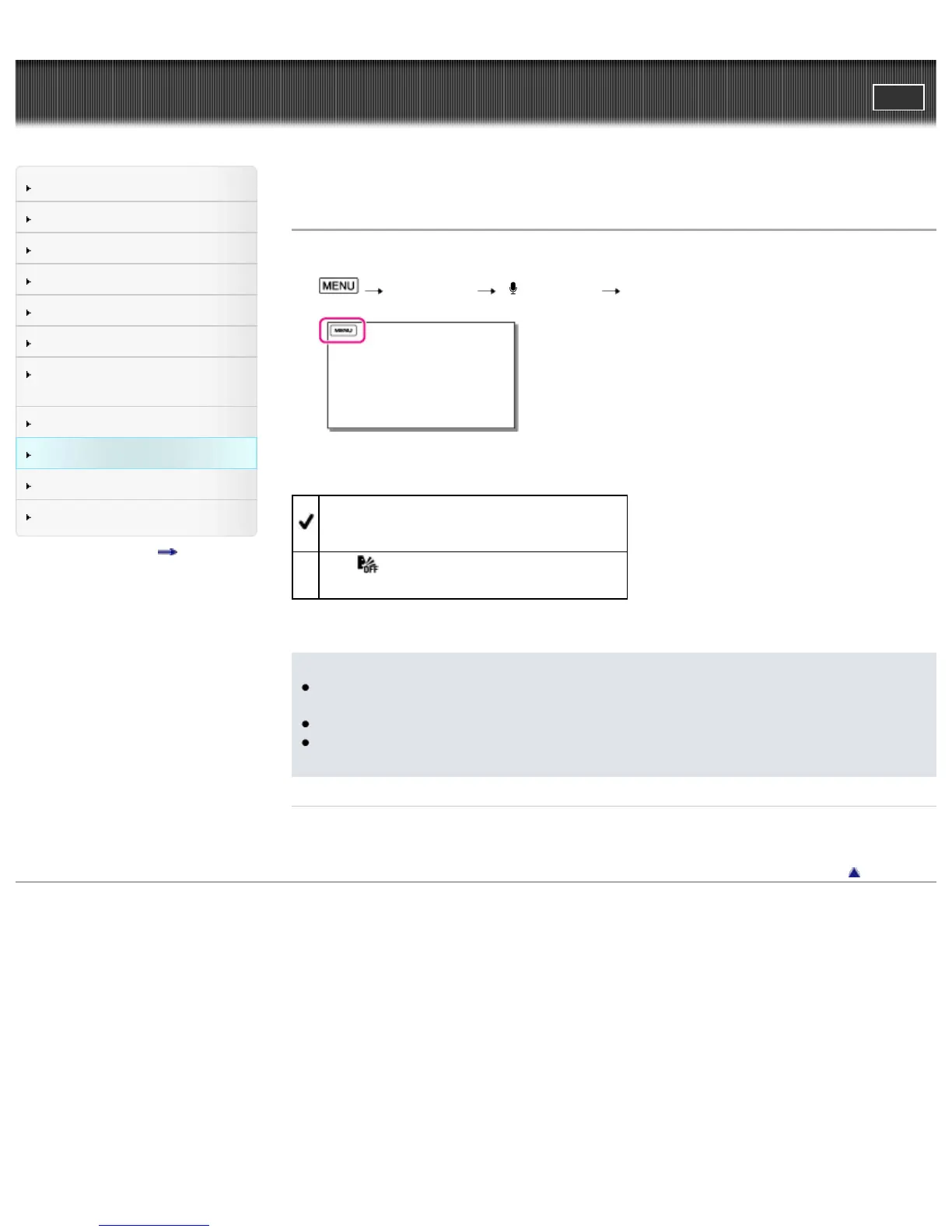
[Camera/Mic] [ Microphone] [Closer Voice].
2. Select the desired item.
On
Detects faces and records the voices clearly.
Off (
)
Does not detect faces and record voices clearly.
Notes
The [Closer Voice] function does not activate while an external microphone is connected to the
camcorder.
When you set [Audio Rec Level] to [Manual], [Closer Voice] is set to [Off] automatically.
When you want to record the sound clearly without any interference, for example when you record
a music concert, set [Closer Voice] to [Off].
Related topics
[Face Detection]
Back to top
Copyright 2013 Sony Corporation



 To Next Page