"Handycam" User Guide
PrintSearch
Operation Search
Before use
Getting started
Recording
Playback
Playing images on a TV
Saving images with an external
device
Using the Wi-Fi function
Customizing your camcorder
Troubleshooting
Maintenance and precautions
Contents list
Top page > Before use > Parts and controls/Screen indicators > Screen indicators
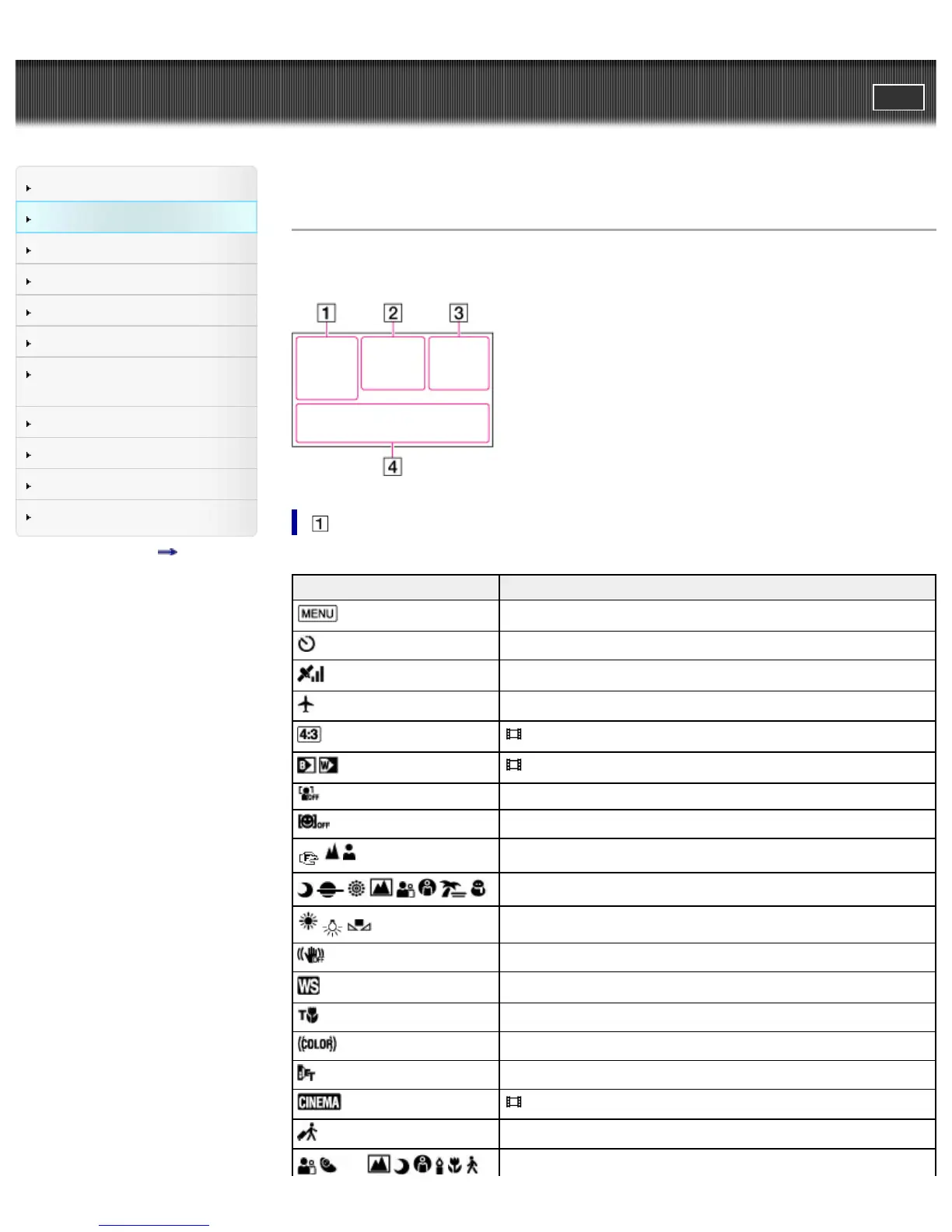
Screen indicators
The following indicators appear when you change the settings.
Check also for the indicators that appear during recording or playing.
Indicator Meaning
MENU button
Self-timer recording
GPS triangulation status
[Airplane Mode] set to [On]
Wide Mode
Fader
[Face Detection] set to [Off]
[Smile Shutter] set to [Off]
Manual focus
Scene Selection
White Balance
SteadyShot off
White Balance Shift
Tele Macro
x.v.Color
Conversion Lens
Cinematone
Destination



 To Next Page