"Handycam" User Guide
PrintSearch
Operation Search
Before use
Getting started
Recording
Playback
Playing images on a TV
Saving images with an external
device
Using the Wi-Fi function
Customizing your camcorder
Troubleshooting
Maintenance and precautions
Contents list
Top page > Customizing your camcorder > Camera/Mic > Smile Shutter
Smile Shutter
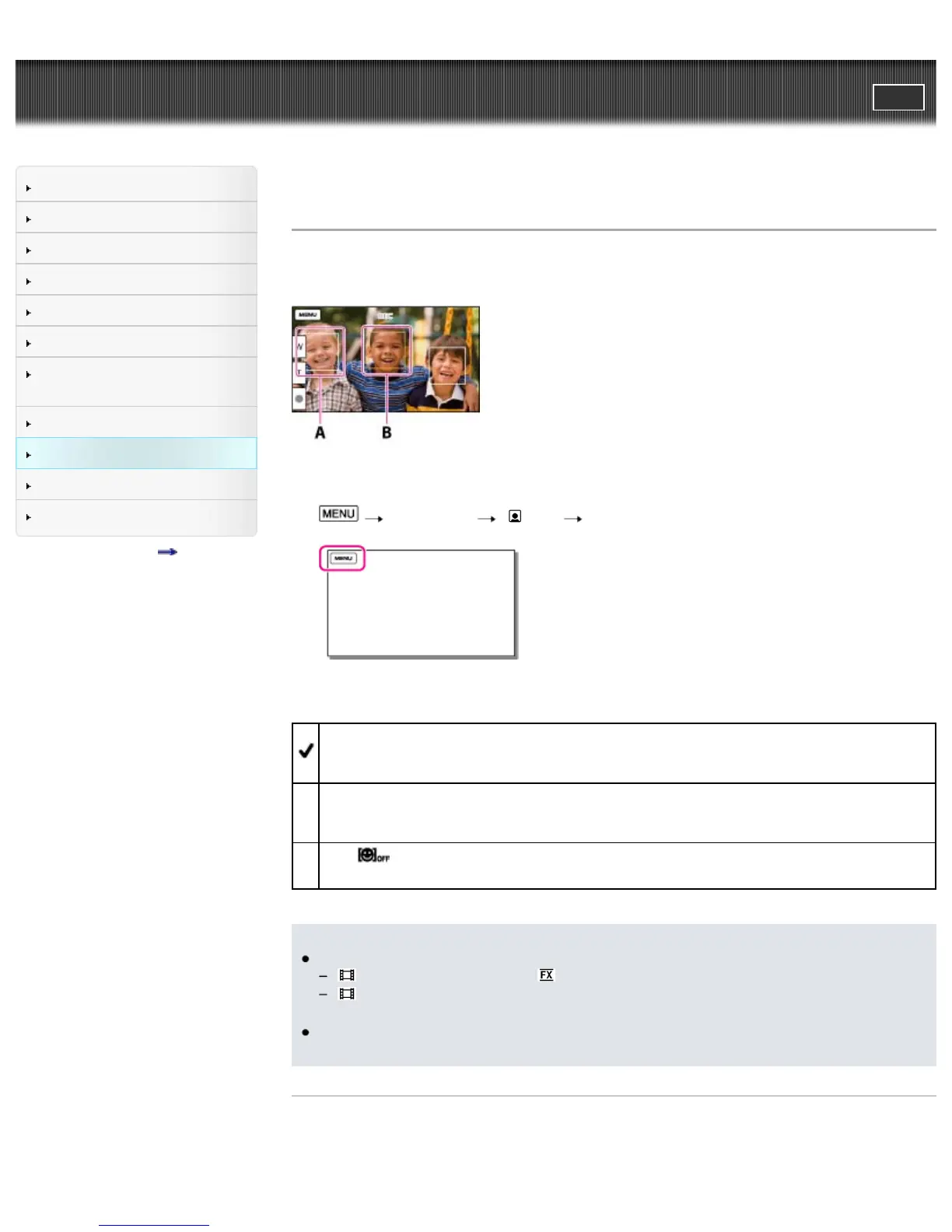
The shutter is released automatically when the camcorder detects a smile.
If you do not want to take photos automatically, select [Off].
A: The camcorder is detecting a face.
B: The camcorder is detecting a smile (orange).
1.
[Camera/Mic] [ Face] [Smile Shutter].
2. Select the desired item.
Dual Capture
Only during movie recording, the shutter is released automatically, when the camcorder detects a
smile.
Always On
The shutter is released when the camcorder detects a smile whenever the camcorder is in
recording mode.
Off (
)
Smiles are not detected, so photos are not recorded automatically.
Notes
When set to the following, you cannot use the Smile Shutter function.
[
REC Mode]: [Highest Quality ]
[
Frame Rate]: [60p] (models with the NTSC color system) or [50p] (models with the PAL color
system)
Smiles may not be detected depending on recording conditions, subject conditions, and the setting
of your camcorder.
Related topics
Information on your camcorder model: Model Information
[Smile Sensitivity]



 To Next Page