"Handycam" User Guide
PrintSearch
Operation Search
Before use
Getting started
Recording
Playback
Playing images on a TV
Saving images with an external
device
Using the Wi-Fi function
Customizing your camcorder
Troubleshooting
Maintenance and precautions
Contents list
Top page > Customizing your camcorder > Setup > HDMI Resolution
HDMI Resolution
Select the output image resolution when connecting your camcorder to a TV with an HDMI cable.
1.
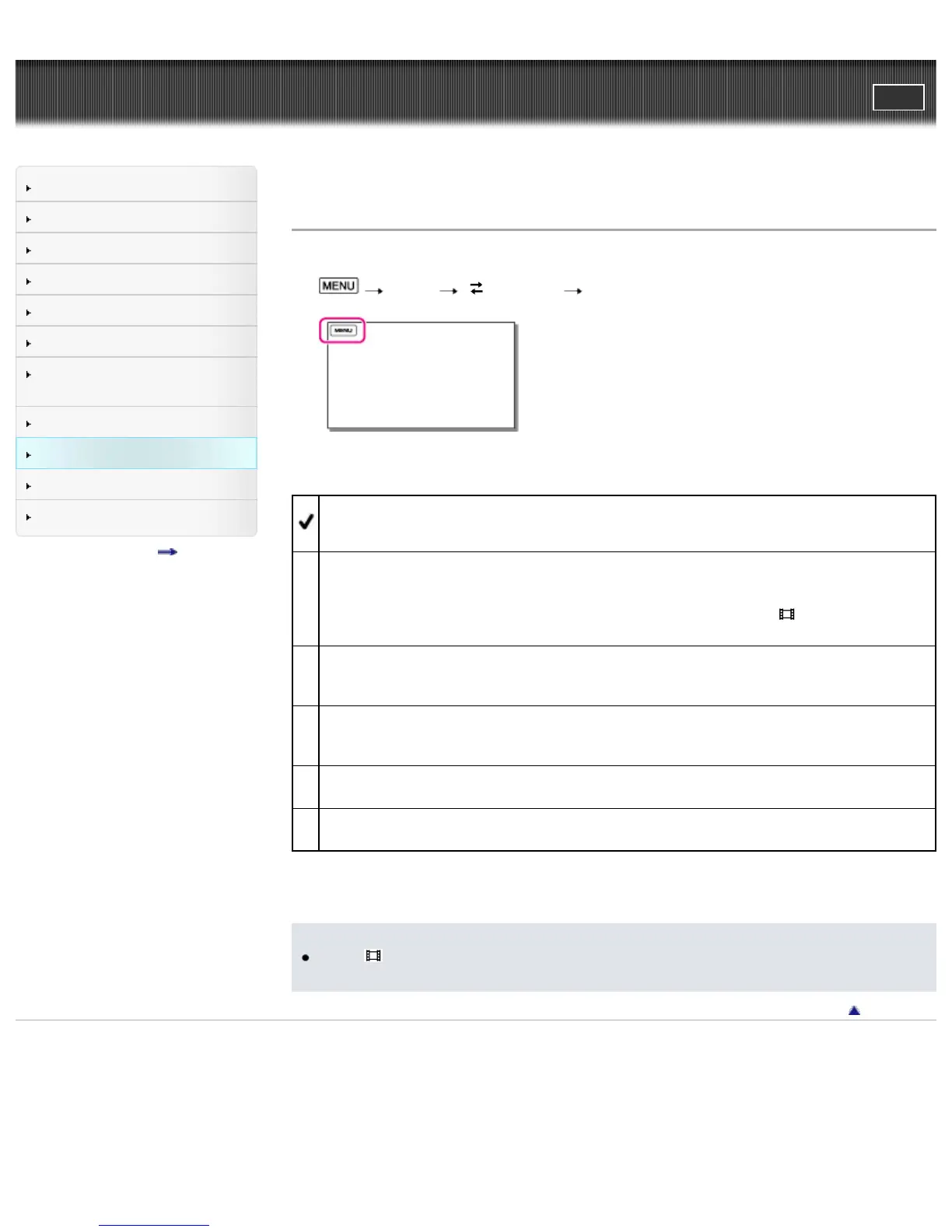
[Setup] [ Connection] [HDMI Resolution].
2. Select the desired item.
Auto
Normal setting (outputs the signal according to the TV automatically).
1080p/480p* / 1080p/576p**
Outputs high definition image quality (HD) / MP4 movies with a 1080p signal and standard image
quality (STD) movies with a 480p*/576p** signal.
Select this setting when you watch movies that have been recorded with [
Frame Rate] set to
[60p]*/[50p]**, on the 60p*/50p** compliant TV.
1080i/480i* / 1080i/576i**
Outputs high definition image quality (HD) / MP4 movies with a 1080i signal and standard image
quality (STD) movies with a 480i*/576i** signal.
720p/480p* / 720p/576p**
Outputs high definition image quality (HD) / MP4 movies with a 720p signal and standard image
quality (STD) movies with a 480p*/576p** signal.
480p* / 576p**
Outputs the 480p*/576p** signal.
480i* / 576i**
Outputs the 480i*/576i** signal.
* HDR-CX430V/ PJ430/ PJ430V
** HDR-CX400E/ CX410VE/ CX430VE/ CX510E/ PJ420E/ PJ420VE/ PJ430E/ PJ430VE/ PJ510E
Notes
When [
Frame Rate] is set to [60p]*/[50p]** and [HDMI Resolution] is set to
[720p/480p]*/[720p/576p]** or [480p]*/[576p]**, HDMI signals cannot be output during recording.
Back to top
Copyright 2013 Sony Corporation



 To Next Page