"Handycam" User Guide
PrintSearch
Operation Search
Before use
Getting started
Recording
Playback
Playing images on a TV
Saving images with an external
device
Using the Wi-Fi function
Customizing your camcorder
Troubleshooting
Maintenance and precautions
Contents list
Top page > Customizing your camcorder > Setup > CTRL FOR HDMI (Control for HDMI)
CTRL FOR HDMI (Control for HDMI)
When connecting your camcorder to a “BRAVIA” Sync compatible TV with a HDMI cable, you can play
back movies on your camcorder by aiming the TV’s Remote Commander at the TV. [Details]
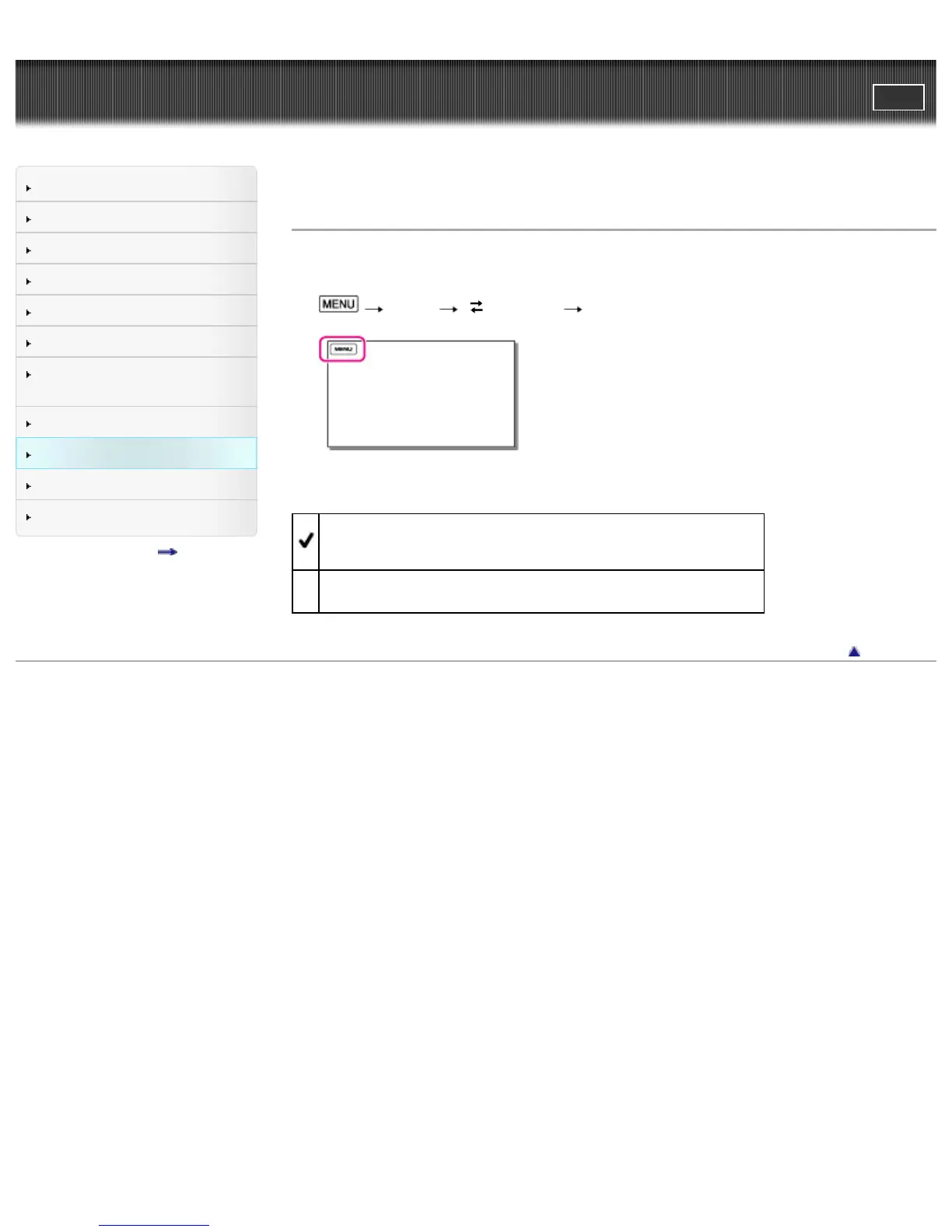
1.
[Setup] [ Connection] [CTRL FOR HDMI].
2. Select the desired item.
On
Operates your camcorder using the TV’s Remote Commander.
Off
Does not operate your camcorder using the TV’s Remote Commander.
Back to top
Copyright 2013 Sony Corporation



 To Next Page