"Handycam" User Guide
PrintSearch
Operation Search
Before use
Getting started
Recording
Playback
Playing images on a TV
Saving images with an external
device
Using the Wi-Fi function
Customizing your camcorder
Troubleshooting
Maintenance and precautions
Contents list
Top page > Recording > Useful functions for recording images > Recording in mirror mode
Recording in mirror mode
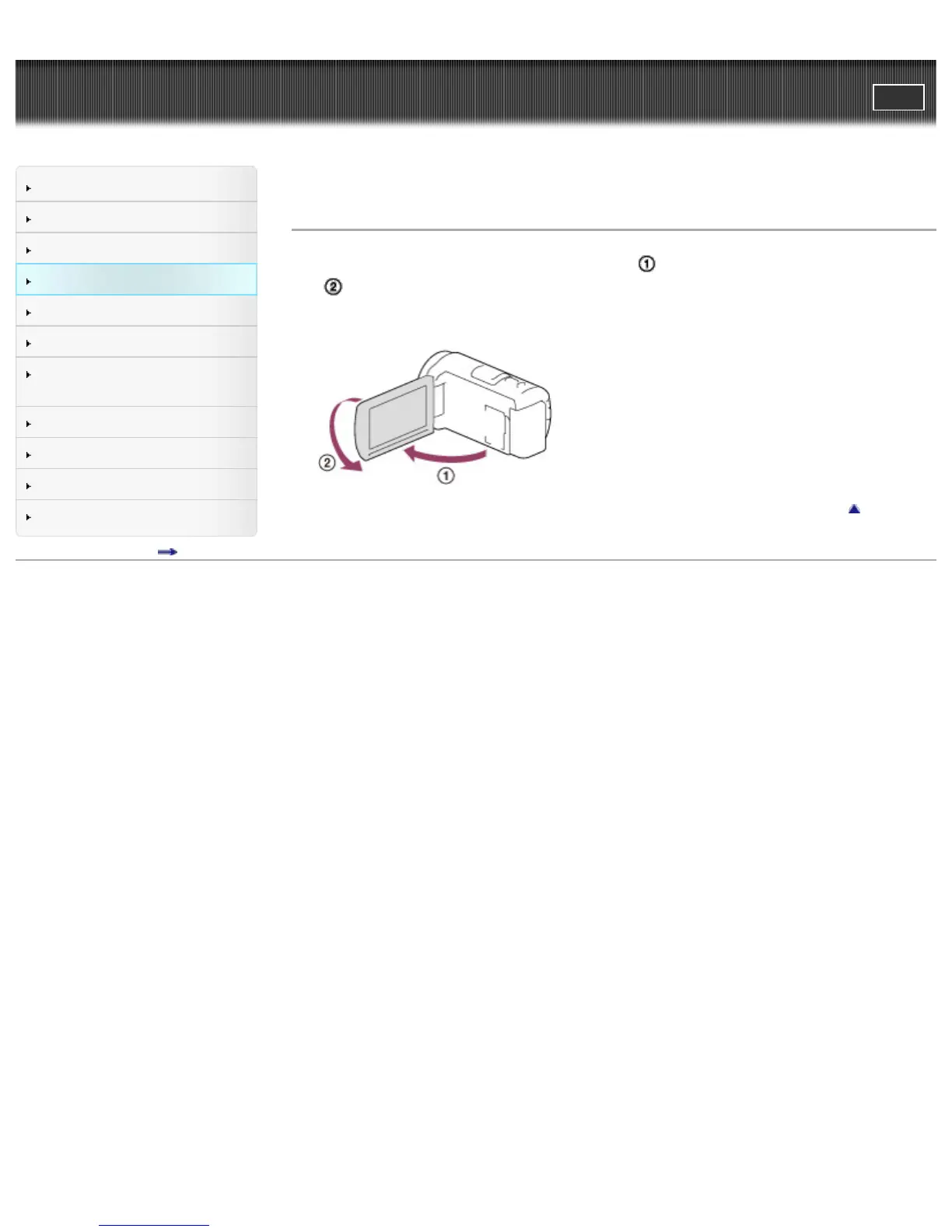
1. Open the LCD panel 90 degrees to the camcorder ( ), then rotate it 180 degrees to the lens side
(
).
A mirror-image of the subject appears on the LCD screen, but the image will be normal when
recorded.
Back to top
Copyright 2013 Sony Corporation



 To Next Page