"Handycam" User Guide
PrintSearch
Operation Search
Before use
Getting started
Recording
Playback
Playing images on a TV
Saving images with an external
device
Using the Wi-Fi function
Customizing your camcorder
Troubleshooting
Maintenance and precautions
Contents list
Top page > Customizing your camcorder > Image Quality/Size > Frame Rate
Frame Rate
You can select the frame rate to be used to record high definition image quality (HD) movies. Using
60i*/50i** is recommended for standard recording. Set [
Frame Rate] first, before setting [ REC
Mode].
1.
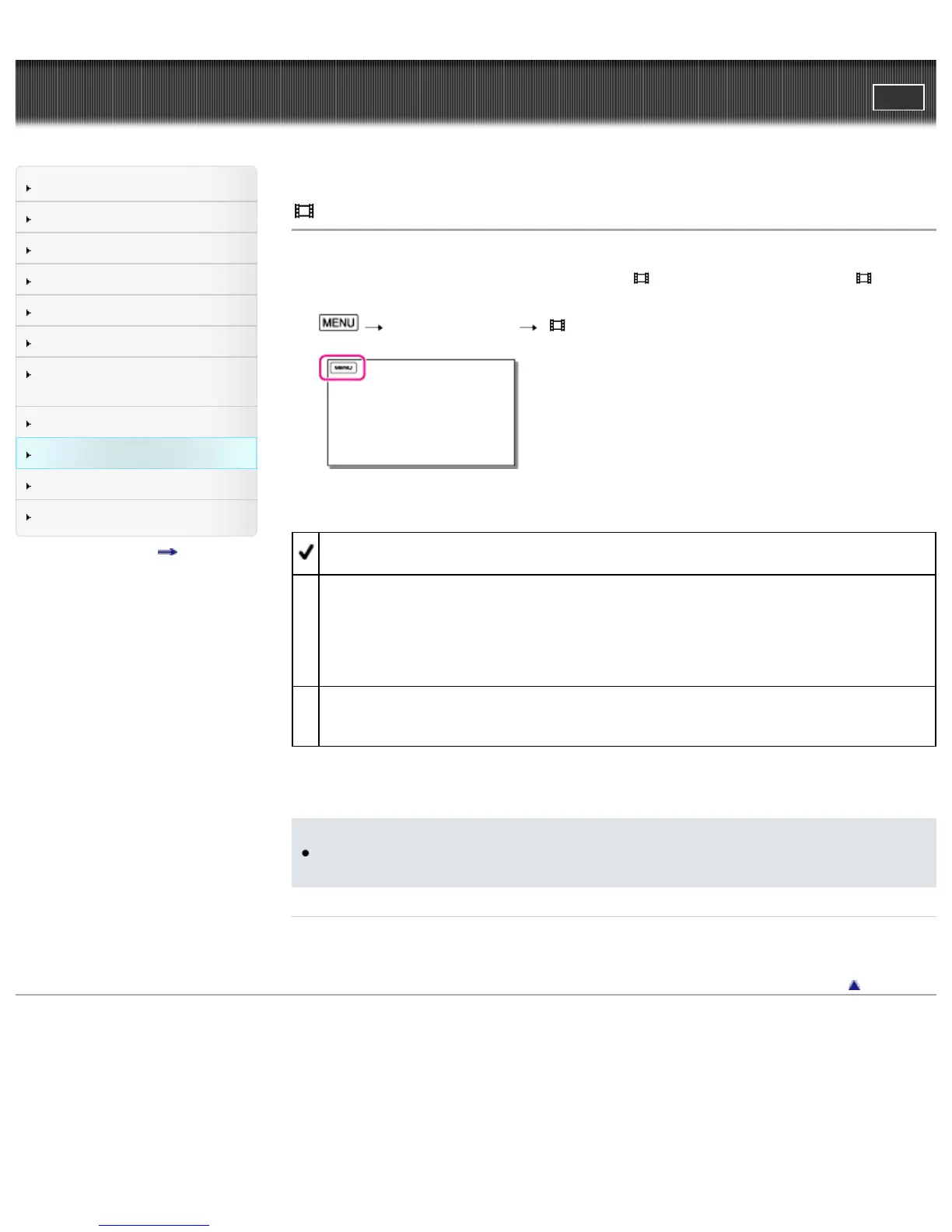
[Image Quality/Size] [ Frame Rate].
2. Select the desired frame rate.
60i*/50i**
This is an ordinary setting for recording.
60p*/50p**
You can record movies with a volume of data twice that of 60i*/50i** with this setting, and this will
allow you to enjoy clear images. When you play a movie recorded with this setting on a TV, the
TV must be compatible with 60p*/50p** movie playback and you have to set [HDMI Resolution] to
[1080p/480p]*/[1080p/576p]**. If the TV is not compatible with 60p*/50p** movie playback, the
movie will be output as a 60i*/50i** movie.
24p*/25p**
You can record movies which provide an atmosphere closer to that of film images with this setting.
It is recommended that you record movies with this setting using a tripod.
* HDR-CX430V/ PJ430/ PJ430V
** HDR-CX400E/ CX410VE/ CX430VE/ CX510E/ PJ420E/ PJ420VE/ PJ430E/ PJ430VE/ PJ510E
Notes
The media that the recorded images can be saved on will depend on the recording mode that has
been set during recording.
Related topics
REC Mode
Back to top
Copyright 2013 Sony Corporation



 To Next Page