"Handycam" User Guide
PrintSearch
Operation Search
Before use
Getting started
Recording
Playback
Playing images on a TV
Saving images with an external
device
Using the Wi-Fi function
Customizing your camcorder
Troubleshooting
Maintenance and precautions
Contents list
Top page > Recording > Recording > Recording movies
Recording movies
In the default setting, movies and photos are recorded on the following media. Movies are recorded with
high definition image quality (HD).
Models without internal memory: Memory card
Models with internal memory: Internal memory
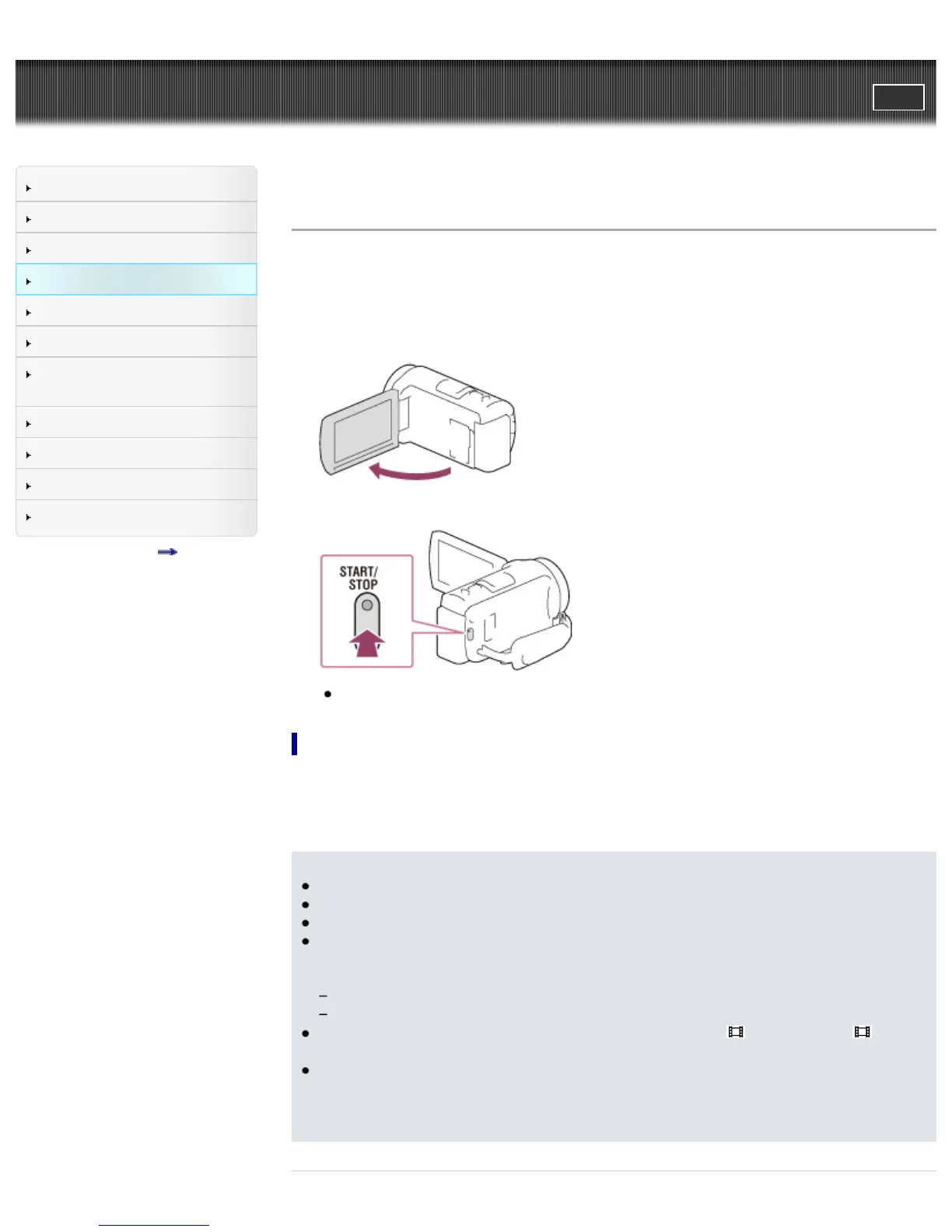
1. Open the LCD screen.
2. Press START/STOP to start recording.
To stop recording, press START/STOP again.
To display items on the LCD screen
Items on the LCD screen disappear if you do not operate the camcorder for a few seconds after you turn
the camcorder on or switch between the movie recording and photo shooting modes.
Touch anywhere except the buttons on the LCD screen to display information on icons with functions
convenient for recording.
Notes
If you close the LCD screen while recording movies, the camcorder stops recording.
The maximum continuous recordable time of movies is about 13 hours.
When a movie file exceeds 2 GB, the next movie file is created automatically.
The following states will be indicated if data is still being written onto the recording media after
recording has finished. During this time, do not apply shock or vibration to the camcorder, or
remove the battery or AC Adaptor.
Access lamp is lit or flashing
The media icon in the upper right of the LCD screen is flashing
You may not be able to shoot photos depending on the setting in [
REC Mode] and [ Frame
Rate].
The LCD screen of your camcorder can display recording images across the entire screen (full pixel
display). However, this may cause slight trimming of the top, bottom, right, and left edges of images
when played back on a TV which is not compatible with full pixel display. It is recommended you
record images with [Grid Line] set to [On] and using the outer frame of [Grid Line] as a guide.



 To Next Page