"Handycam" User Guide
PrintSearch
Operation Search
Before use
Getting started
Recording
Playback
Playing images on a TV
Saving images with an external
device
Using the Wi-Fi function
Customizing your camcorder
Troubleshooting
Maintenance and precautions
Contents list
Top page > Recording > Recording > Shooting photos
Shooting photos
In the default setting, photos are recorded on the following media.
Models without internal memory: Memory card
Models with internal memory: Internal memory
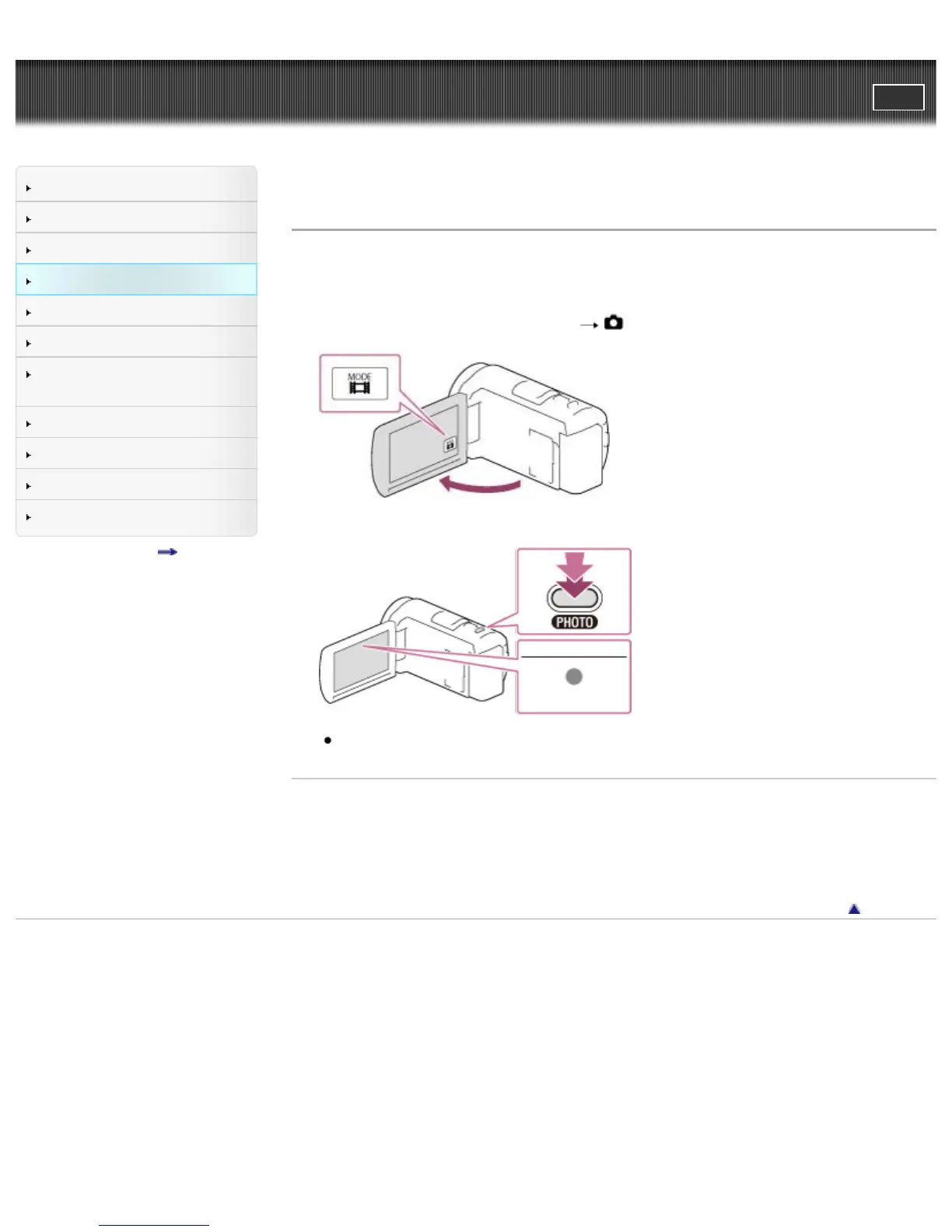
1. Open the LCD screen and select [MODE]
(Photo) on the LCD screen.
2. Press PHOTO lightly to adjust the focus, then press it fully.
When the focus is adjusted properly, AE/AF lock indicator appears on the LCD screen.
Related topics
Information on your camcorder model: Model Information
Screen indicators during recording
Zooming
To change the image size: [Image Size]
Back to top
Copyright 2013 Sony Corporation



 To Next Page