"Handycam" User Guide
PrintSearch
Operation Search
Before use
Getting started
Recording
Playback
Playing images on a TV
Saving images with an external
device
Using the Wi-Fi function
Customizing your camcorder
Troubleshooting
Maintenance and precautions
Contents list
Top page > Customizing your camcorder > Camera/Mic > Tele Macro
Tele Macro
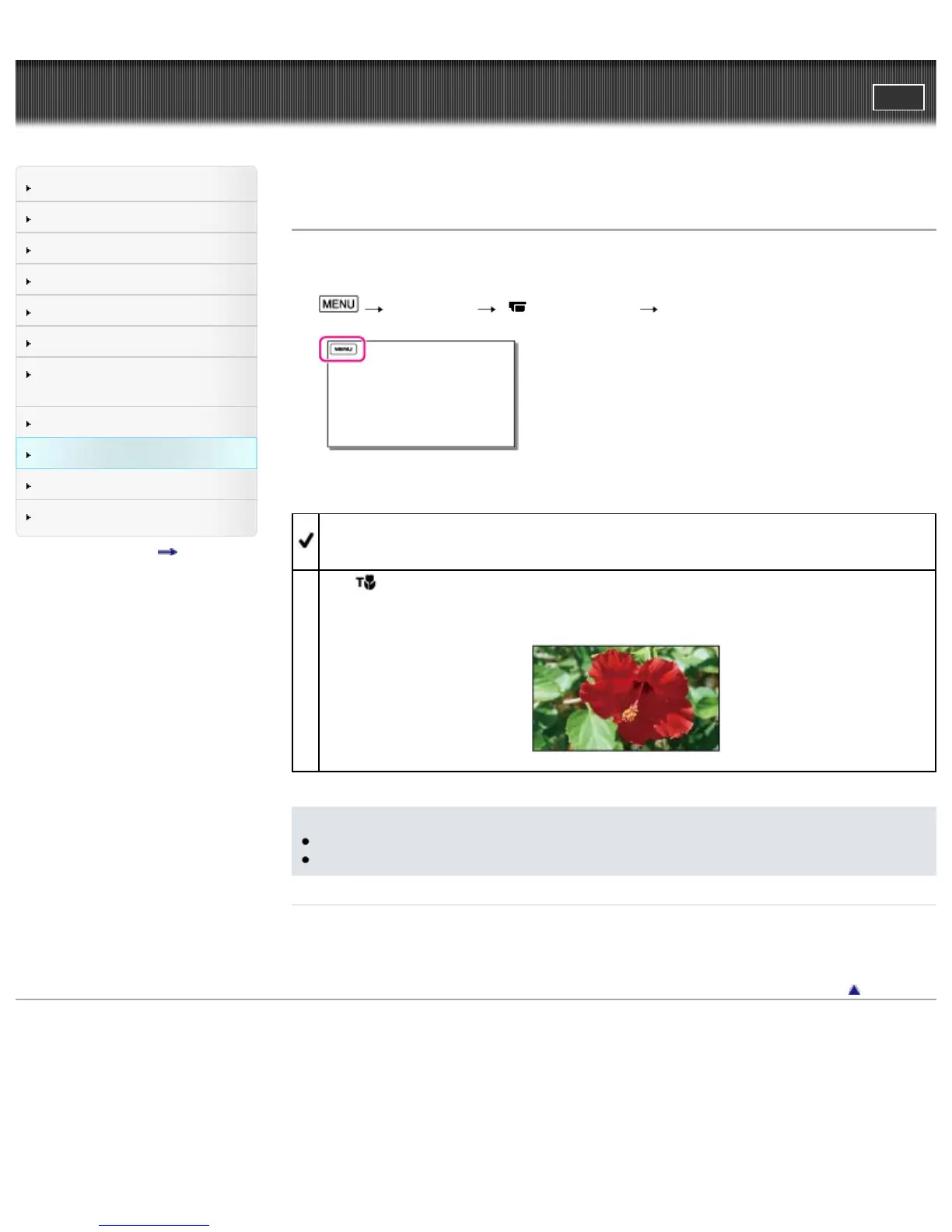
You can blur out backgrounds and the subject stands out clearer. This is useful to shoot small subjects,
such as flowers or insects.
1.
[Camera/Mic] [ Camera Settings] [Tele Macro].
2. Select the desired item.
Off
Cancels Tele Macro. (Tele Macro is also canceled when you move the zoom lever to the W side.)
On (
)
The zoom moves to the top of the T (telephoto) side automatically and allows recording subjects
at close range down to about 37 cm (14 5/8 in.).
Notes
When recording a distant subject, focusing may be difficult and can take some time.
Adjust the focus manually when it is hard to focus automatically.
Related topics
Zooming
[Focus]
Back to top
Copyright 2013 Sony Corporation



 To Next Page