"Handycam" User Guide
PrintSearch
Operation Search
Before use
Getting started
Recording
Playback
Playing images on a TV
Saving images with an external
device
Using the Wi-Fi function
Customizing your camcorder
Troubleshooting
Maintenance and precautions
Contents list
Top page > Customizing your camcorder > Camera/Mic > SteadyShot (movie)
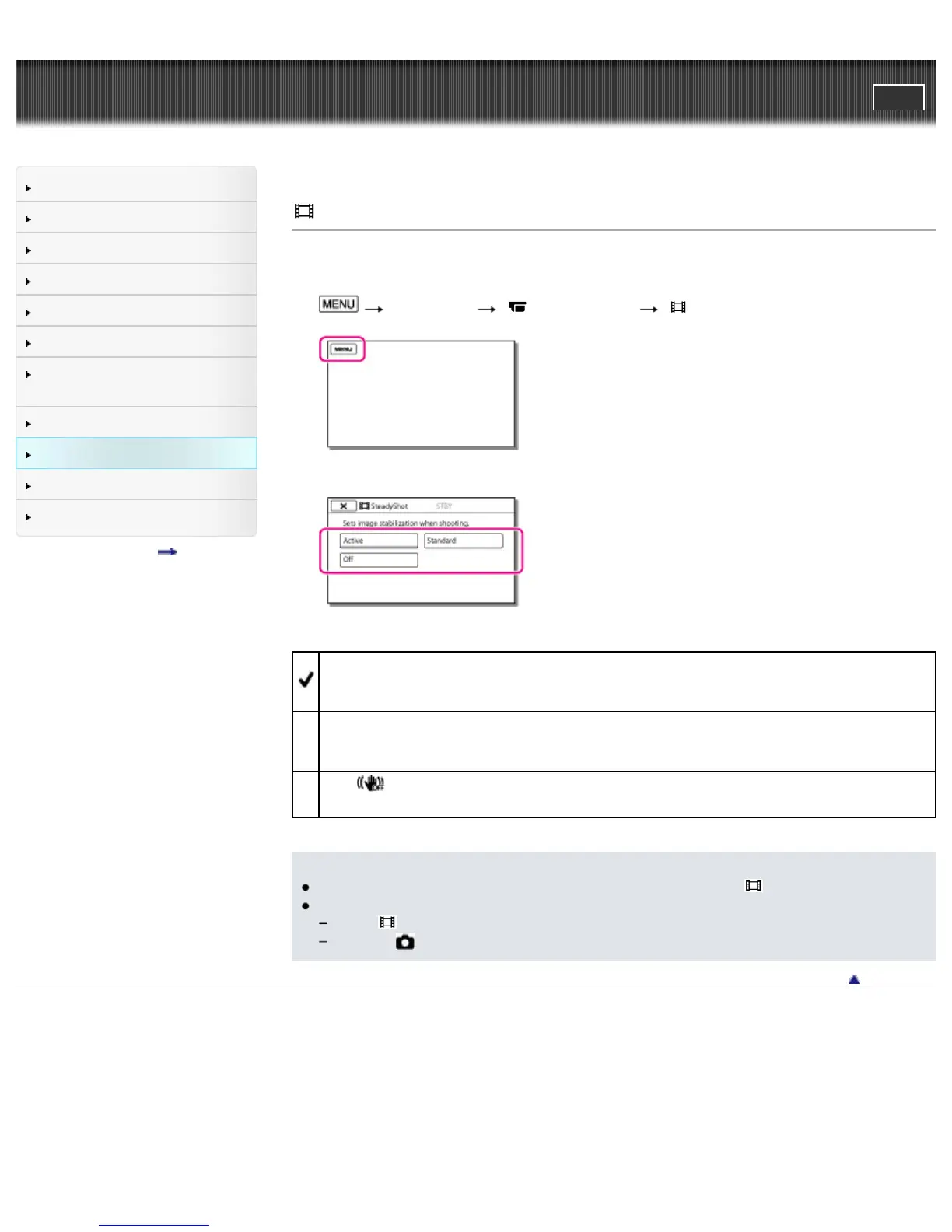
SteadyShot (movie)
The camcorder has a balanced optical SteadyShot function that allows you to reduce the camera-shake
when shooting with zooming, as well as when shooting with a wide-angle shot.
1.
[Camera/Mic] [ Camera Settings] [ SteadyShot].
2. Select the desired item.
Active
In addition to the balanced optical SteadyShot function, the camcorder compensates for camera-
shake in the rotation direction.
Standard
The camcorder reduces camera-shake using the balanced optical SteadyShot function in wide-
angle shooting.
Off (
)
The camcorder does not use the balanced optical SteadyShot function.
Notes
The angle of view will be changed after changing the settings of the [
SteadyShot] function.
You can magnify images up to 30 times using optical zooming in the following cases.
When [
SteadyShot] is set to other than [Active].
When the
(Photo) mode is selected.
Back to top
Copyright 2013 Sony Corporation



 To Next Page