"Handycam" User Guide
PrintSearch
Operation Search
Before use
Getting started
Recording
Playback
Playing images on a TV
Saving images with an external
device
Using the Wi-Fi function
Customizing your camcorder
Troubleshooting
Maintenance and precautions
Contents list
Top page > Customizing your camcorder > Image Quality/Size > Wide Mode
Wide Mode
When recording standard definition image quality (STD) movies, you can select the horizontal to vertical
ratio.
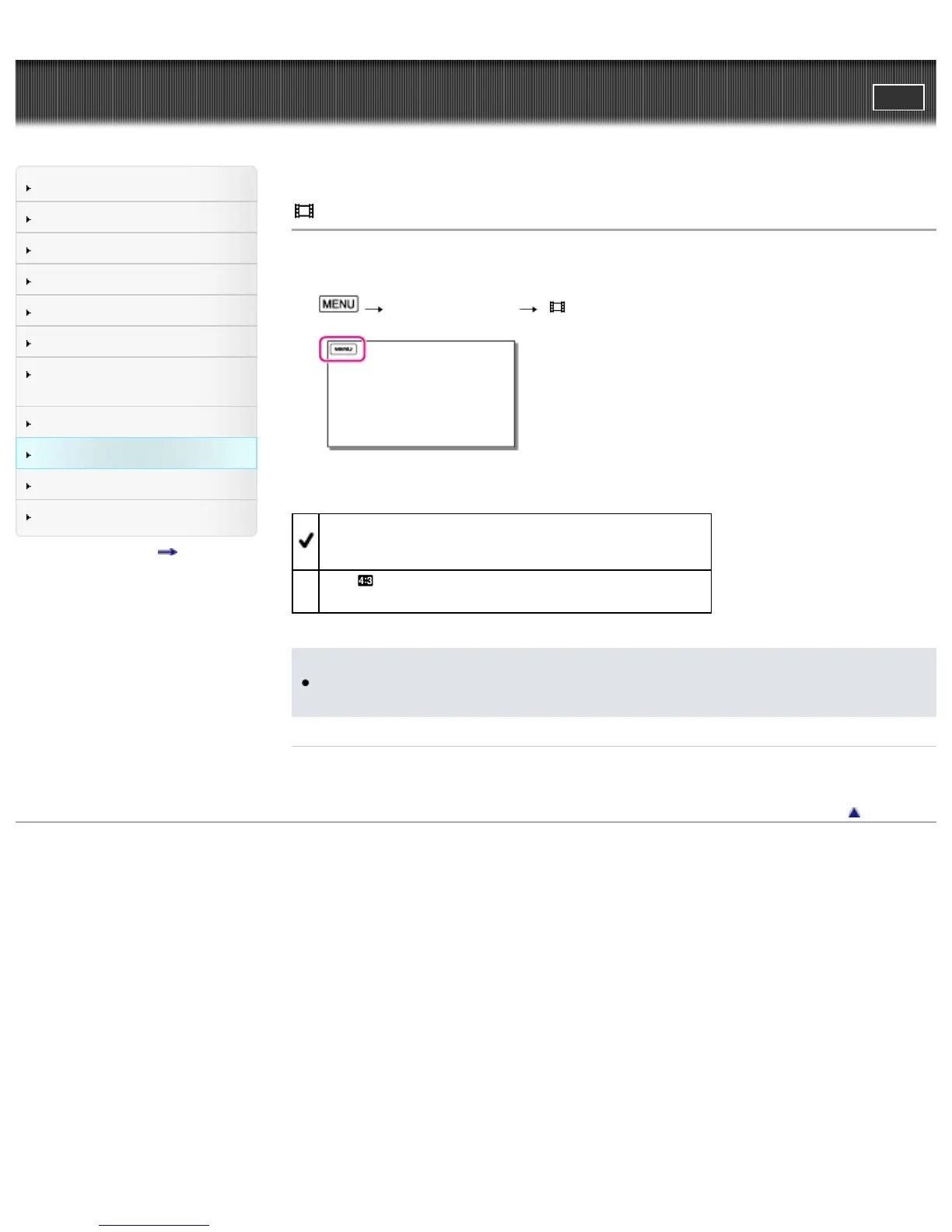
1.
[Image Quality/Size] [ Wide Mode].
2. Select the desired item.
16:9 WIDE
Records movies to the full screen on a 16:9 (wide) TV screen.
4:3 (
)
Records movies to the full screen on a 4:3 TV screen.
Notes
For details on the holizontal/vertical ratio of the TV that will be connected, refer to the instruction
manuals of the TV.
Related topics
[TV Type]
Back to top
Copyright 2013 Sony Corporation



 To Next Page